fashion Tag

Use pattern in repeat to generate a pattern

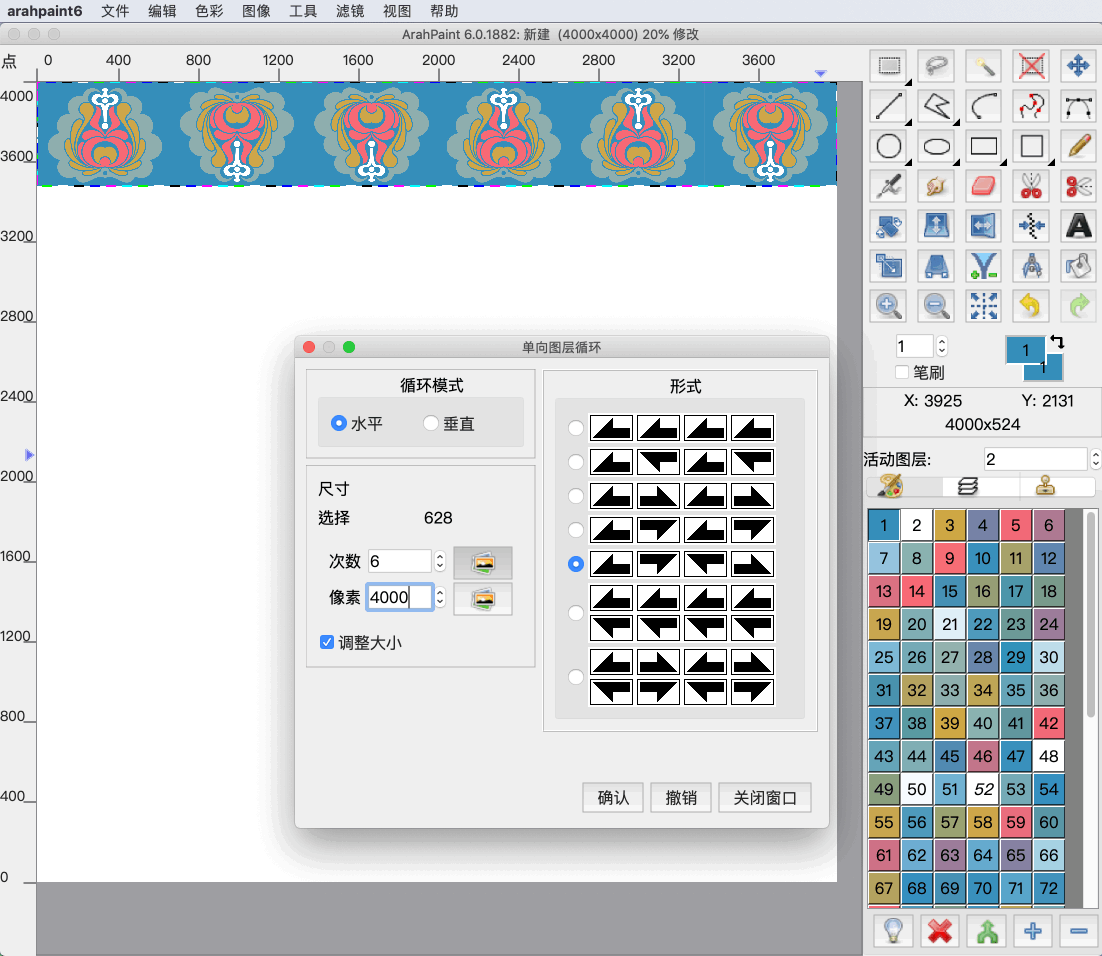
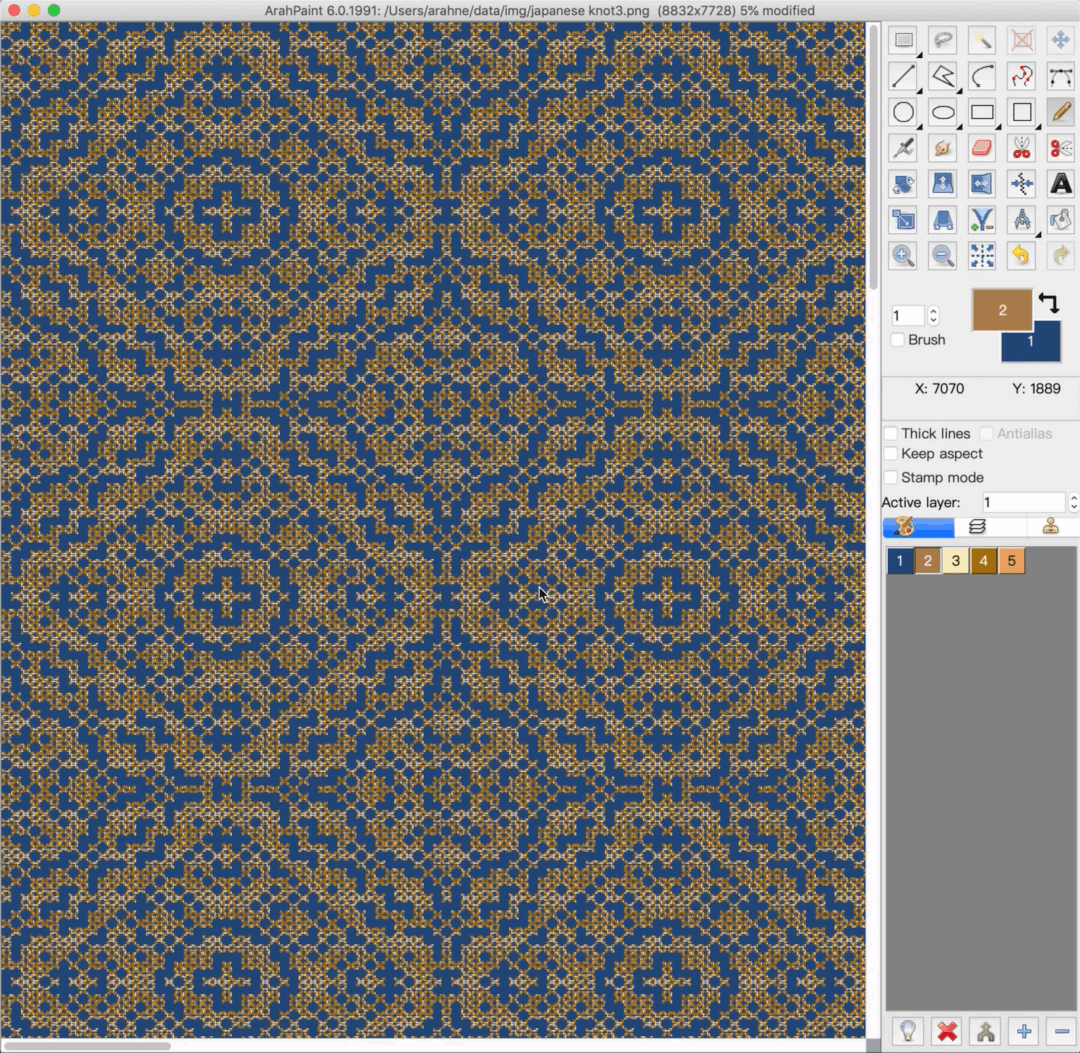
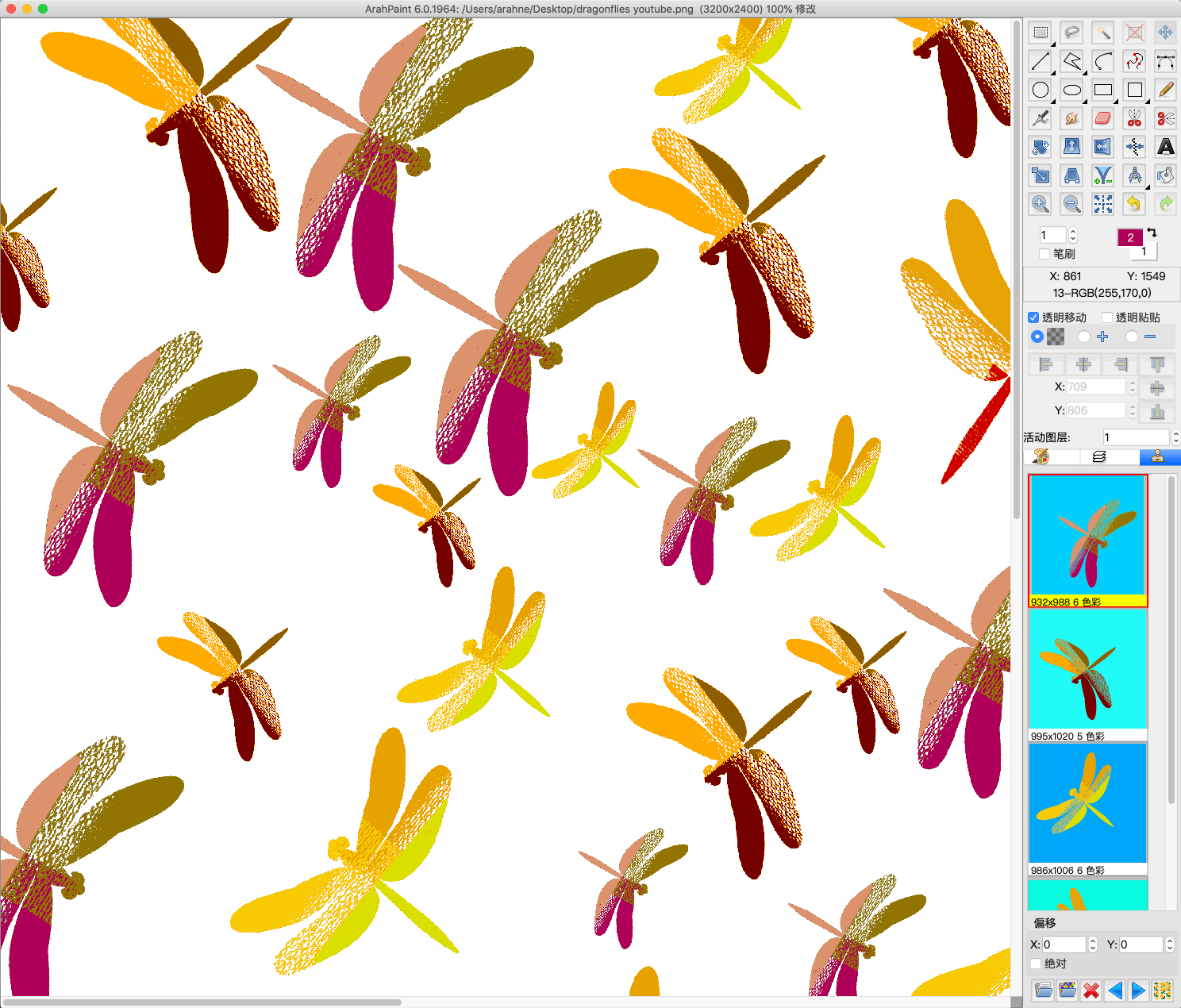
With the new Browse repeat image function in the Drawing in repeat window, you can create pattern from a pattern! Simply load the 8-bit pattern image in repeat and let the software generate the same pattern out of the motif in the main window. 1. Load a...
0
0

Create stunning visual effects in ArahPaint6

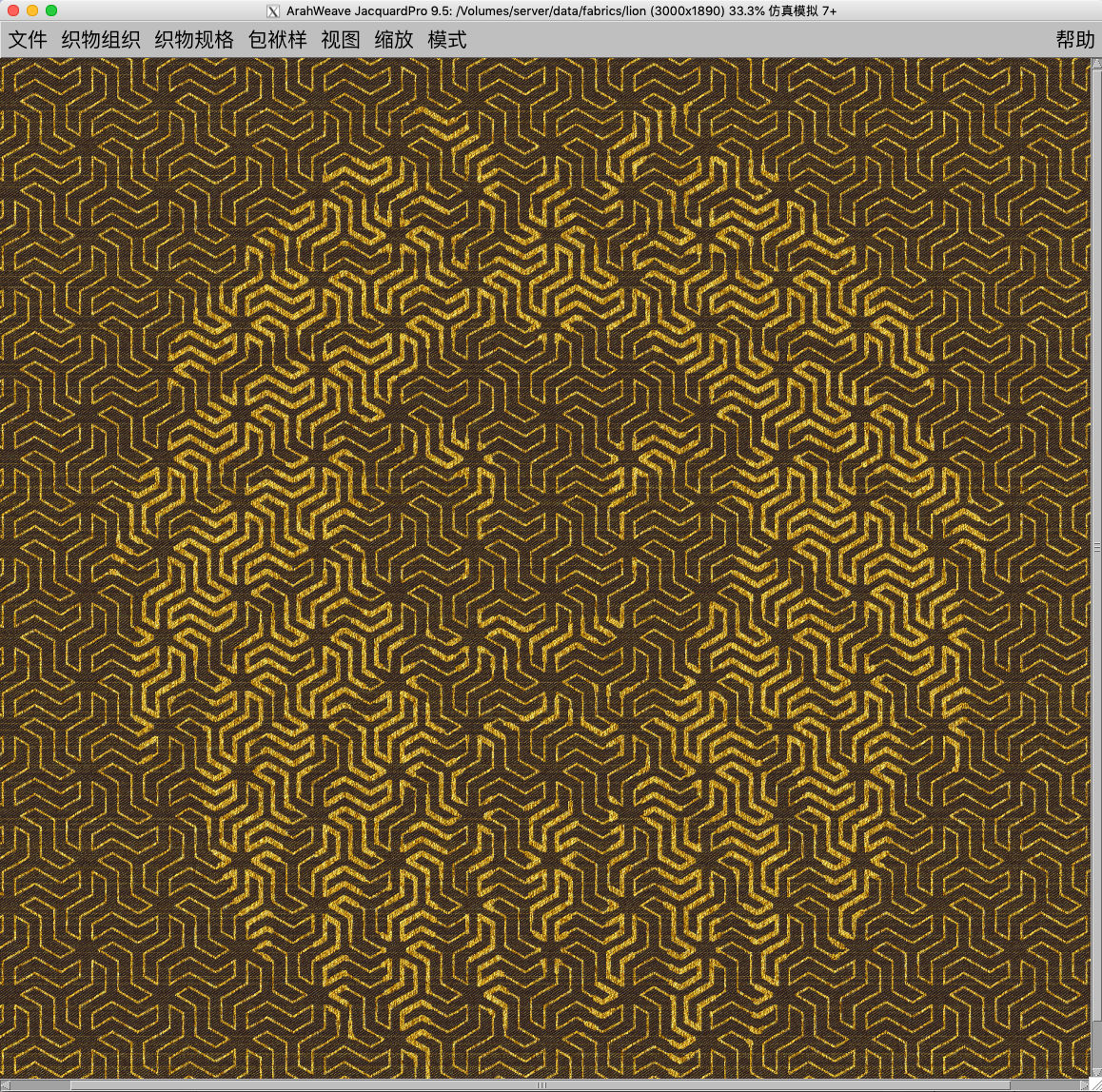
Create a stunning visual effect by superimposing an image layer on the pattern. To create an image in ArahPaint6, you require: an image of a pattern in repeat for background an image that you want to lay over the background pattern (in this case lion head) ...

0
0

New file selection dialog in ArahWeave and ArahDrape

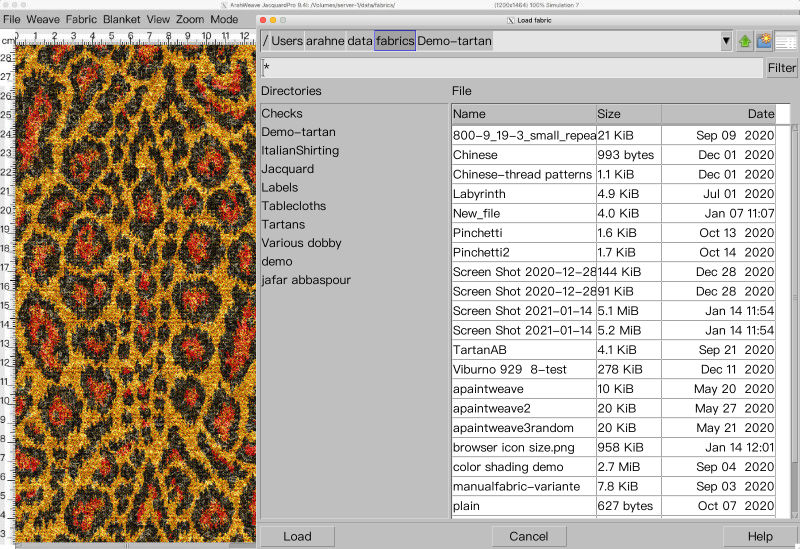
With the new file selection dialog, working in ArahWeave and ArahDrape is even faster and more convenient. The file selection dialog has been improved significantly. Many new features were added, such as: “Breadcrumbs” change directory system. Simply click on the path to change the directory in...

0
0

Apply photographed or scanned fabric images to 3D models in ArahView3D

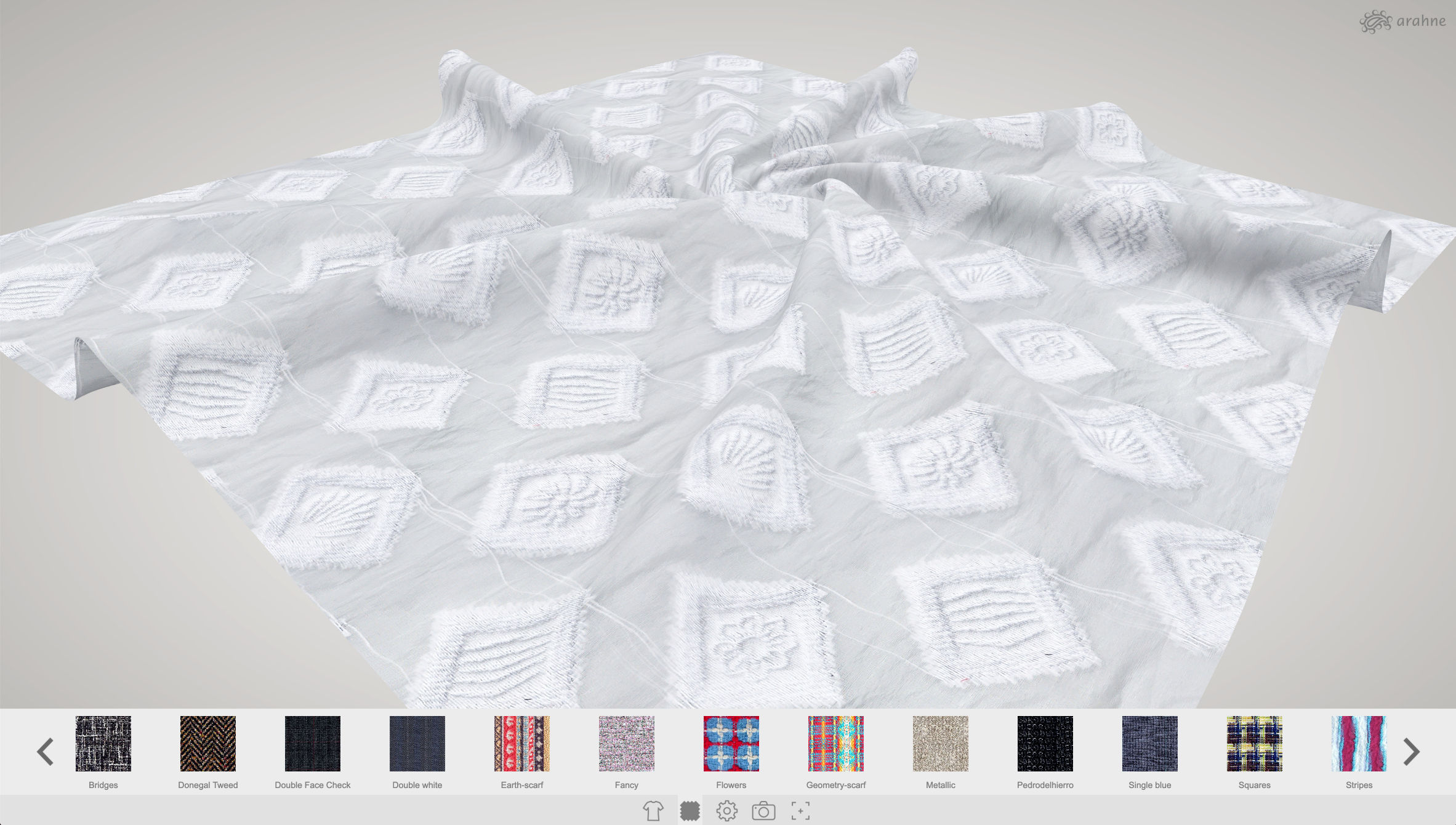
In ArahView3D you can now apply scanned or photographed fabrics and print designs on the 3D model. Previously you could only apply fabric simulations made in ArahWeave. ArahView3D has a large selection of prepared 3D models, from shirts, upholstery, linen, scarf, bags, clothing, coats, curtain, tie,...

0
0

Use mirror diagonal to easily create corners from the image in ArahPaint6

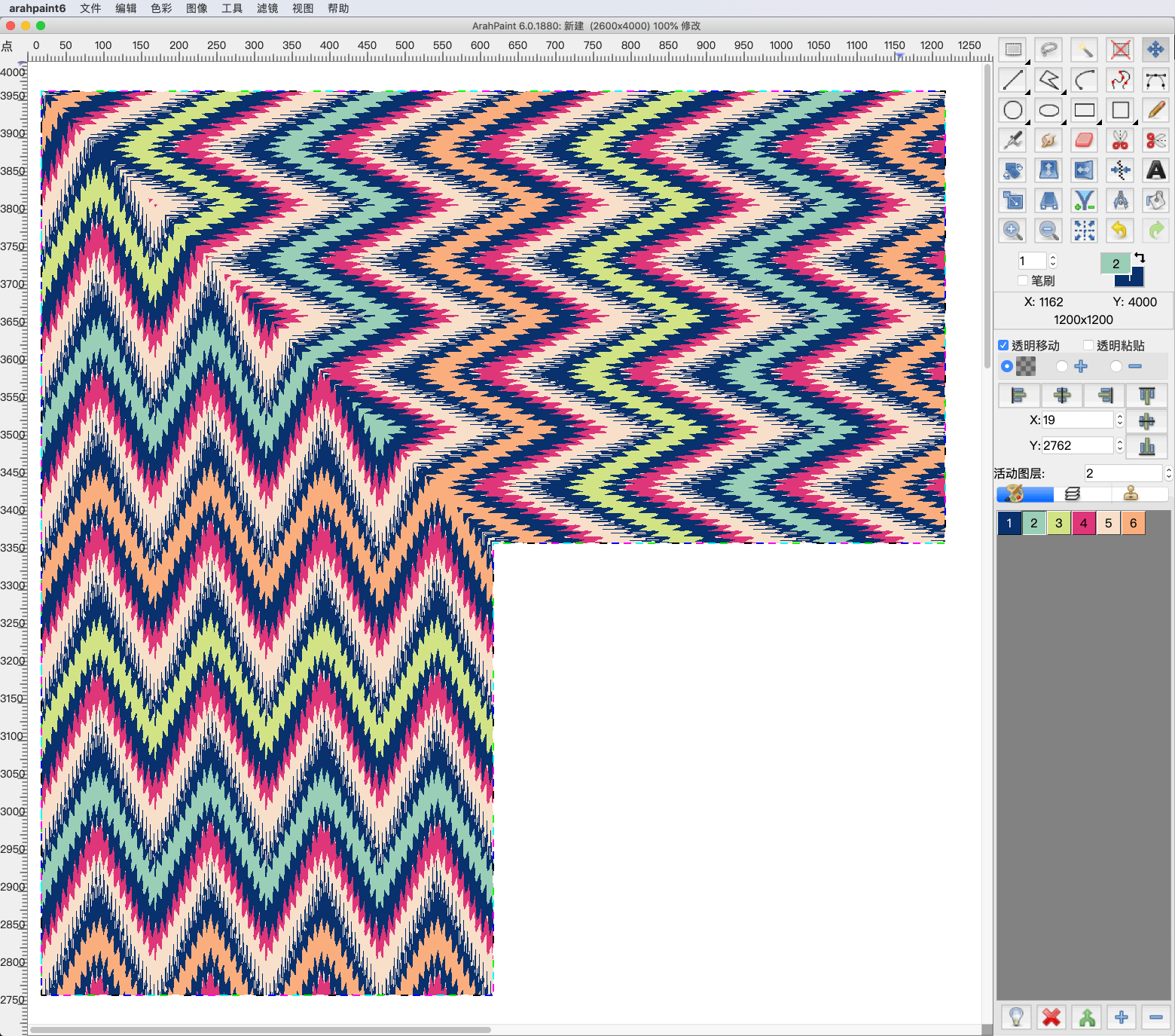
Create corners and other different patterns using mirror diagonal function. You can diagonally mirror the image, layers or selection on the image in four different directions. Try it now! Download the latest version of ArahPaint 6 from this webpage.   [video width="1080" height="1080" mp4="https://arahne.org/wp-content/uploads/ArahPaint6-Mirror-Diagonal.mp4"][/video]     How to...

0
0

Enhance fabric simulation with textures in ArahWeave CAD

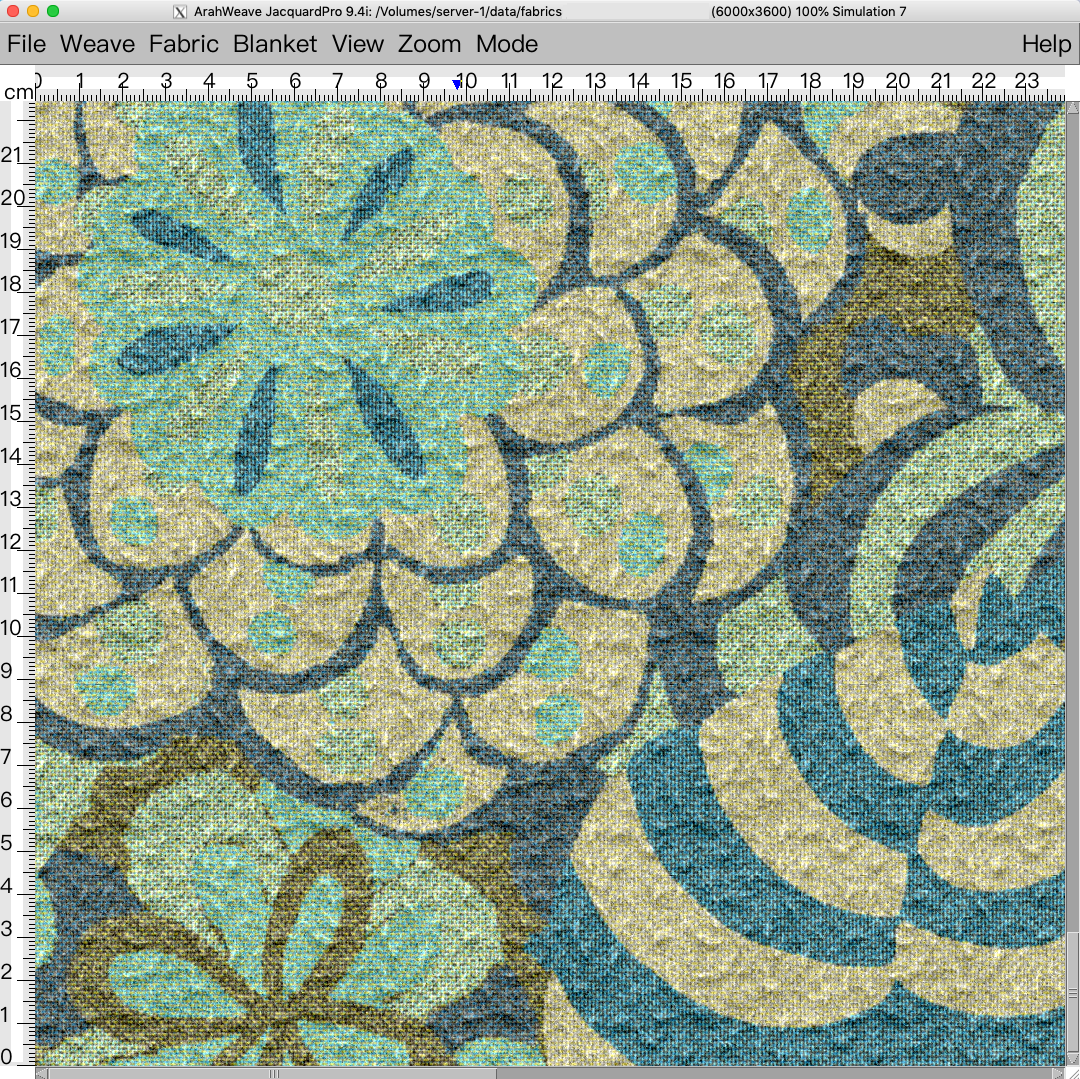
We are constantly developing our software, so you can design realistic and ready to weave fabrics as easily and fast as possible. We recently added new textures to ArahWeave CAD, which you can use to enhance the look of the fabric simulation. Give your fabric the...

0
0

Chenille, mohair yarn simulation in ArahWeave

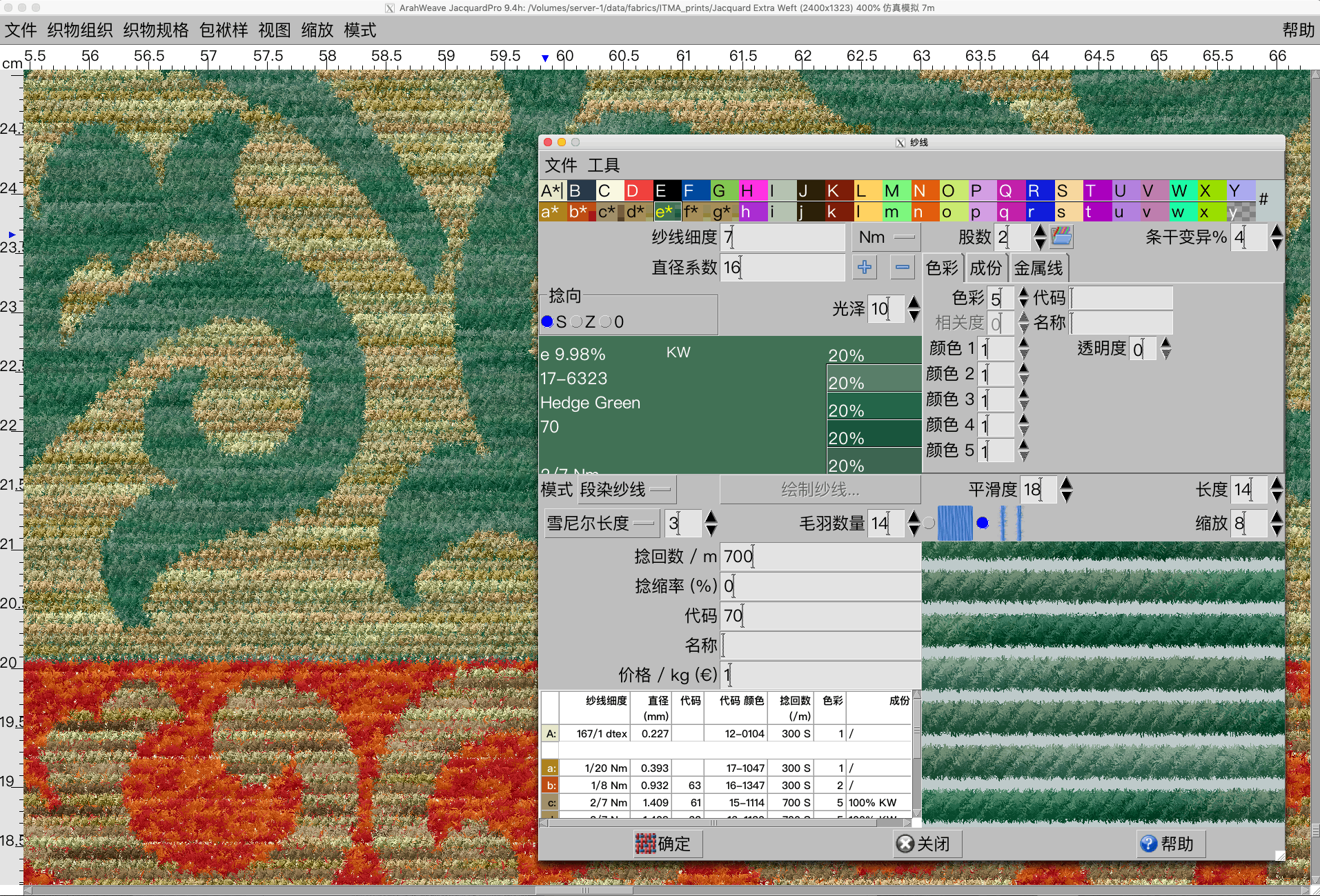
With new function enhancement in ArahWeave, you can create a chenille and mohair yarn simulation in Yarn window. First select the type of yarn (Simple, Mouliné, Mélange, Multicolor, Custom) that you want to use in the fabric, and then select the desired effect by setting...

0
0

Easy Dobby Blanket Design

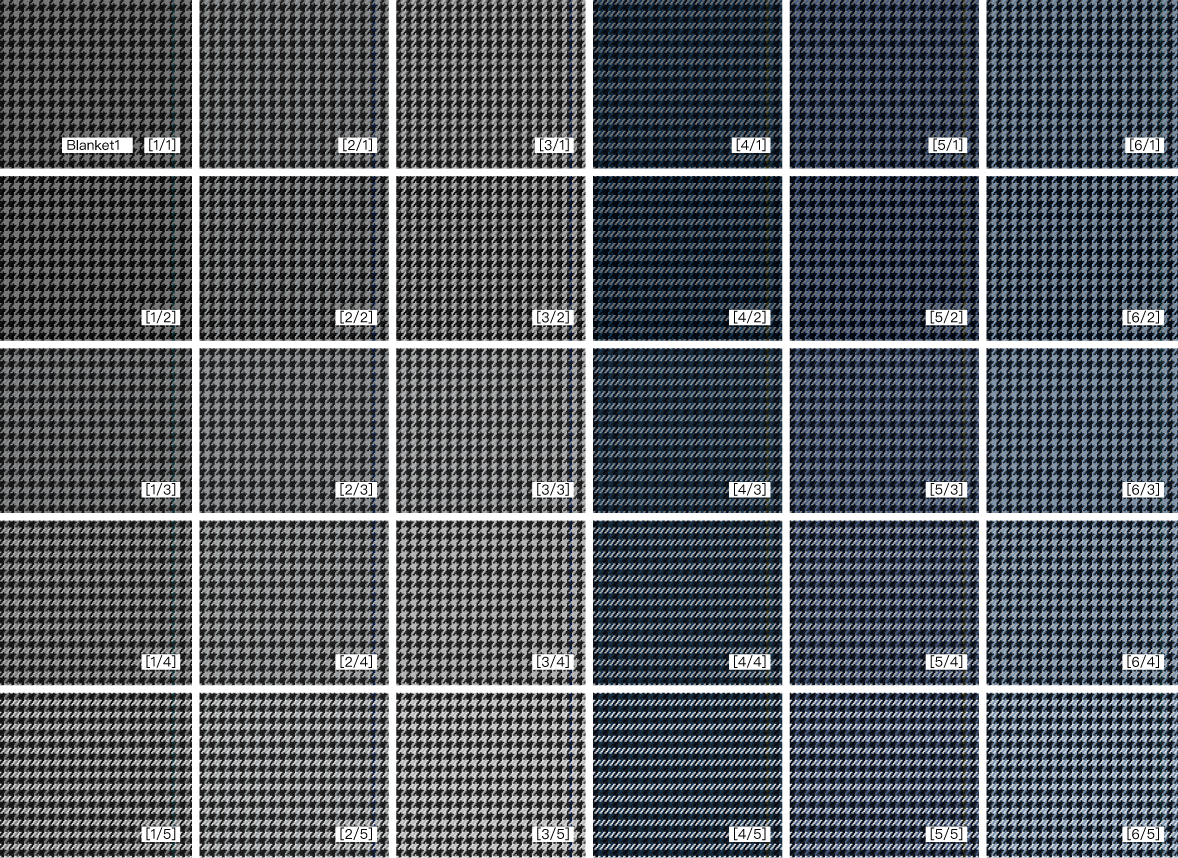
In ArahWeave CAD we created a new Dobby Blanket. Comparing to the previous version, it is much easier to use and it offers additional functions, that will let you work with them fast and easier. In the new Dobby Blanket you can: load any yarn from...

0
0