

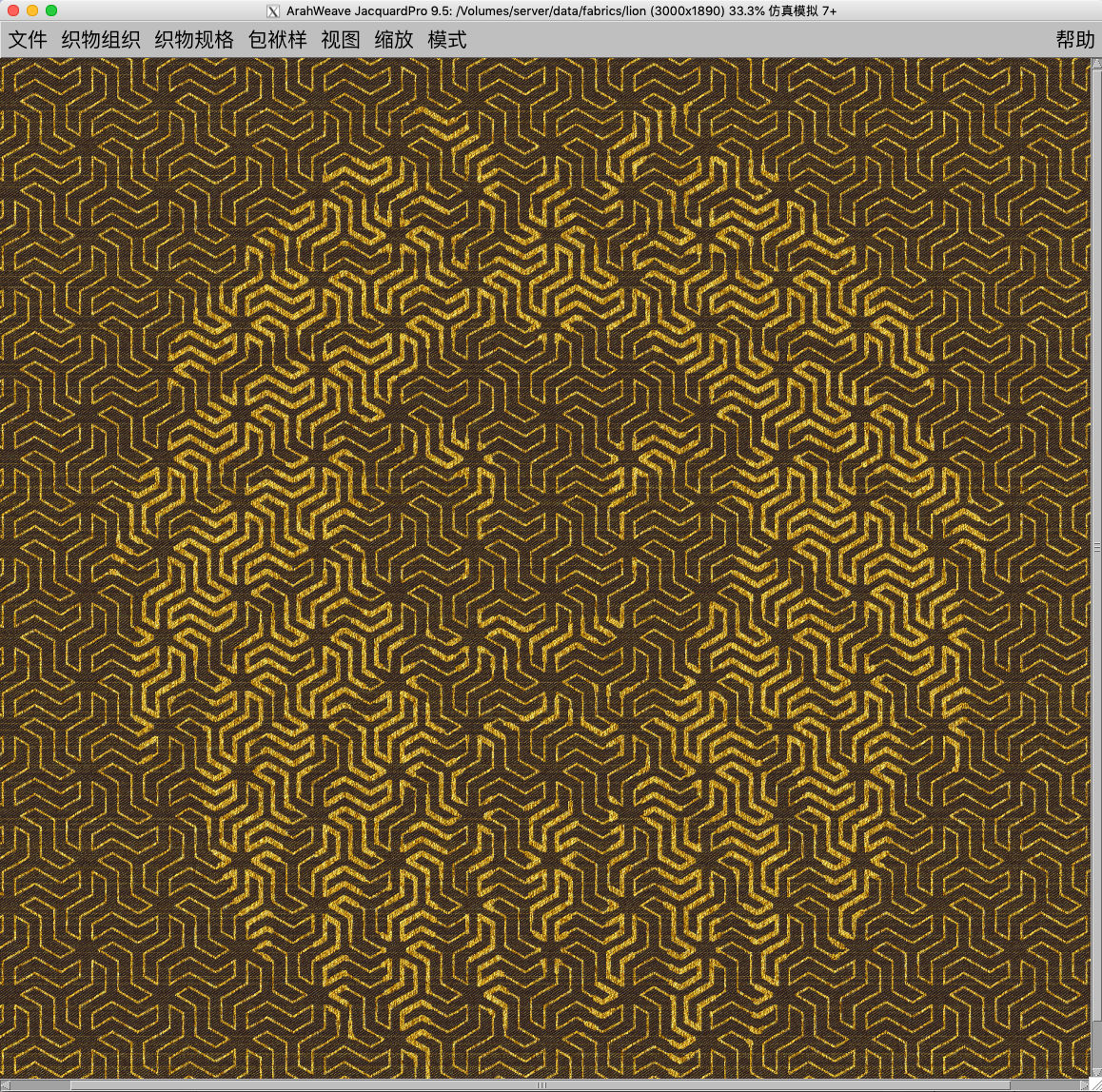
3. 9. 2021
Create stunning visual effects in ArahPaint6
Create a stunning visual effect by superimposing an image layer on the pattern.
To create an image in ArahPaint6, you require:
- an image of a pattern in repeat for background
- an image that you want to lay over the background pattern (in this case lion head)
- reduce the number of colors on the layer and use transparent paste function, then merge it with the background image
- use the Contour – Thicken function to thicken the parts of the layered image that overlap with the background pattern
- import it to ArahWeave Jacquard conversion and design the fabric
Download ArahPaint6 for free.
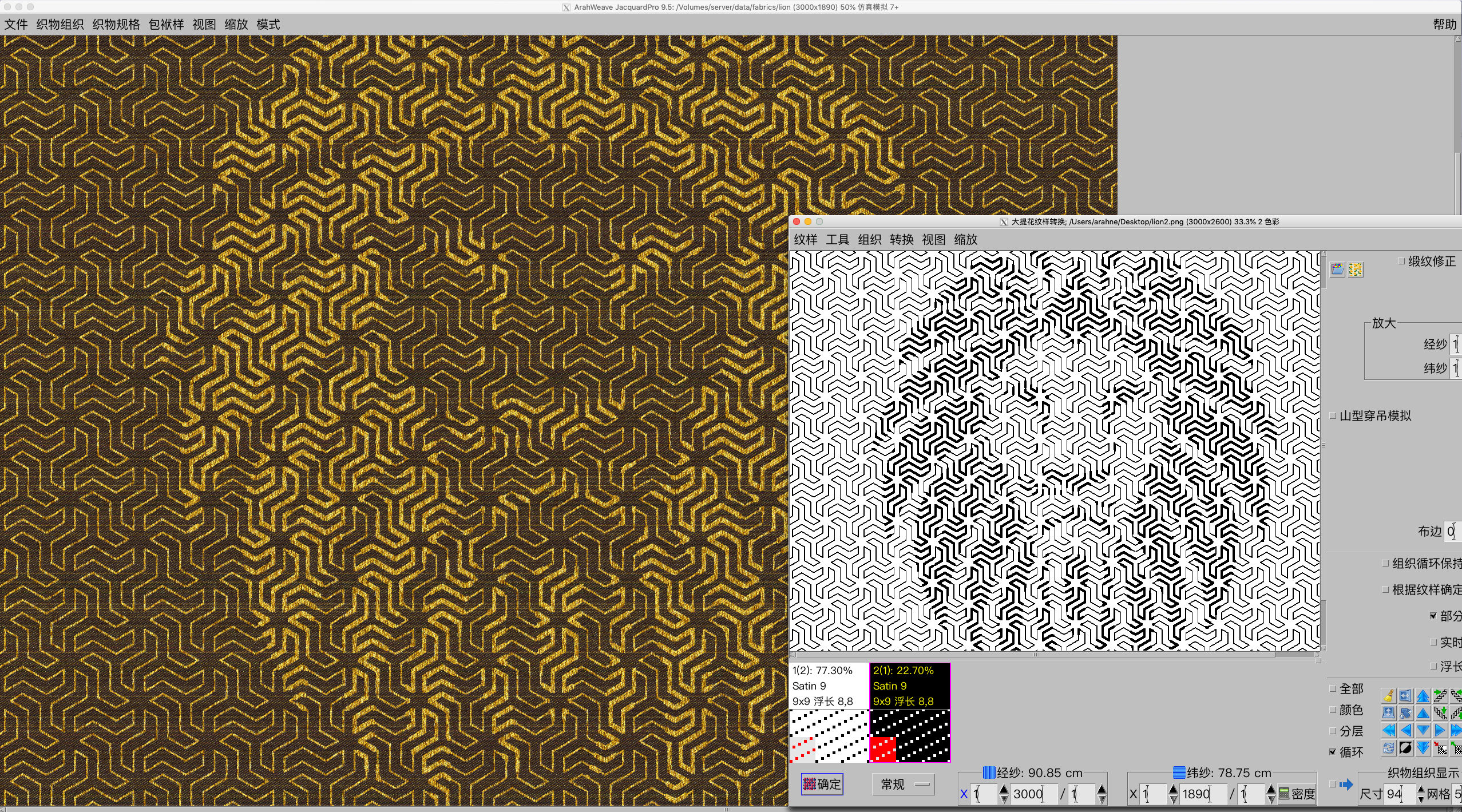
Fabric simulation in ArahWeave made in Jacquard conversion