织物设计 Tag

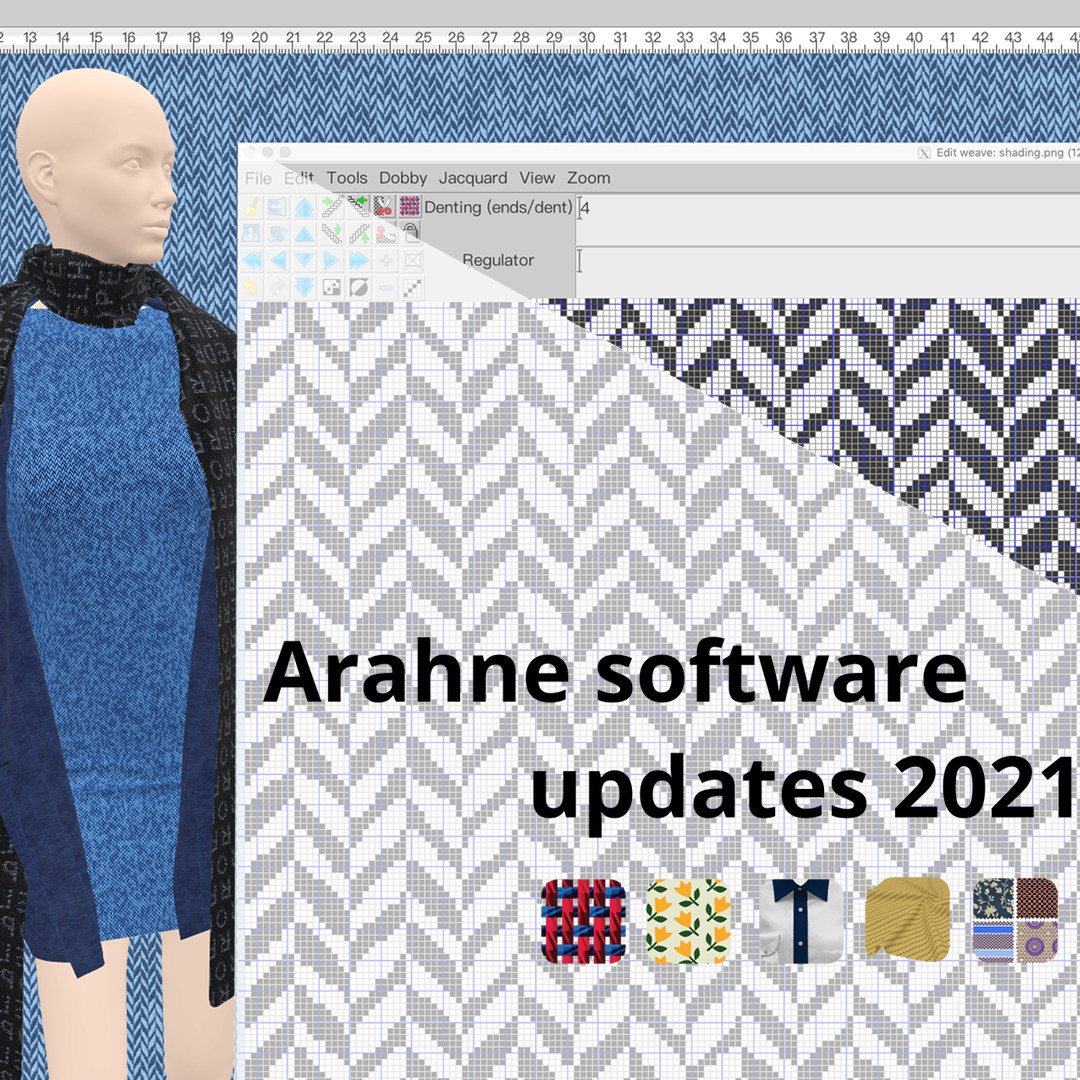
Arahne software updates 2021

It’s time to upgrade your Arahne software to the latest version and get all the fancy new features! In the previous year, we have made significant improvements, bug fixes, and new functions in ArahWeave, ArahPaint6, ArahDrape, and ArahView3D. Due to the requirement from our customers to...

0
0

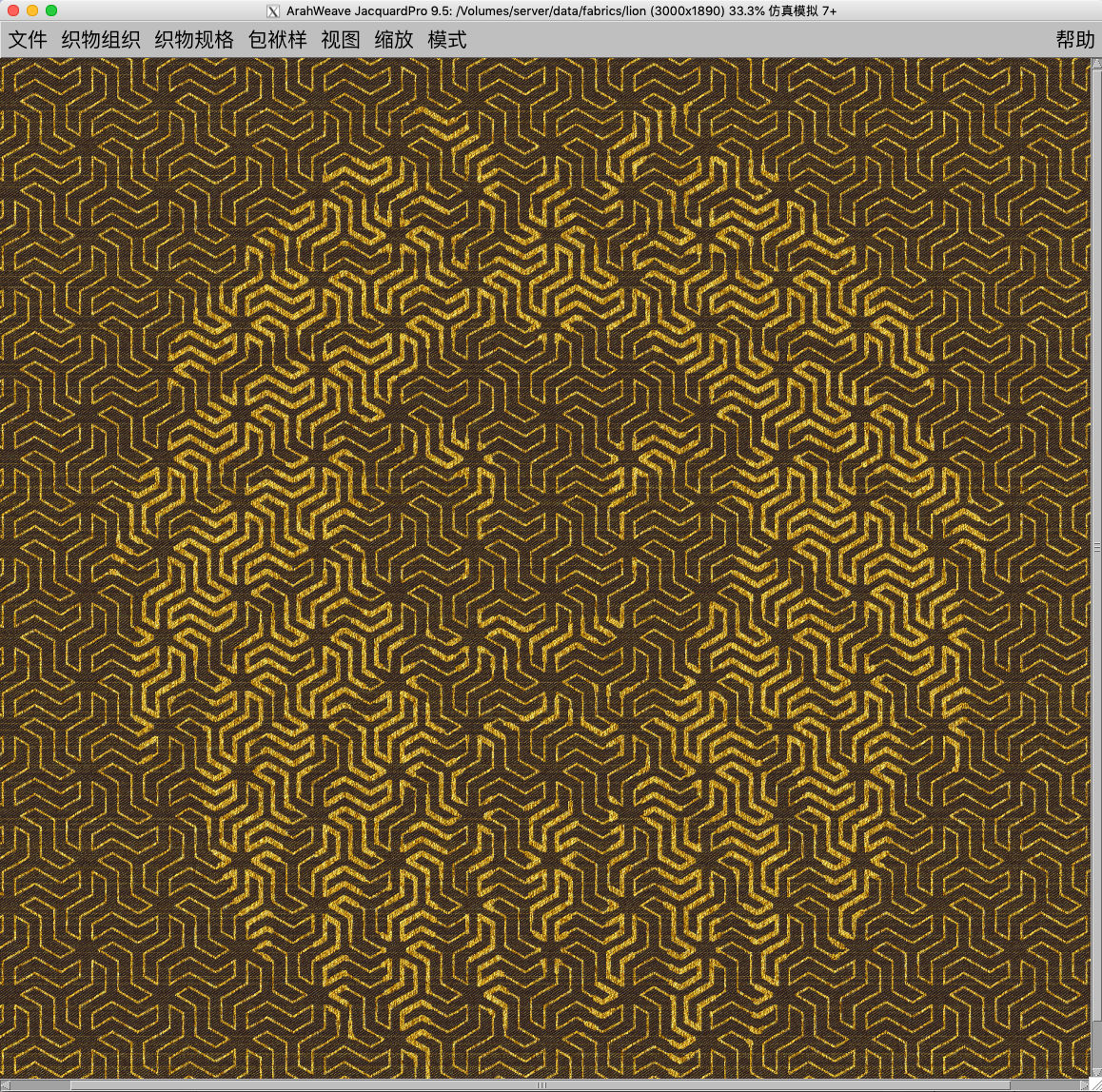
Design irregular herringbone in ArahWeave CAD

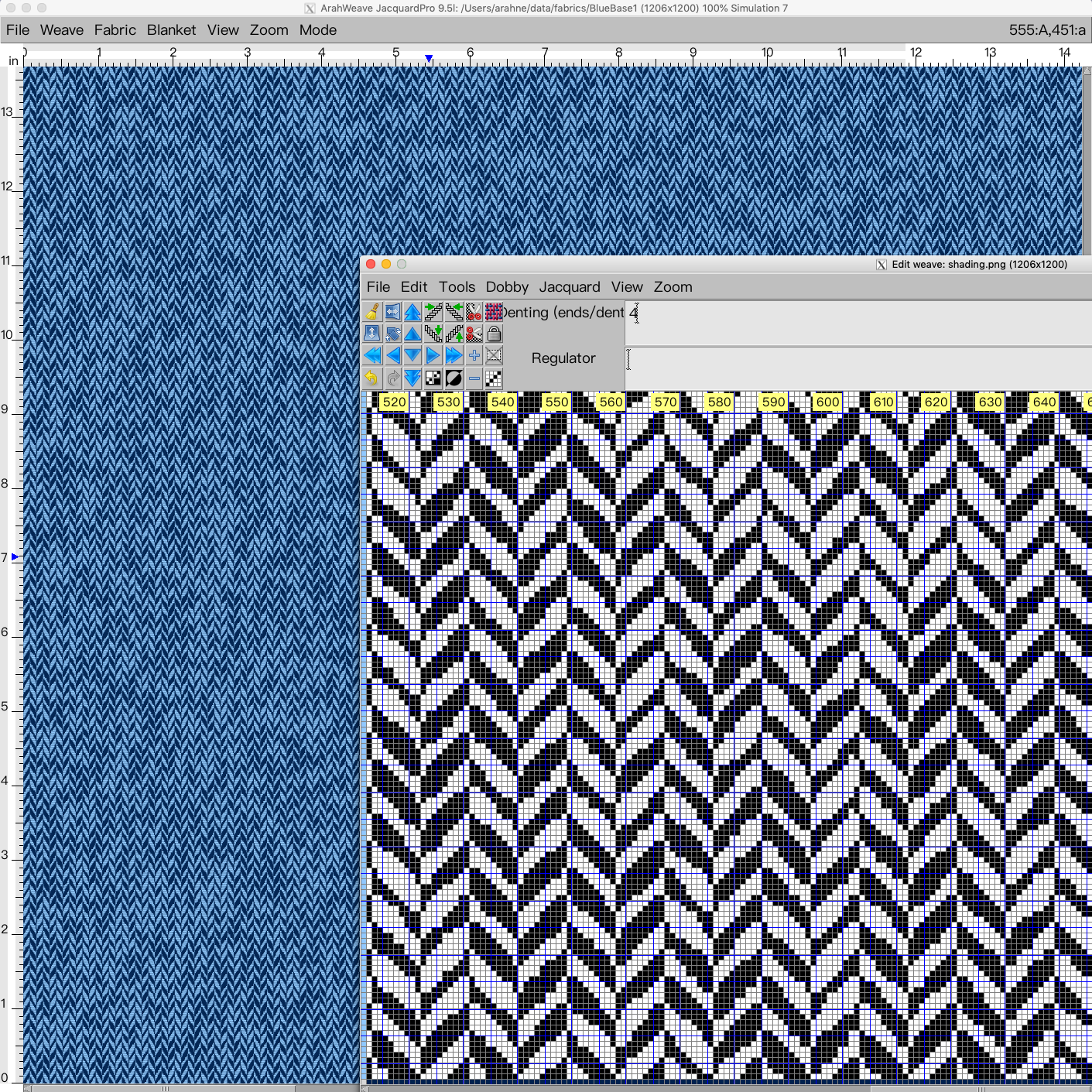
Irregular effects on the fabric can make your product look more interesting, fun, and unique. In this new tutorial, we show how to design an irregular herringbone, using a combination of weave and image. In the first part of the tutorial, you will learn how to use...

0
0

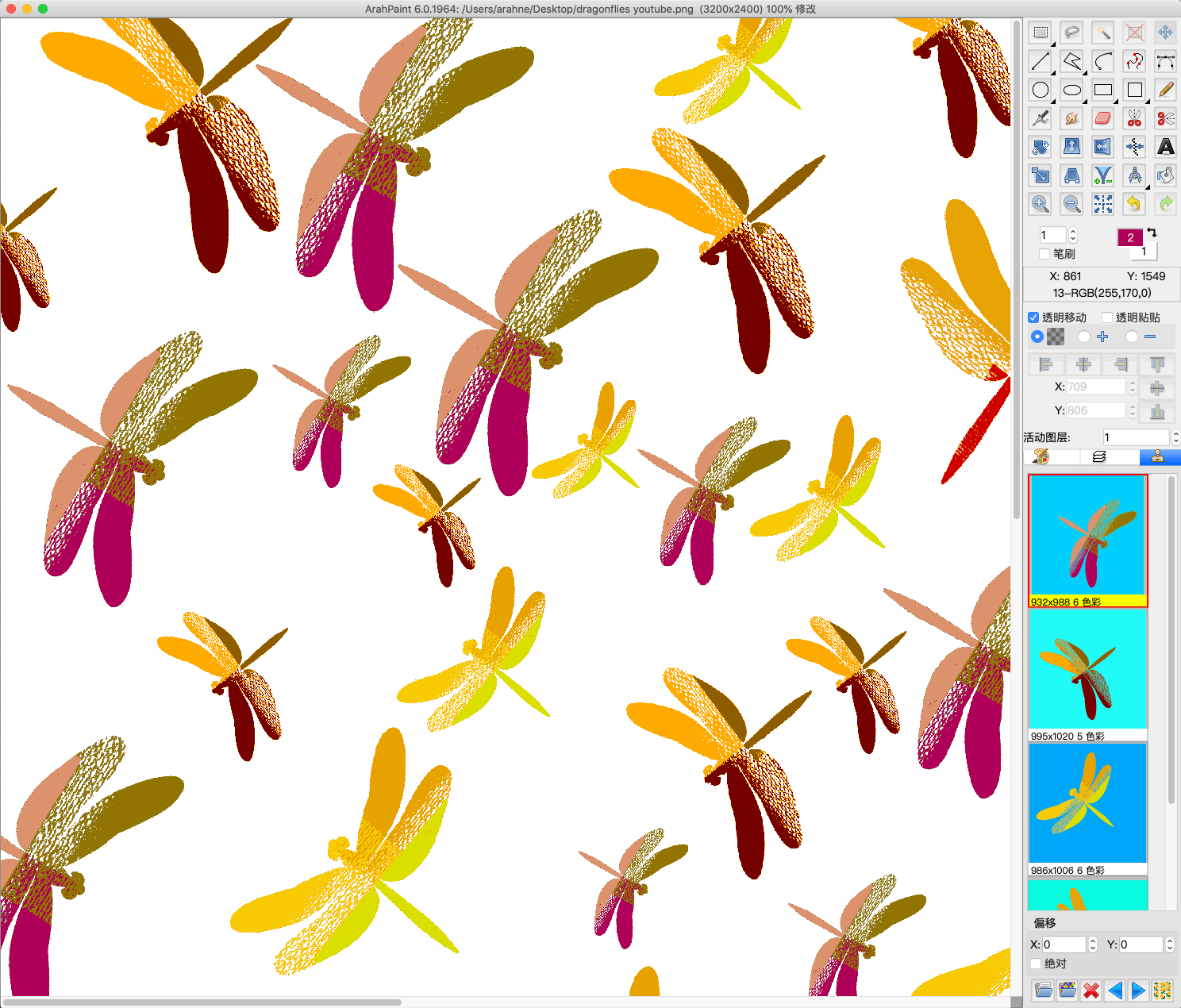
Create a pattern in repeat with overlapping motifs

Easily create an image in repeat with overlapping motifs with the new function “Browse repeat image”. Previously we have already introduced this function for “Drawing in repeat” and is now also available for working with layers (Tools > Repeat layer). Simply load a two-colored 8-bit...

0
0

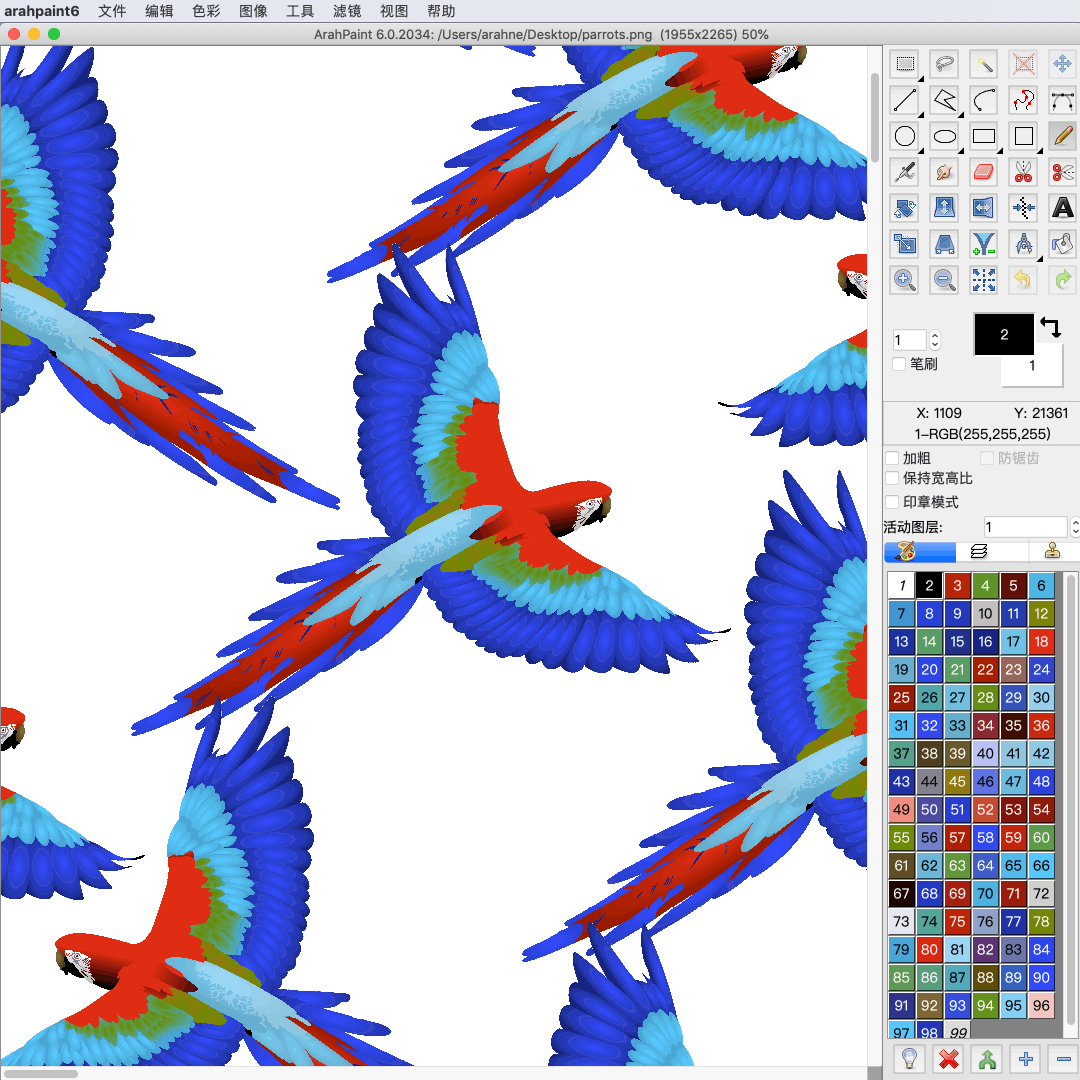
Create stunning visual effects in ArahPaint6

Create a stunning visual effect by superimposing an image layer on the pattern. To create an image in ArahPaint6, you require: an image of a pattern in repeat for background an image that you want to lay over the background pattern (in this case lion head) ...

0
0

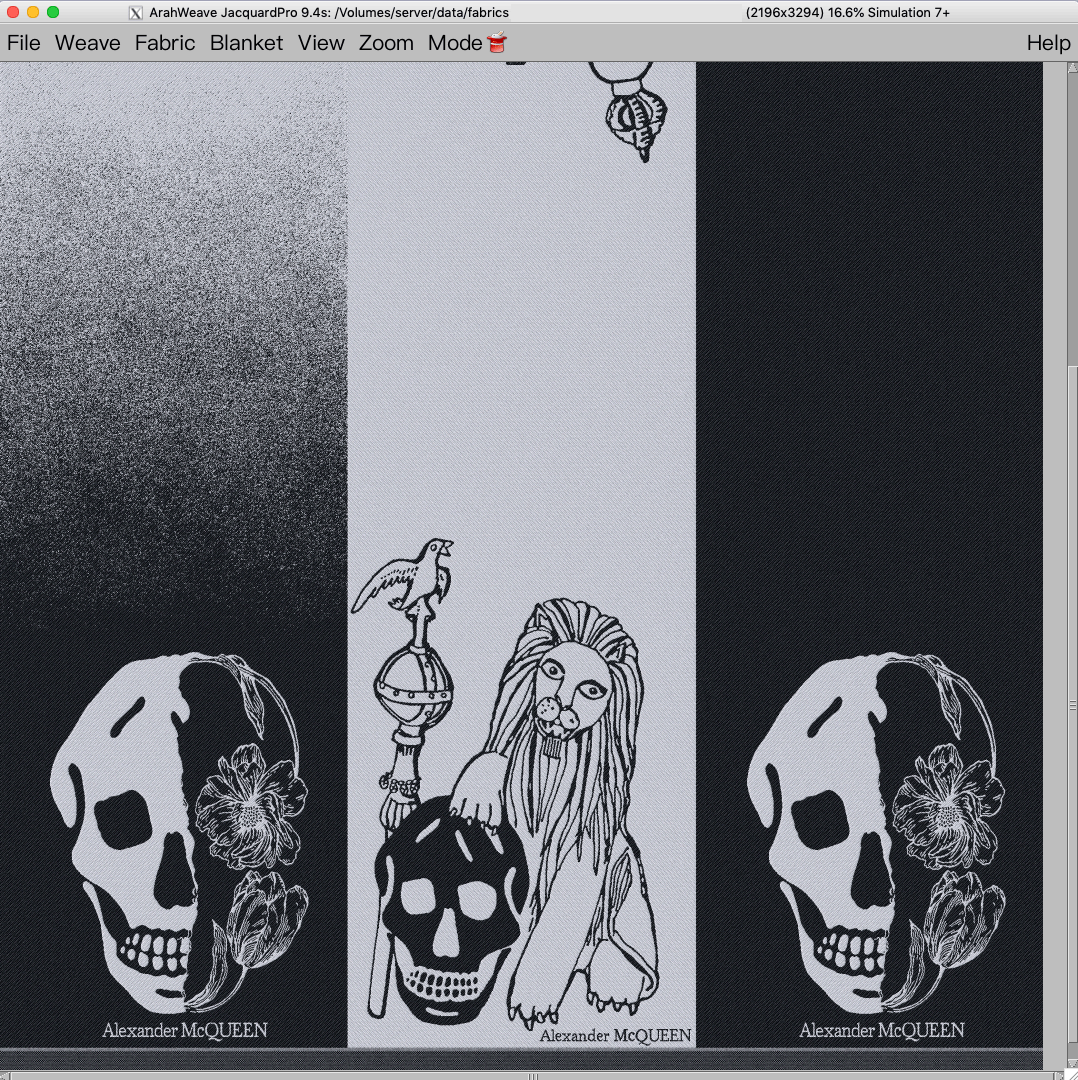
Reduce sampling waste with Load parallel function in ArahWeave

Load parallel function in ArahWeave allows you to load several different designs parallel to each other and weave them in one piece. The point of this function is to reduce sampling waste. During the sampling process, you might have to weave several different designs. Weaving sample...

0
0

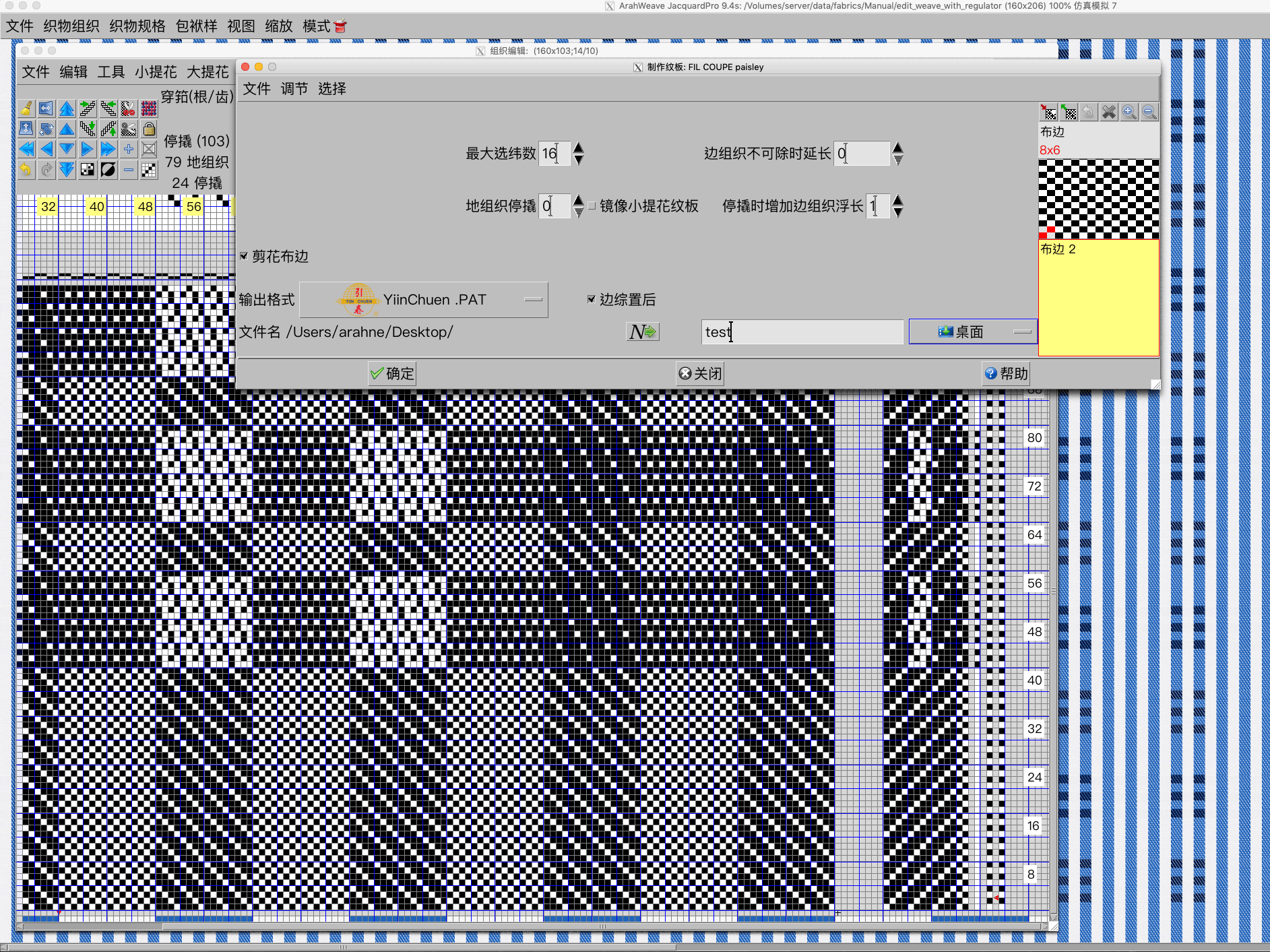
Support for Chinese YiinChuen industrial dobby looms in ArahWeave

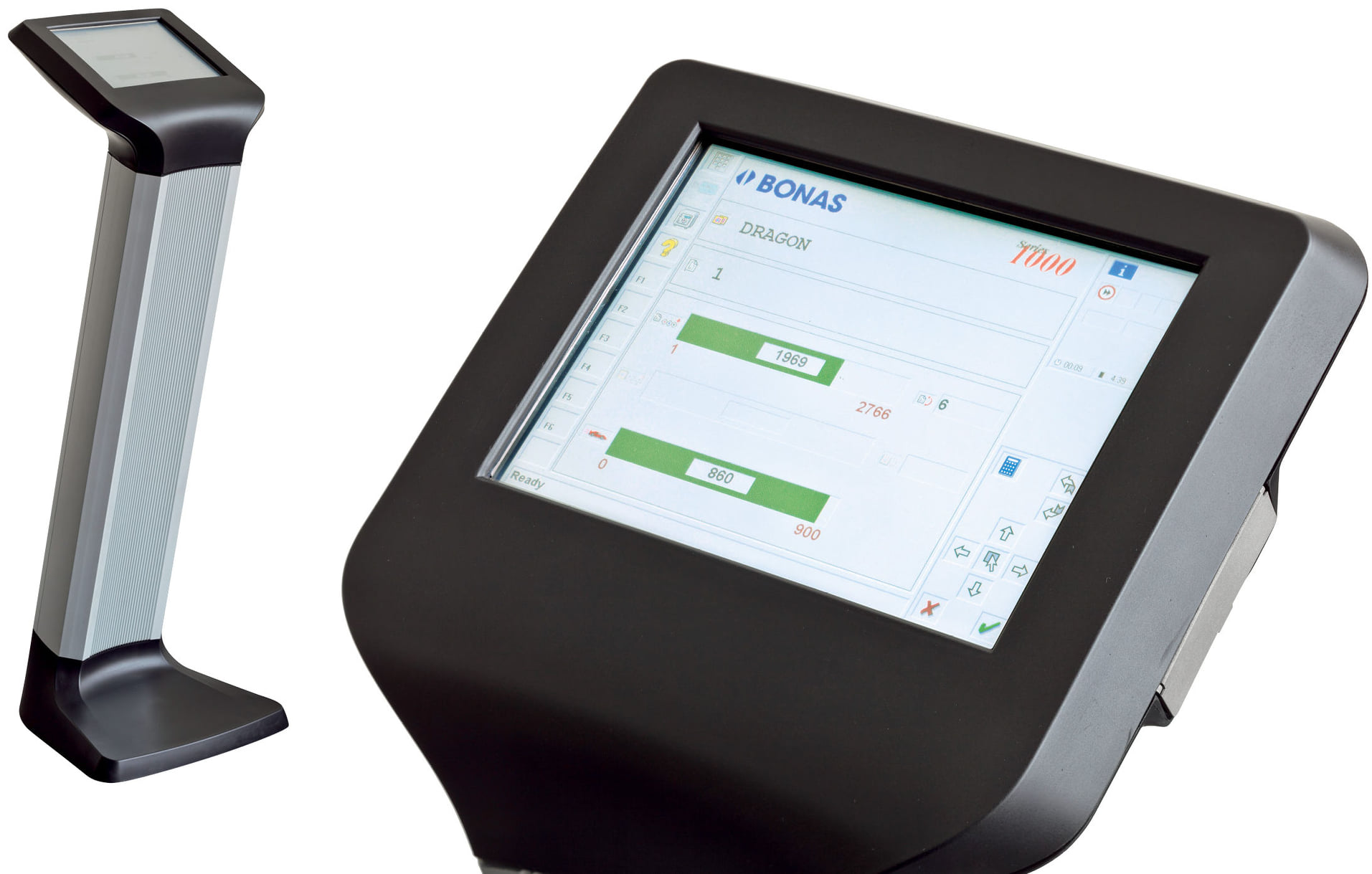
In ArahWeave CAD software you can save the production card of your design in a specific loom format. We already support all major dobby and jacquard industrial looms and warpers from Stäubli, Dornier, Bonas, Tsudakoma, Toyota, and many more. You will find the full list...

0
0

New file selection dialog in ArahWeave and ArahDrape

With the new file selection dialog, working in ArahWeave and ArahDrape is even faster and more convenient. The file selection dialog has been improved significantly. Many new features were added, such as: “Breadcrumbs” change directory system. Simply click on the path to change the directory in...

0
0

Use mirror diagonal to easily create corners from the image in ArahPaint6

Create corners and other different patterns using mirror diagonal function. You can diagonally mirror the image, layers or selection on the image in four different directions. Try it now! Download the latest version of ArahPaint 6 from this webpage.   [video width="1080" height="1080" mp4="https://arahne.org/wp-content/uploads/ArahPaint6-Mirror-Diagonal.mp4"][/video]     How to...

0
0