意匠设计 Tag

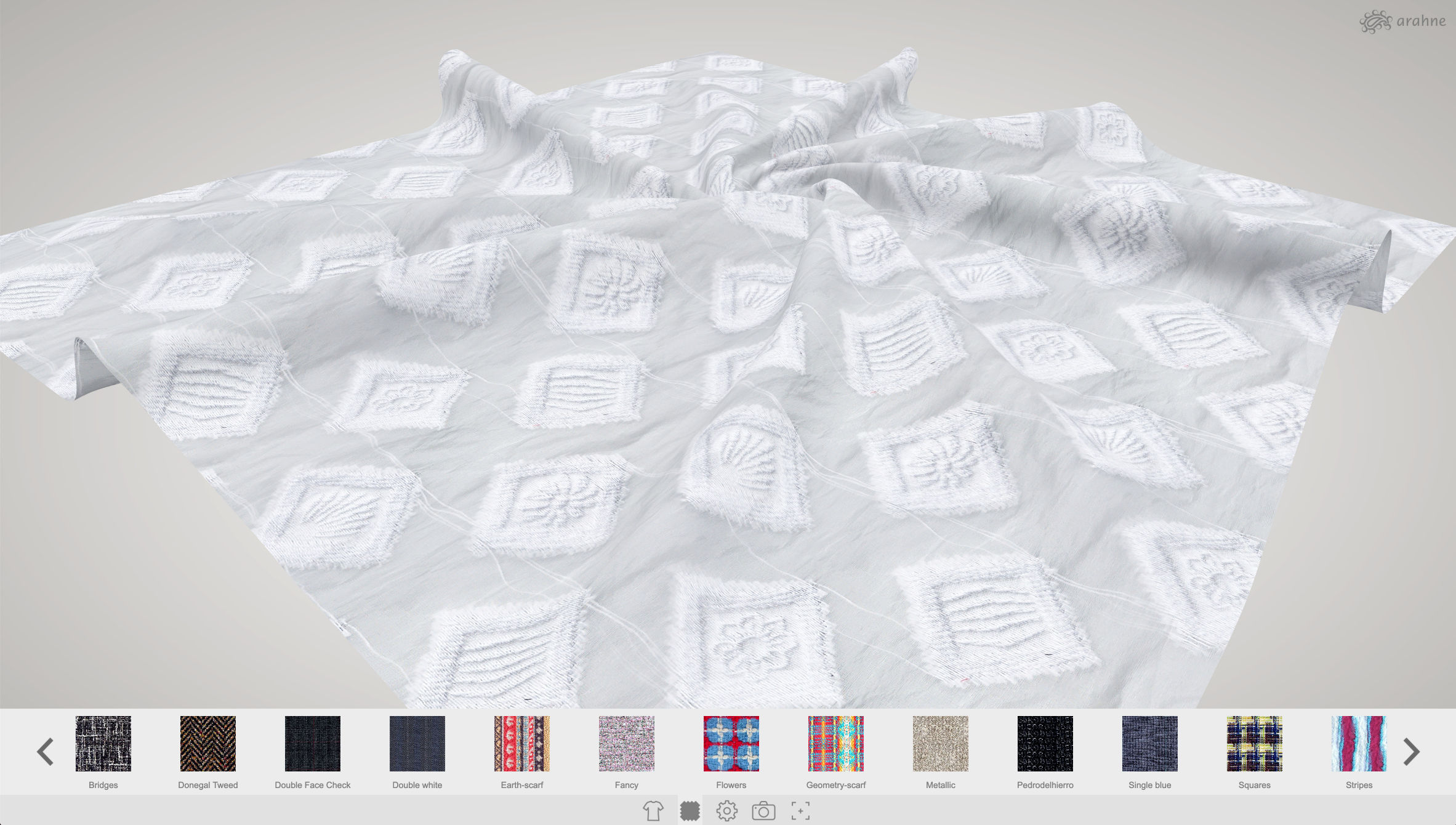
Apply photographed or scanned fabric images to 3D models in ArahView3D

In ArahView3D you can now apply scanned or photographed fabrics and print designs on the 3D model. Previously you could only apply fabric simulations made in ArahWeave. ArahView3D has a large selection of prepared 3D models, from shirts, upholstery, linen, scarf, bags, clothing, coats, curtain, tie,...

0
0

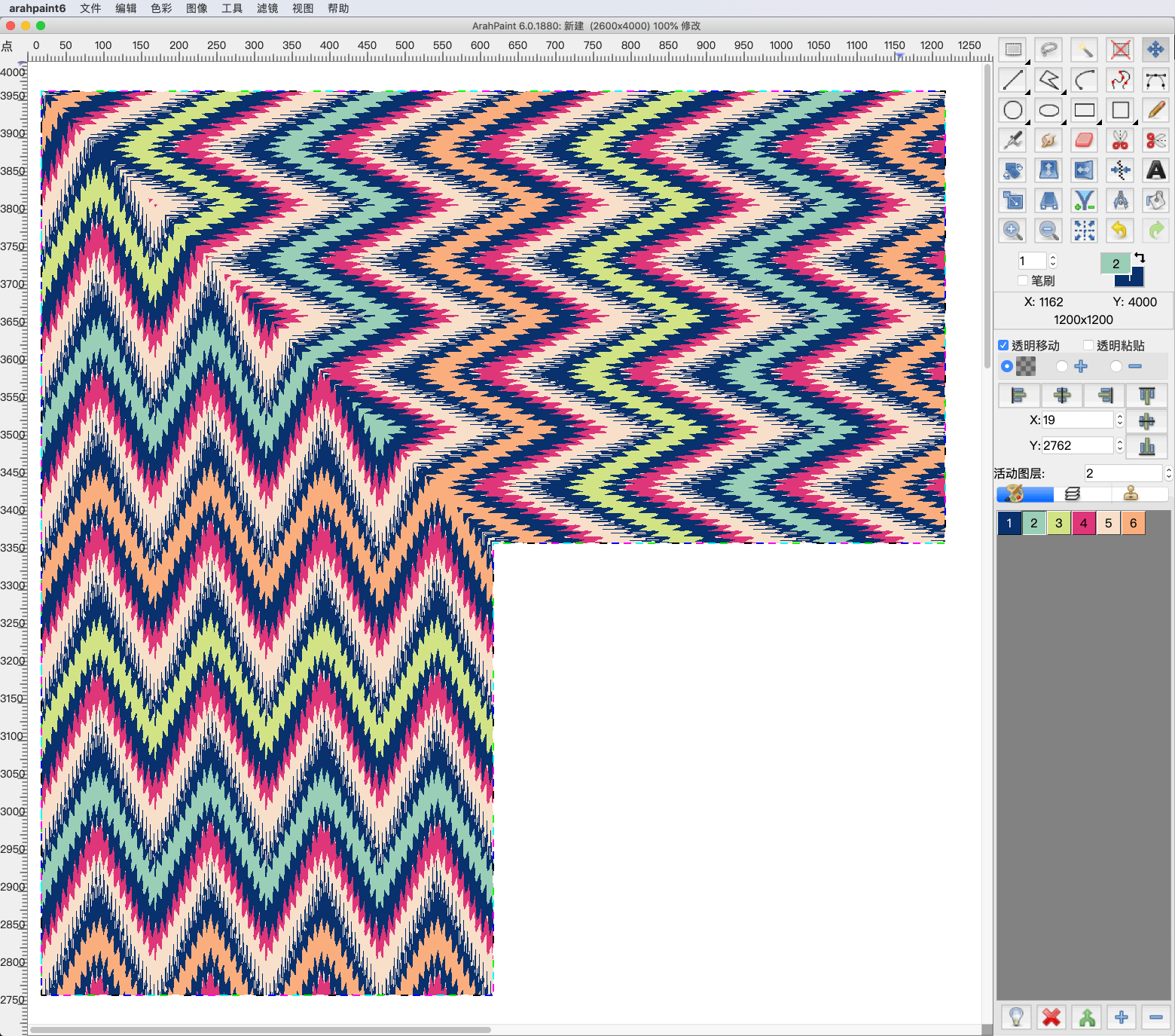
Use mirror diagonal to easily create corners from the image in ArahPaint6

Create corners and other different patterns using mirror diagonal function. You can diagonally mirror the image, layers or selection on the image in four different directions. Try it now! Download the latest version of ArahPaint 6 from this webpage.   [video width="1080" height="1080" mp4="https://arahne.org/wp-content/uploads/ArahPaint6-Mirror-Diagonal.mp4"][/video]     How to...

0
0

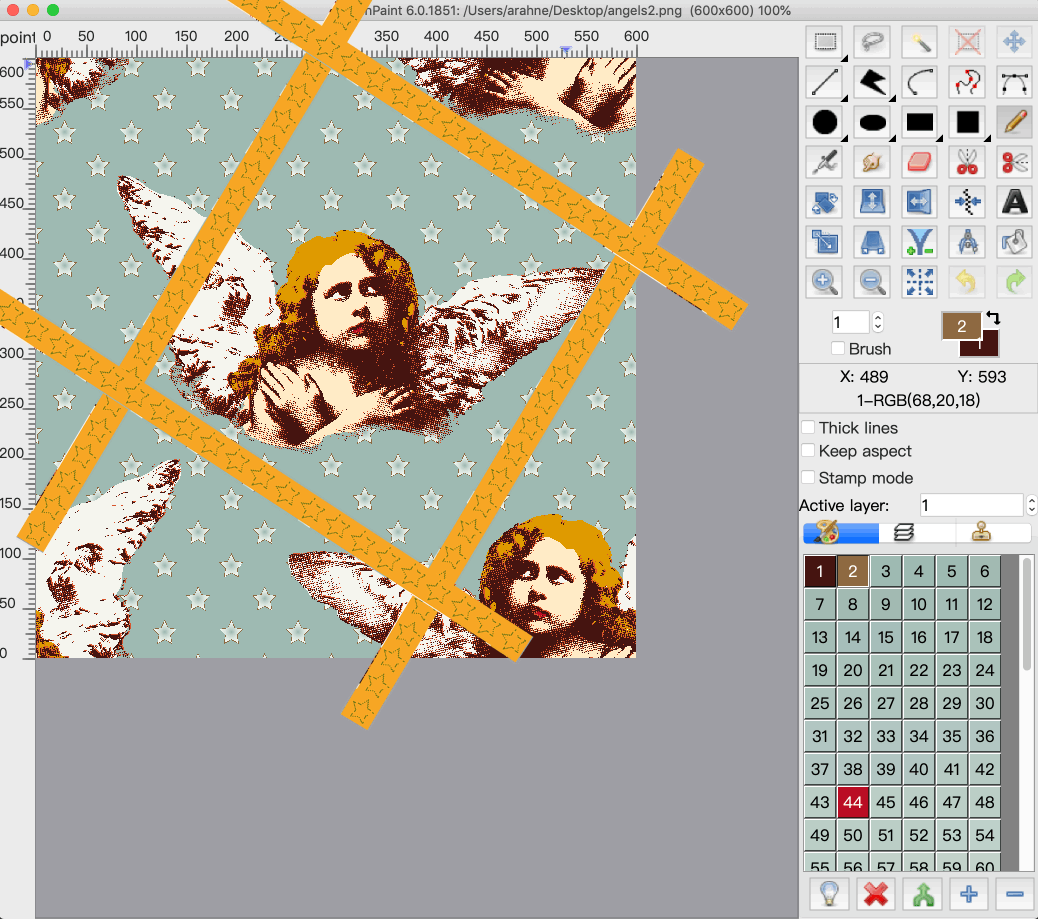
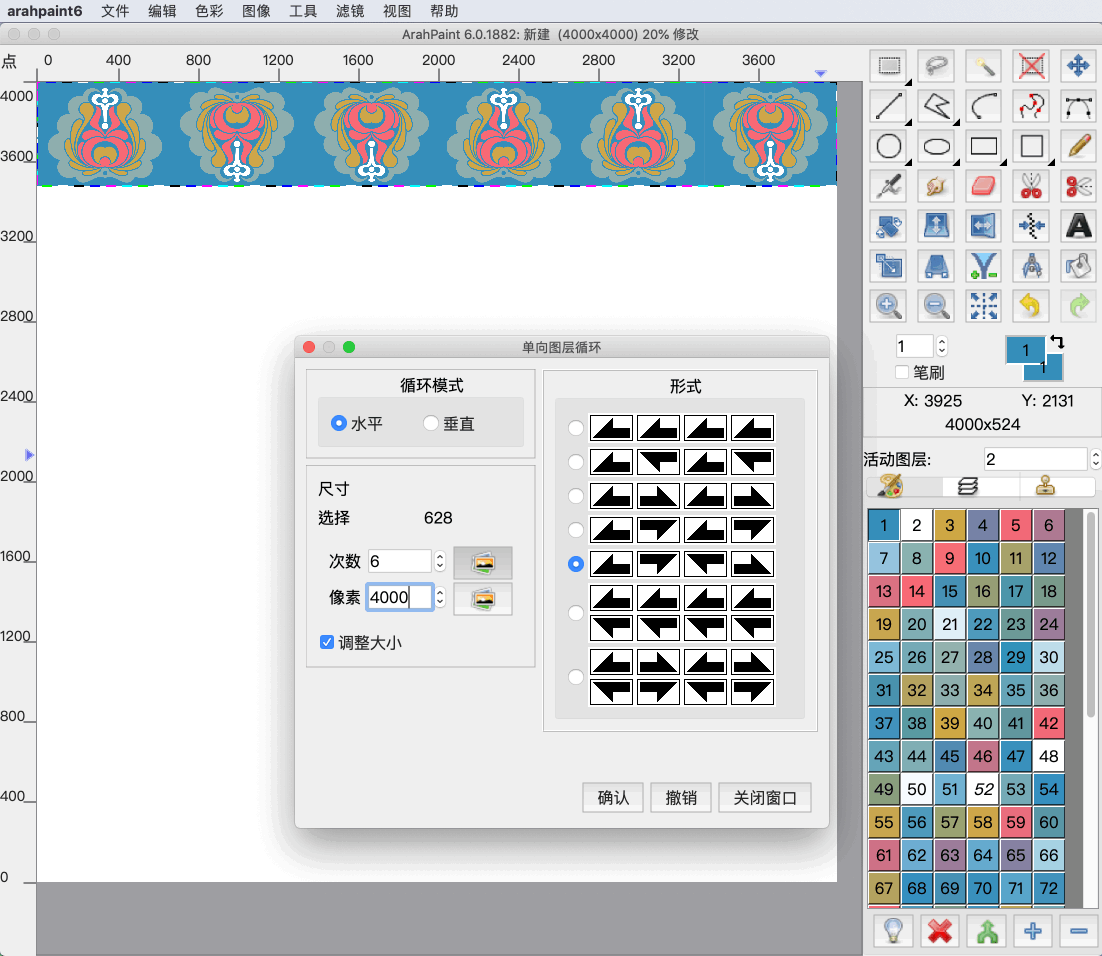
Add border to the image in ArahPaint6

Feeling creative with the borders? In ArahPaint6 you can create a border out of the selected image and place it on the right, left, top, bottom side of the main image or all sides at once.        [video width="1080" height="1080" mp4="https://arahne.org/wp-content/uploads/ArahPaint6border.mp4"][/video]     How to make it? Open...

0
0

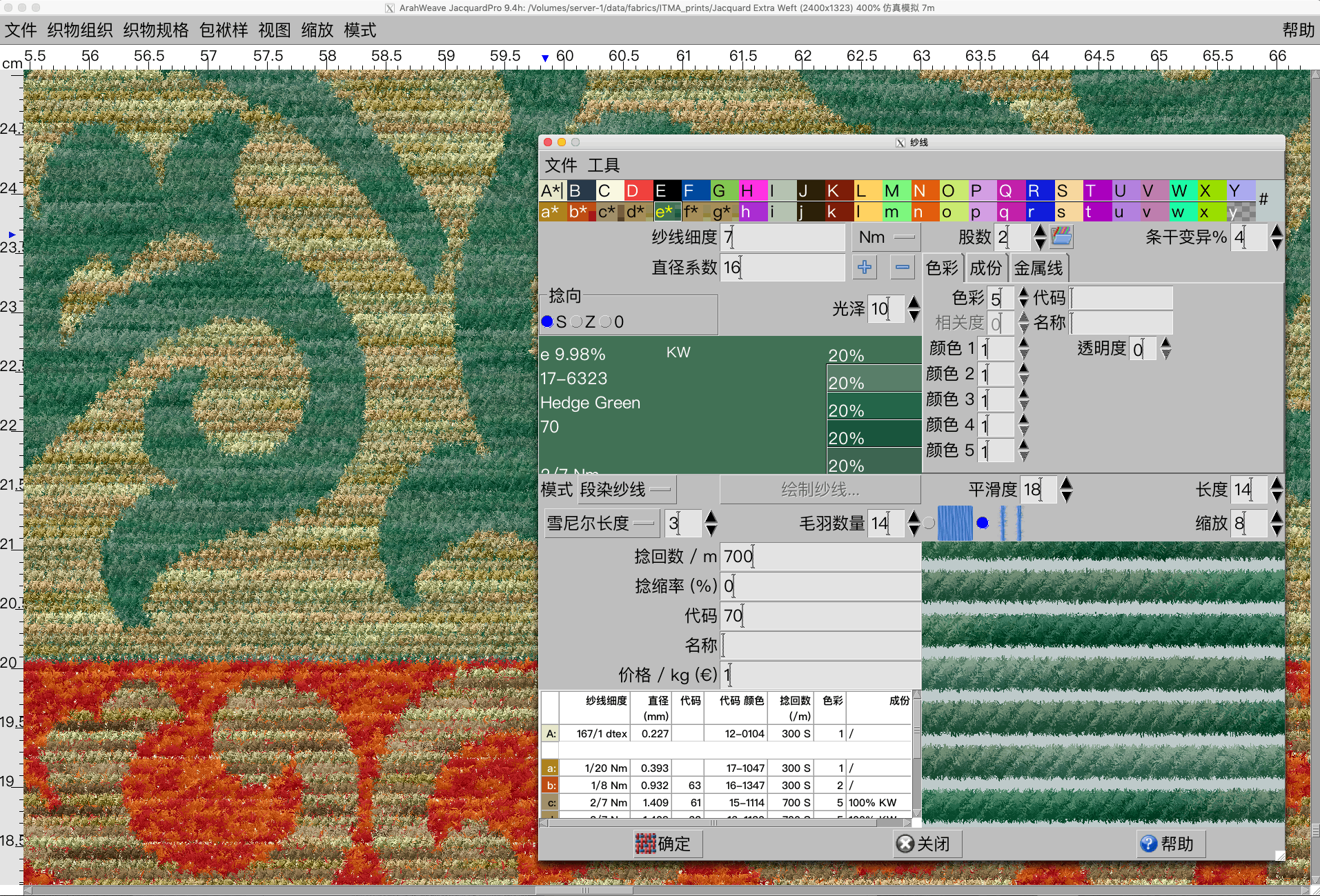
Chenille, mohair yarn simulation in ArahWeave

With new function enhancement in ArahWeave, you can create a chenille and mohair yarn simulation in Yarn window. First select the type of yarn (Simple, Mouliné, Mélange, Multicolor, Custom) that you want to use in the fabric, and then select the desired effect by setting...

0
0

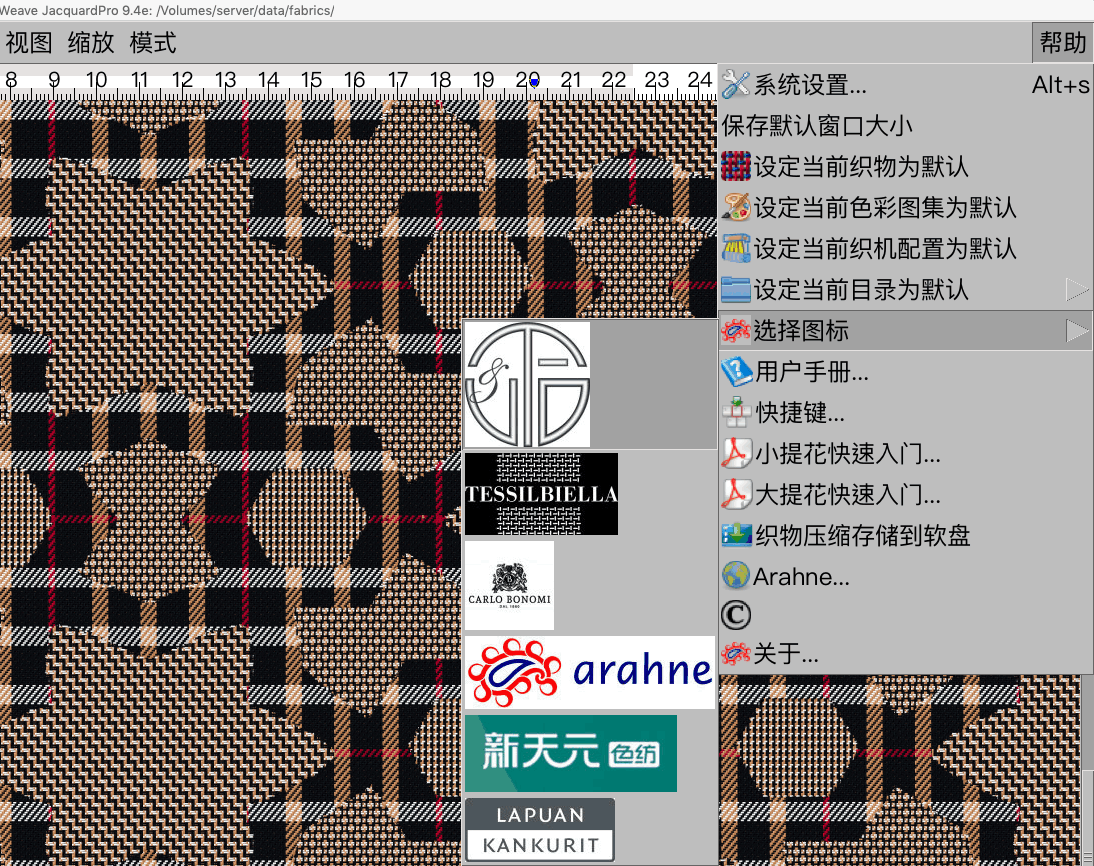
Use different logo images for different brands

Some of our customers manufacture fabric for different brands. Every time they printout the fabric simulation image, they would like to attach the logo of the brand belonging to a certain fabric design. We added a new function, which allows you to change the logo...

0
0

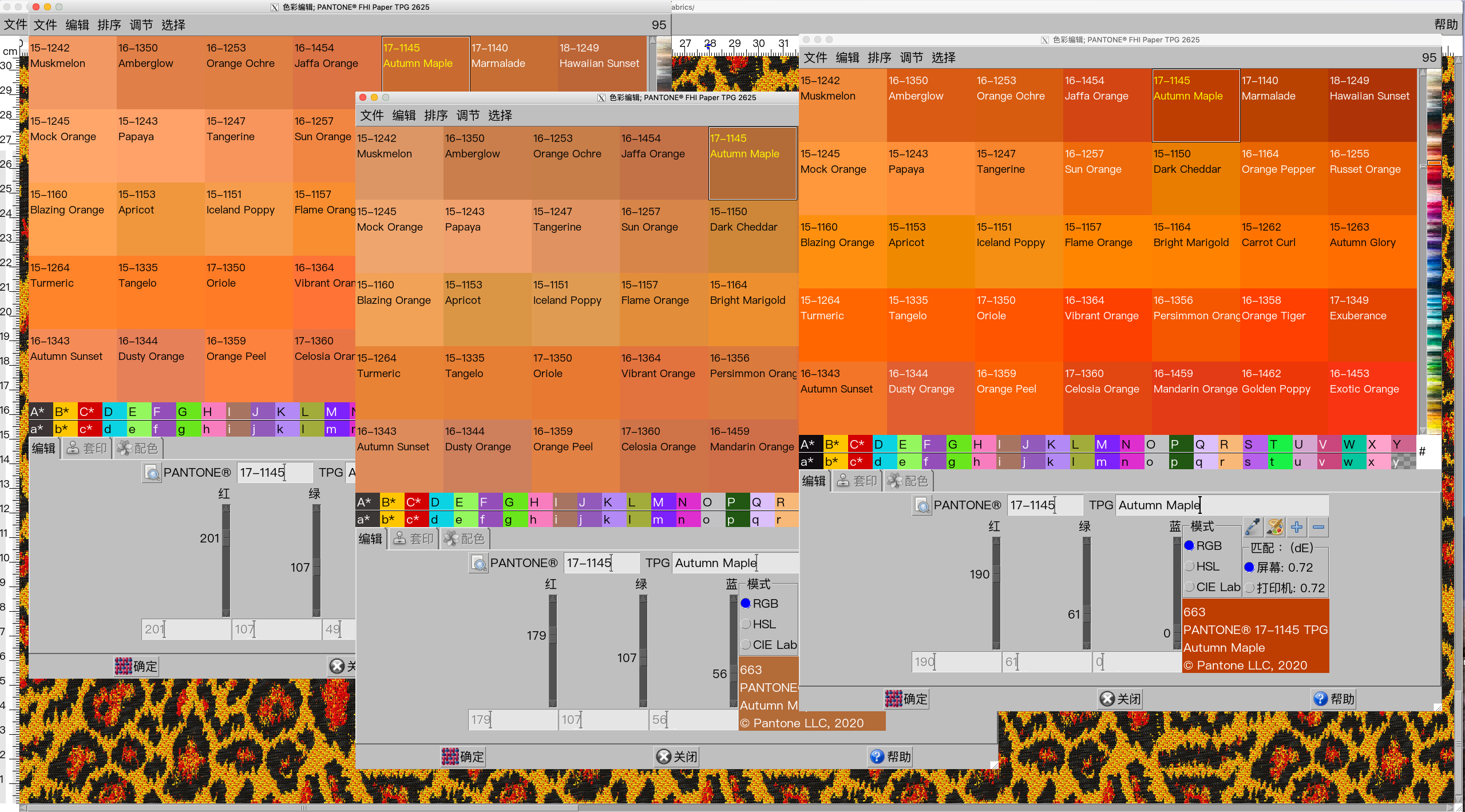
Set sRGB, AdobeRGB or Arahne’s screen color matching in ArahWeave

ArahWeave 9.3k has a new setting in screen color matching: you can choose between Arahne’s color matching, sRGB and AdobeRGB (by default screen color matching is set to Arahne’s):     Arahne’s color matching:     sRGB color matching:     AdobeRGB color matching:     The setting affects colors with CIE Lab values, like PANTONE or...

0
0