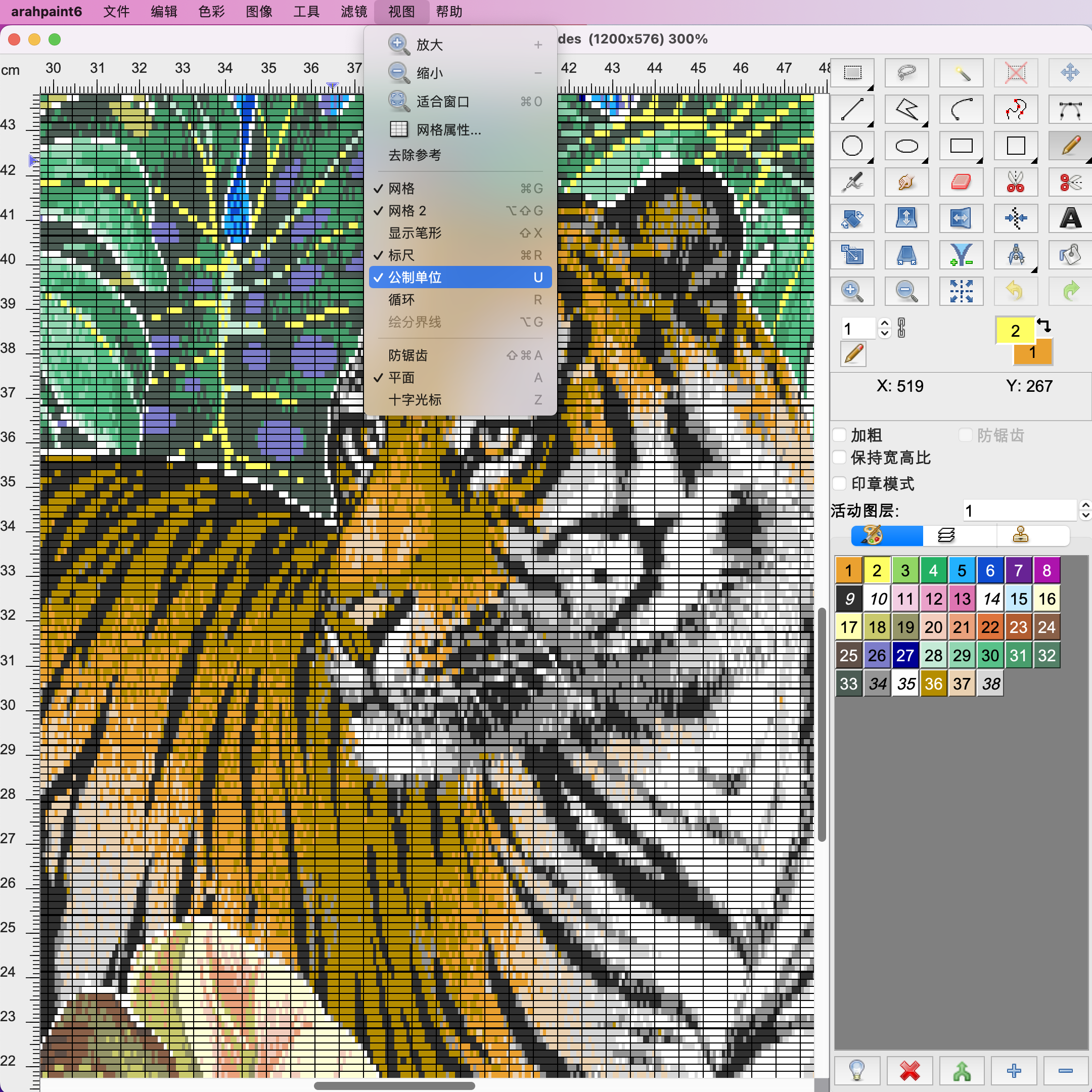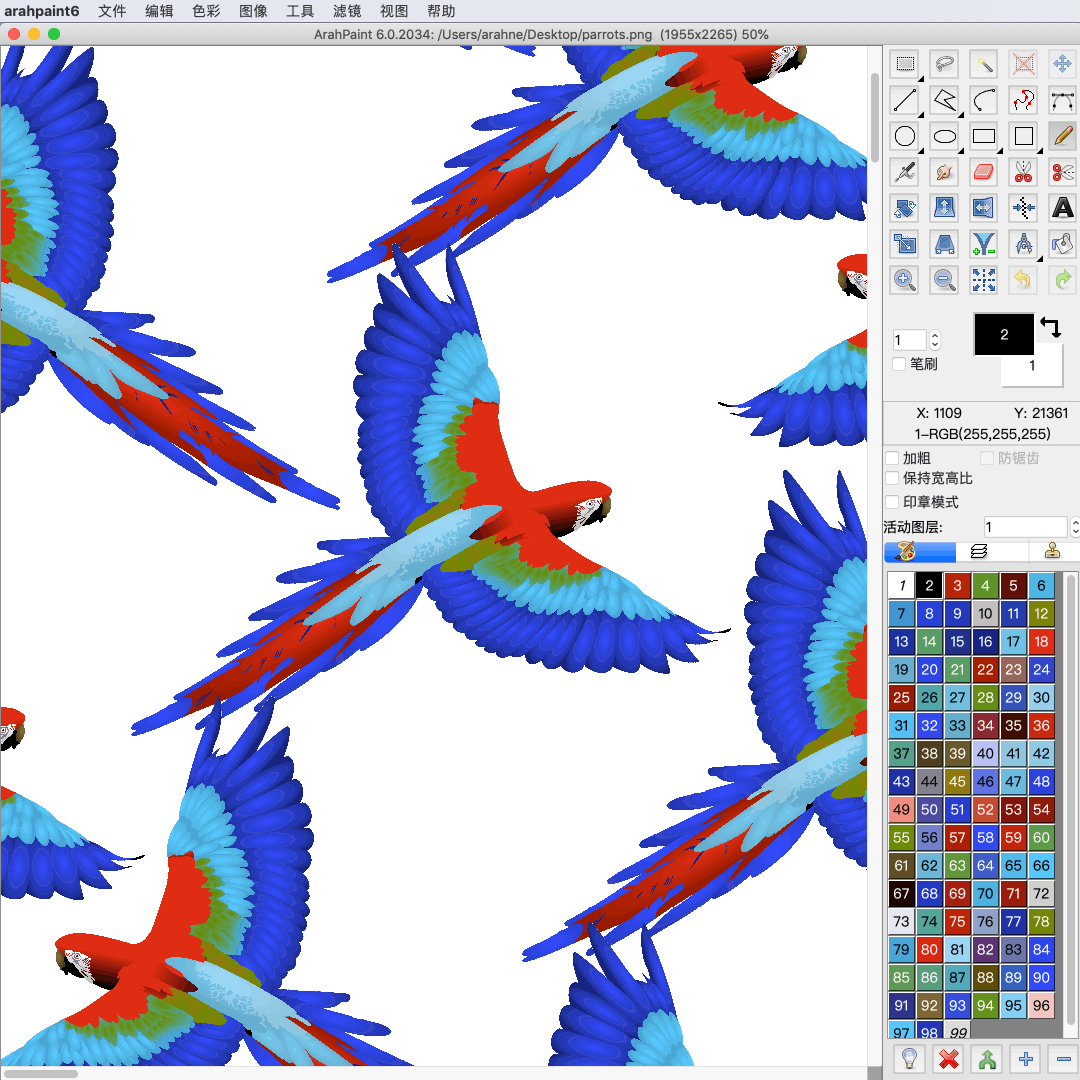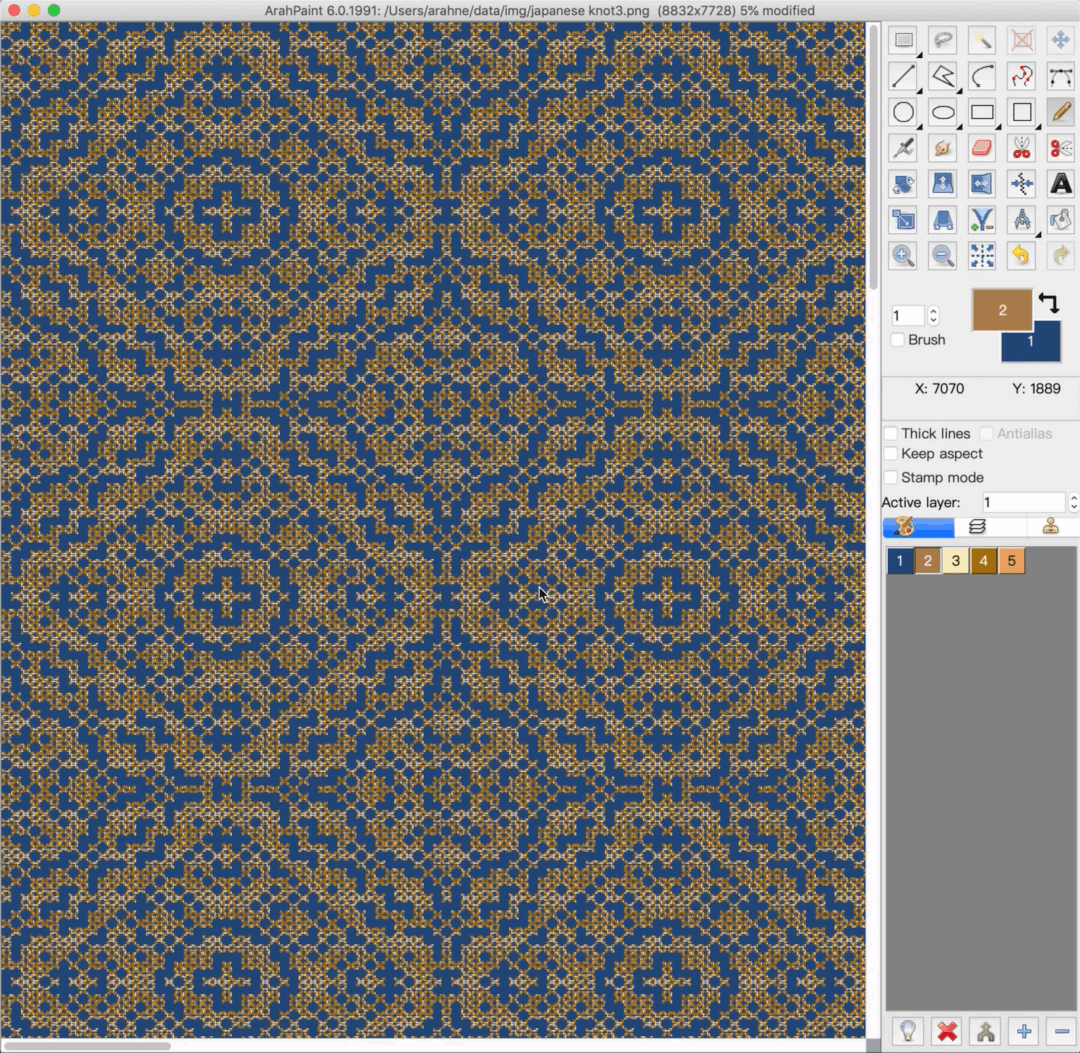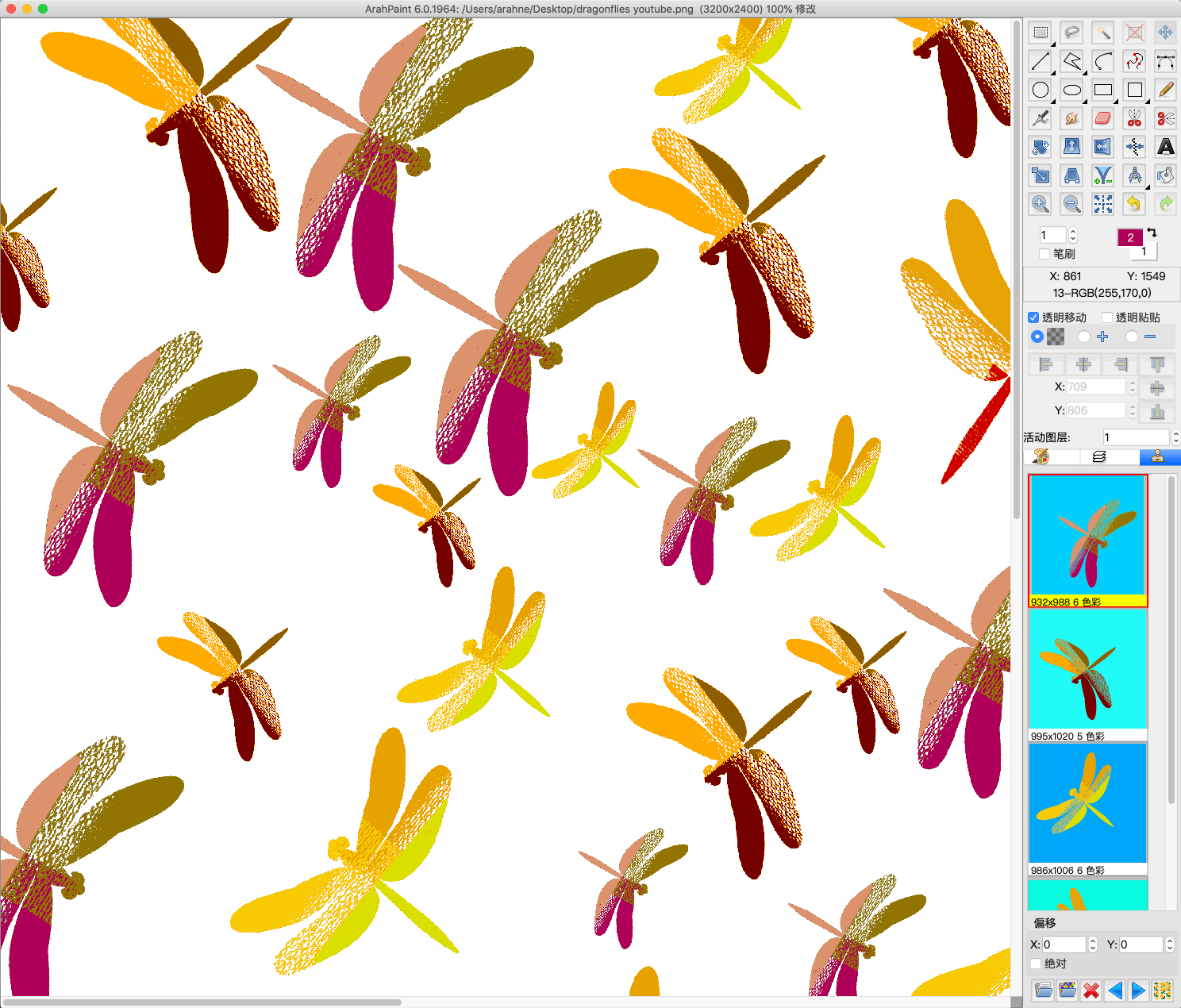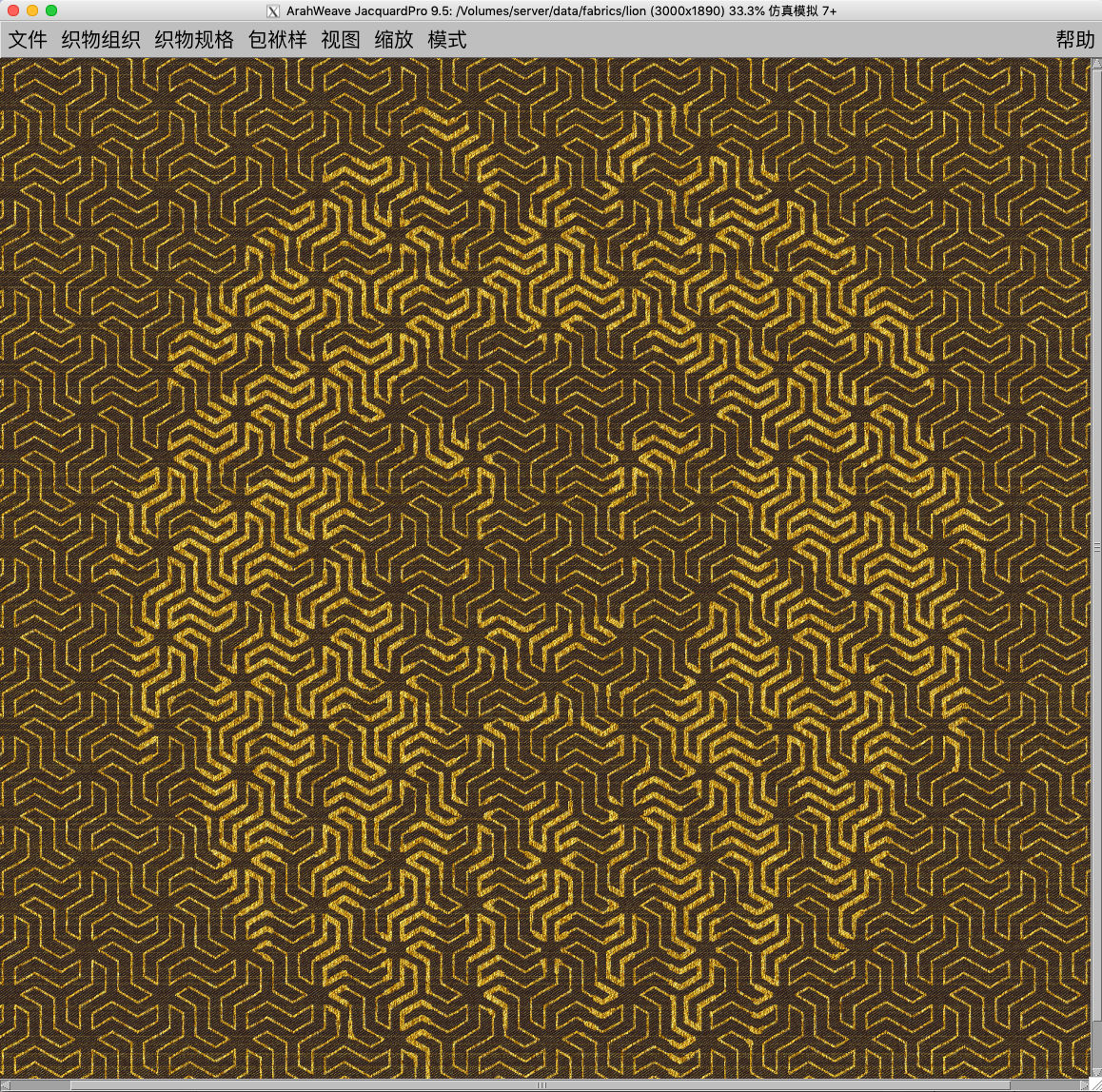
You can now choose between metric or imperial units directly in ArahPaint. Most of the settings for ArahPaint6, such as units, language, and default image file location can be set in ArahWeave software. However, many users only use ArahPaint software independently, therefore we have added the...
It’s time to upgrade your Arahne software to the latest version and get all the fancy new features! In the previous year, we have made significant improvements, bug fixes, and new functions in ArahWeave, ArahPaint6, ArahDrape, and ArahView3D. Due to the requirement from our customers to...
Easily create an image in repeat with overlapping motifs with the new function “Browse repeat image”. Previously we have already introduced this function for “Drawing in repeat” and is now also available for working with layers (Tools > Repeat layer). Simply load a two-colored 8-bit...
With the new Browse repeat image function in the Drawing in repeat window, you can create pattern from a pattern! Simply load the 8-bit pattern image in repeat and let the software generate the same pattern out of the motif in the main window. 1. Load a...
In ArahPaint6 you can design amazing patterns in repeat in just a few seconds using different Filters. All the filters are presented in this Fast pattern manual with a collection of wonderful designs and instructions on how to make them. In this tutorial, we show how...
Create a stunning visual effect by superimposing an image layer on the pattern. To create an image in ArahPaint6, you require: an image of a pattern in repeat for background an image that you want to lay over the background pattern (in this case lion head) ...
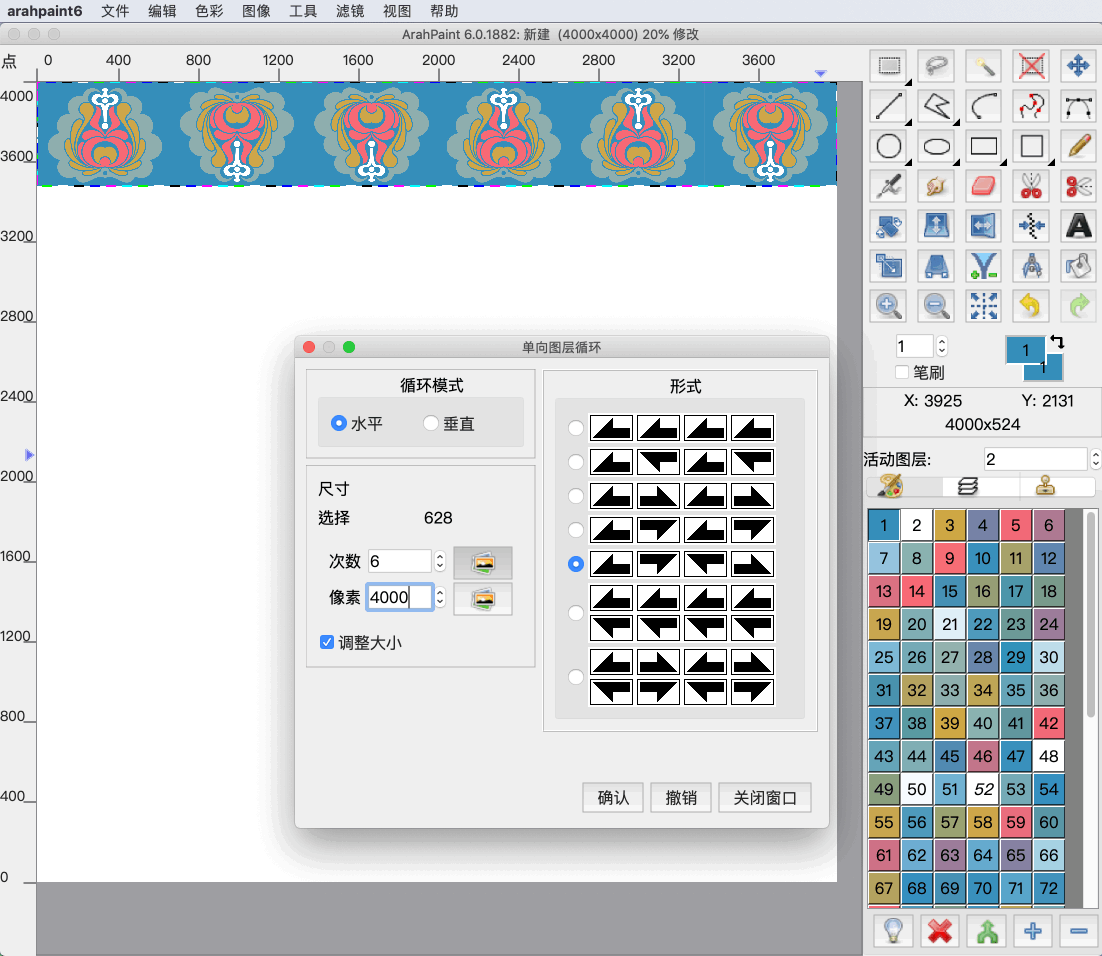
In ArahPaint6 you can now create 7 types of patterns from layers in one direction (horizontal or vertical). The 7 types of patterns have been made on the basis of the mathematical frieze pattern, which is a symmetrical design on the two-dimensional surface in one...
Create corners and other different patterns using mirror diagonal function. You can diagonally mirror the image, layers or selection on the image in four different directions. Try it now! Download the latest version of ArahPaint 6 from this webpage. [video width="1080" height="1080" mp4="https://arahne.org/wp-content/uploads/ArahPaint6-Mirror-Diagonal.mp4"][/video] How to...
Feeling creative with the borders? In ArahPaint6 you can create a border out of the selected image and place it on the right, left, top, bottom side of the main image or all sides at once. [video width="1080" height="1080" mp4="https://arahne.org/wp-content/uploads/ArahPaint6border.mp4"][/video] How to make it? Open...