ArahWeave CAD/CAM software Tag

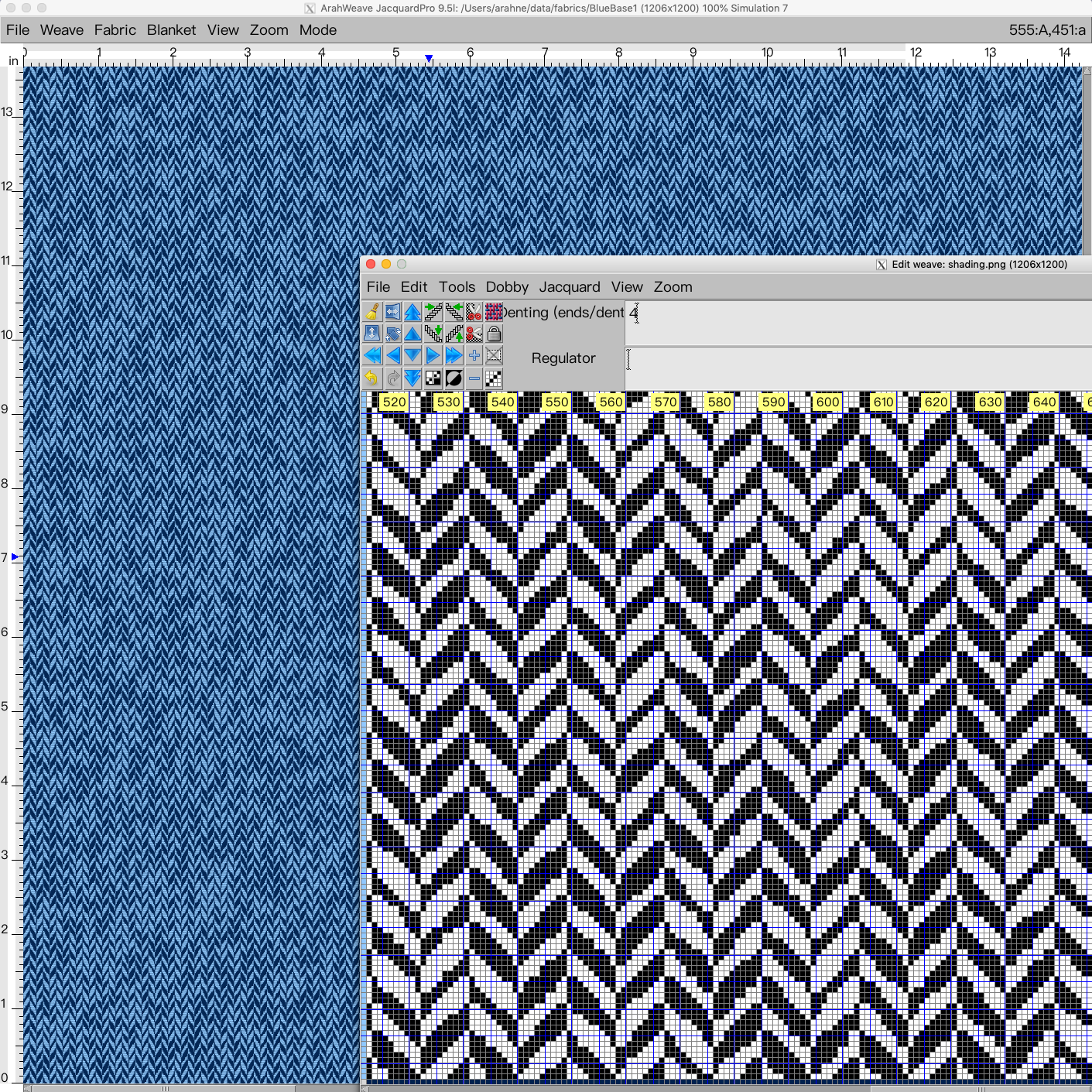
Design irregular herringbone in ArahWeave CAD

Irregular effects on the fabric can make your product look more interesting, fun, and unique. In this new tutorial, we show how to design an irregular herringbone, using a combination of weave and image. In the first part of the tutorial, you will learn how to use...

0
0

Create stunning visual effects in ArahPaint6

Create a stunning visual effect by superimposing an image layer on the pattern. To create an image in ArahPaint6, you require: an image of a pattern in repeat for background an image that you want to lay over the background pattern (in this case lion head) ...

0
0

Reduce sampling waste with Load parallel function in ArahWeave

Load parallel function in ArahWeave allows you to load several different designs parallel to each other and weave them in one piece. The point of this function is to reduce sampling waste. During the sampling process, you might have to weave several different designs. Weaving sample...

0
0

Support for Chinese YiinChuen industrial dobby looms in ArahWeave

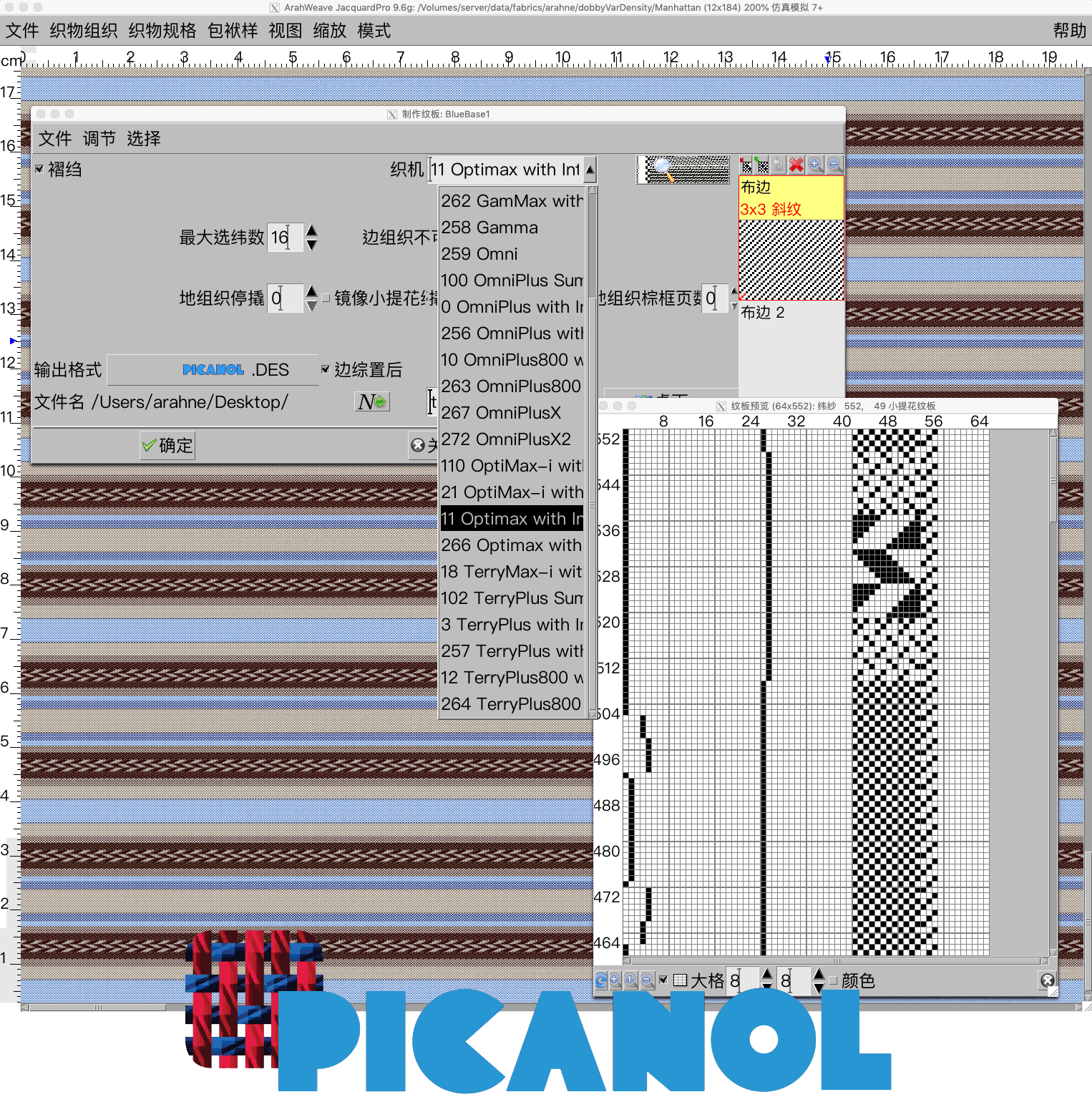
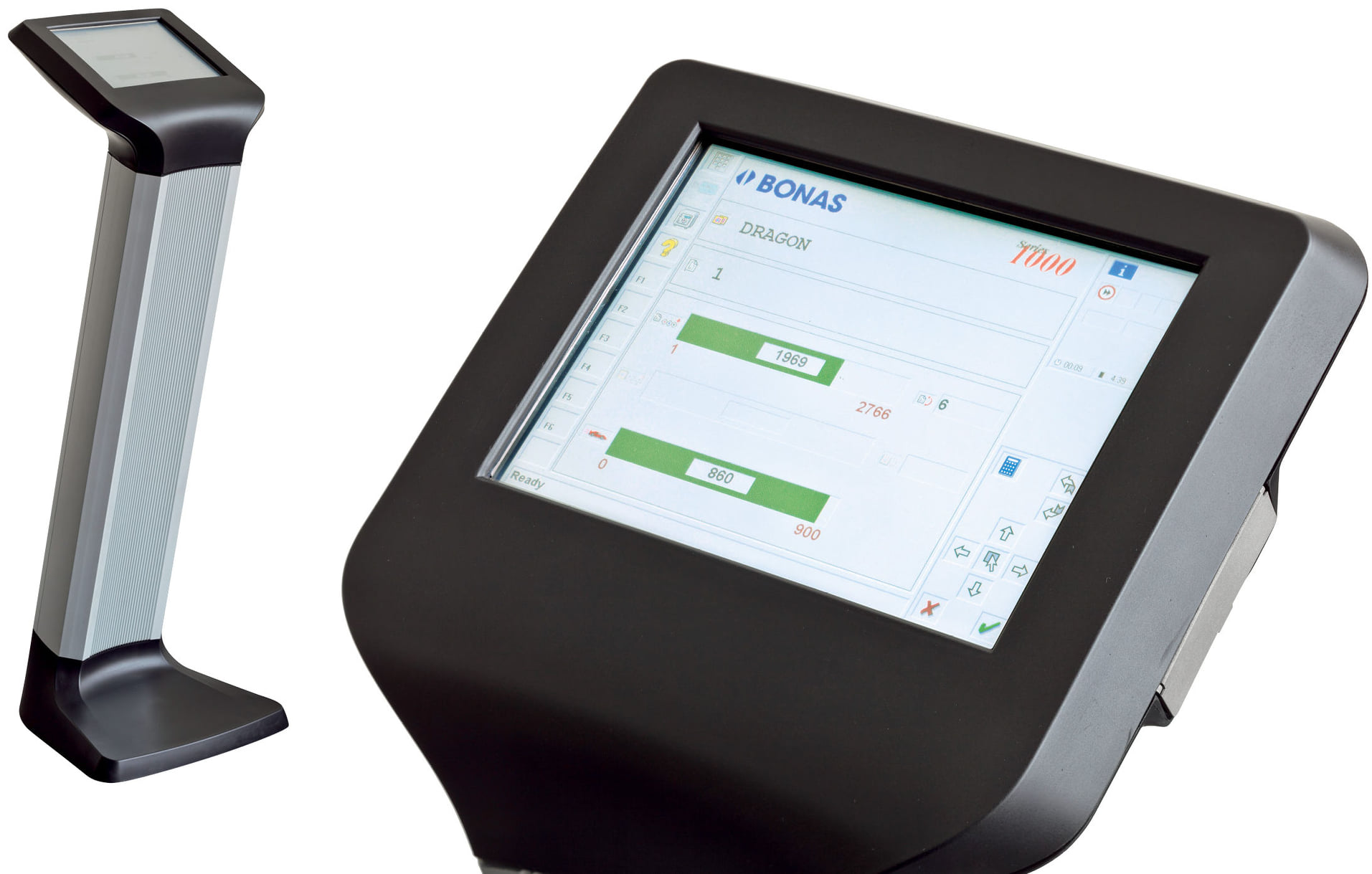
In ArahWeave CAD software you can save the production card of your design in a specific loom format. We already support all major dobby and jacquard industrial looms and warpers from Stäubli, Dornier, Bonas, Tsudakoma, Toyota, and many more. You will find the full list...

0
0

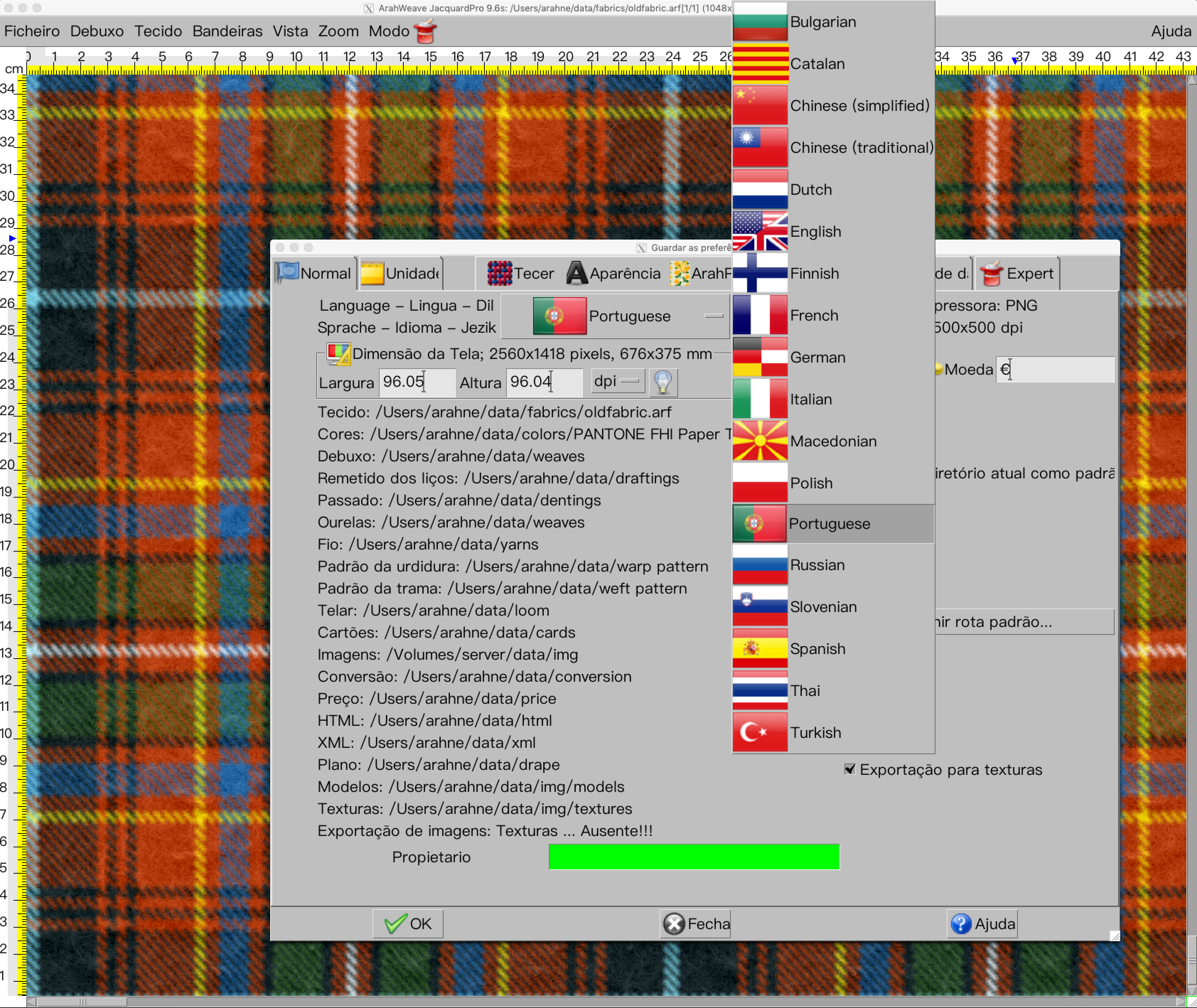
New file selection dialog in ArahWeave and ArahDrape

With the new file selection dialog, working in ArahWeave and ArahDrape is even faster and more convenient. The file selection dialog has been improved significantly. Many new features were added, such as: “Breadcrumbs” change directory system. Simply click on the path to change the directory in...

0
0

Add border to the image in ArahPaint6

Feeling creative with the borders? In ArahPaint6 you can create a border out of the selected image and place it on the right, left, top, bottom side of the main image or all sides at once.        [video width="1080" height="1080" mp4="https://arahne.org/wp-content/uploads/ArahPaint6border.mp4"][/video]     How to make it? Open...

0
0

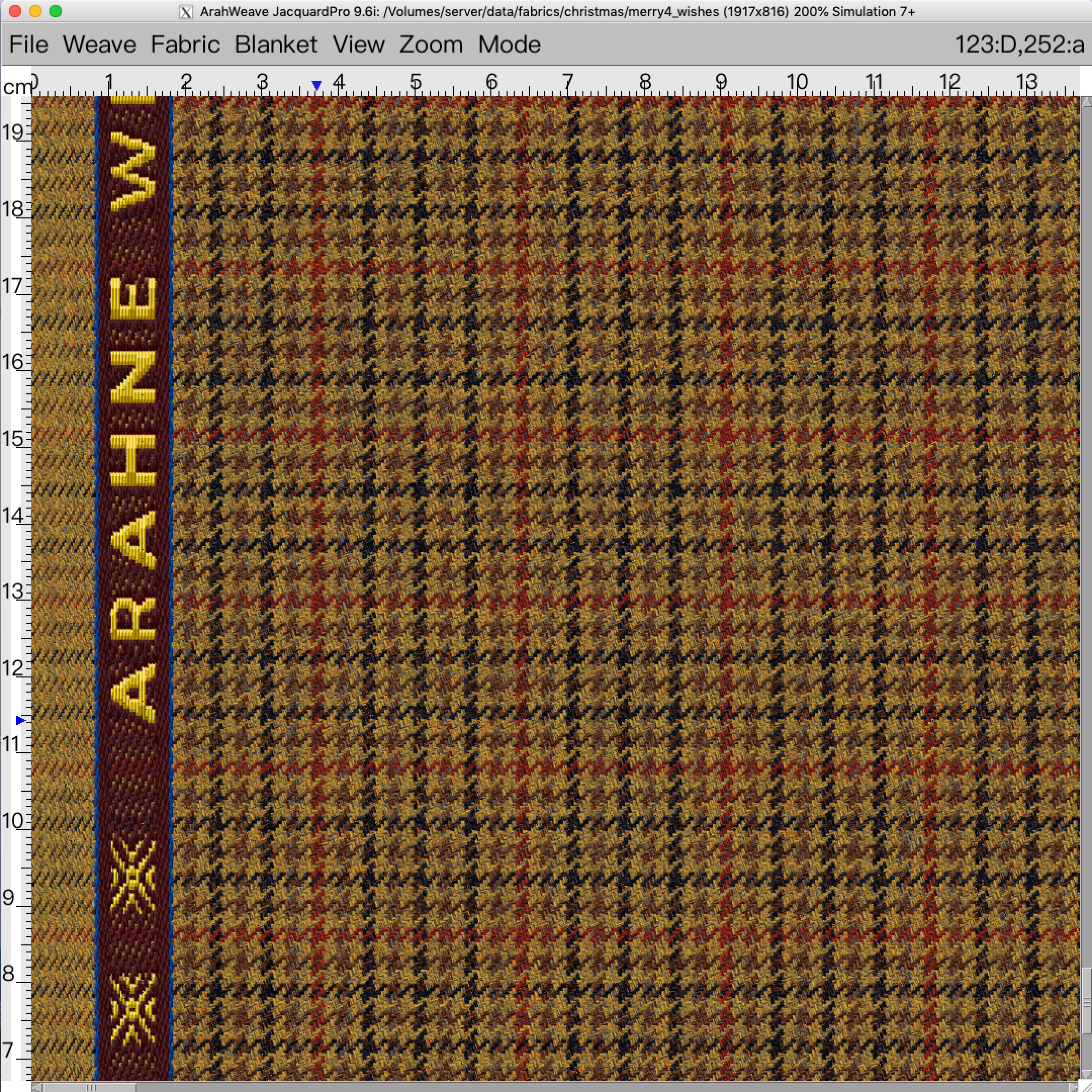
Enhance fabric simulation with textures in ArahWeave CAD

We are constantly developing our software, so you can design realistic and ready to weave fabrics as easily and fast as possible. We recently added new textures to ArahWeave CAD, which you can use to enhance the look of the fabric simulation. Give your fabric the...

0
0

Chenille, mohair yarn simulation in ArahWeave

With new function enhancement in ArahWeave, you can create a chenille and mohair yarn simulation in Yarn window. First select the type of yarn (Simple, Mouliné, Mélange, Multicolor, Custom) that you want to use in the fabric, and then select the desired effect by setting...

0
0

Arahne Software Updates 2020

One year is around and new software features are ready for you to start using them. Despite COVID-19 restrictions, our office remained open the whole time and function normally, so we were able to work on software, fix old bugs, and develop new features. Some of...

0
0