多臂设计 Tag

Support for Picanol dobby loom in ArahWeave is improved

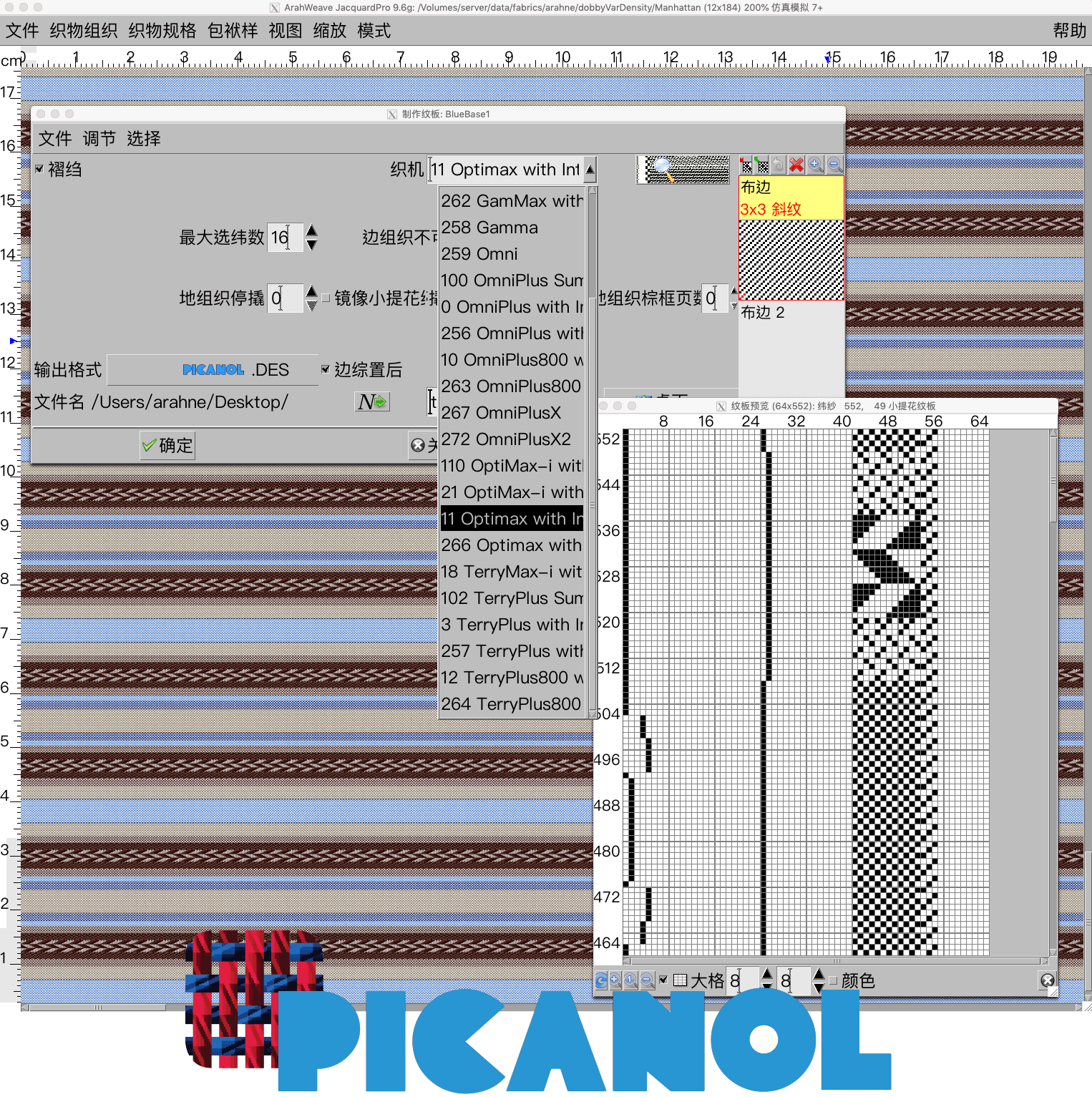
In ArahWeave 9.6g we improved support for Picanol dobby loom. Below are listed the improvements: Fringe is properly transferred, so you do not need to edit the file in Picanol software in order for it to work on the loom. You can set the exact...
0
0

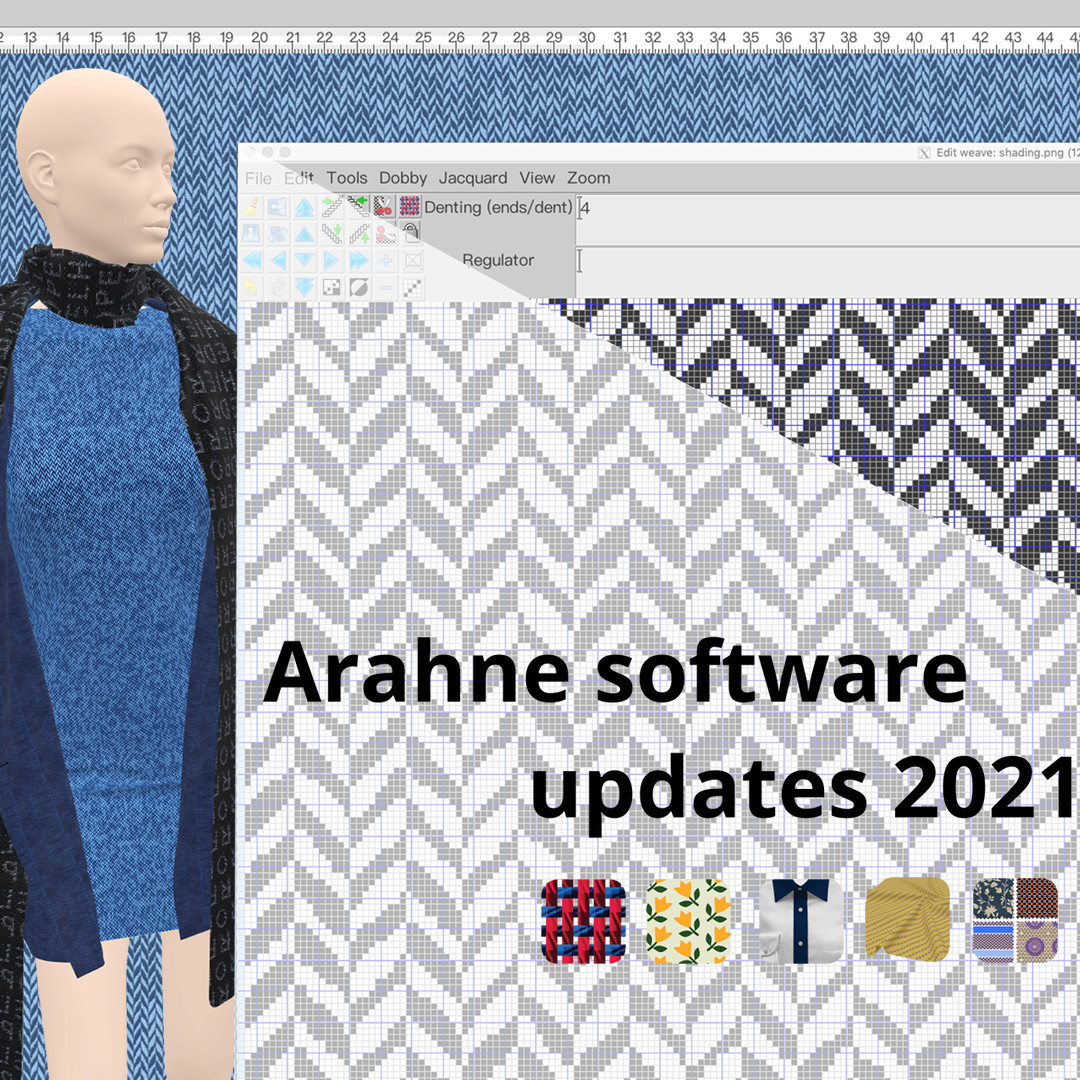
Arahne software updates 2021

It’s time to upgrade your Arahne software to the latest version and get all the fancy new features! In the previous year, we have made significant improvements, bug fixes, and new functions in ArahWeave, ArahPaint6, ArahDrape, and ArahView3D. Due to the requirement from our customers to...

0
0

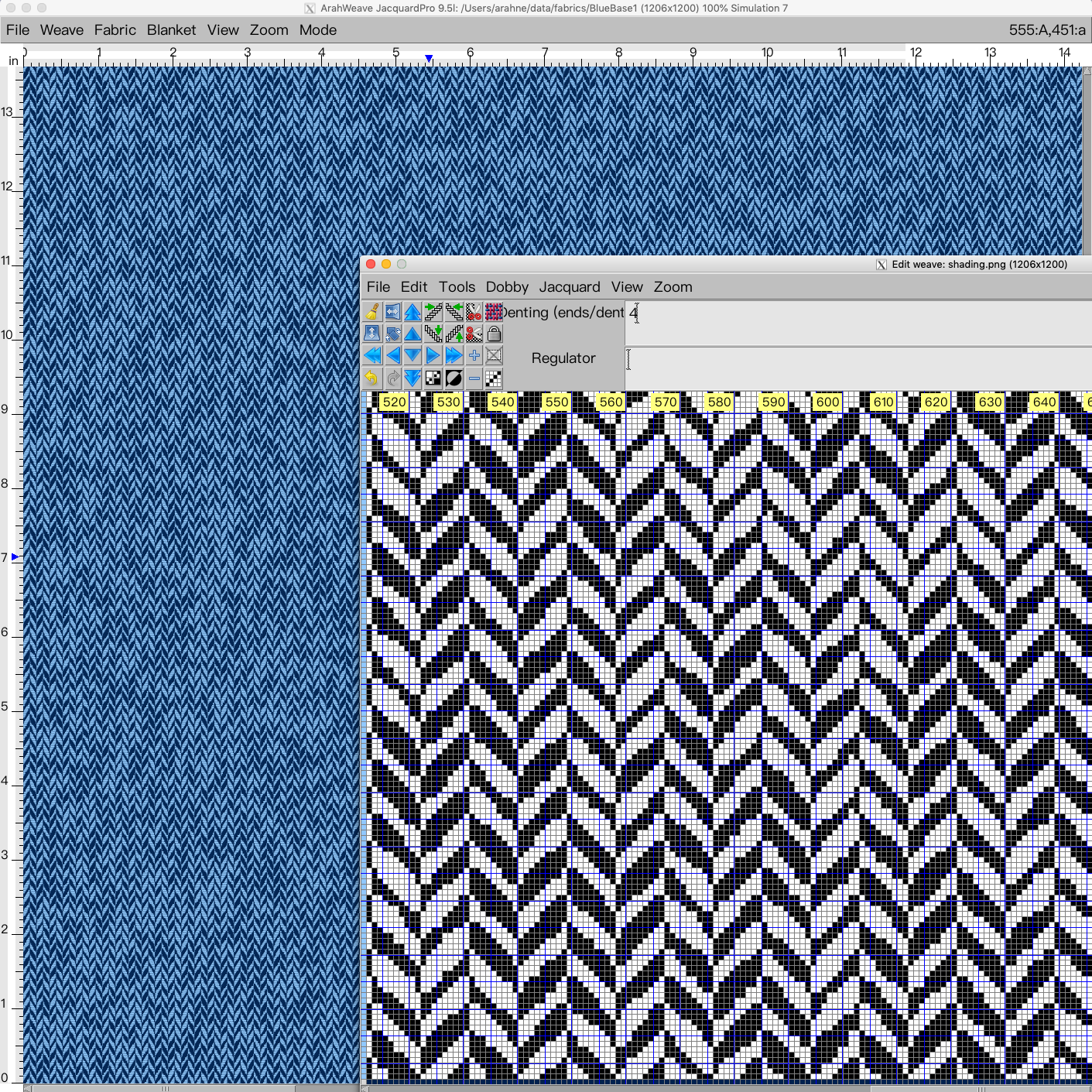
Design irregular herringbone in ArahWeave CAD

Irregular effects on the fabric can make your product look more interesting, fun, and unique. In this new tutorial, we show how to design an irregular herringbone, using a combination of weave and image. In the first part of the tutorial, you will learn how to use...

0
0

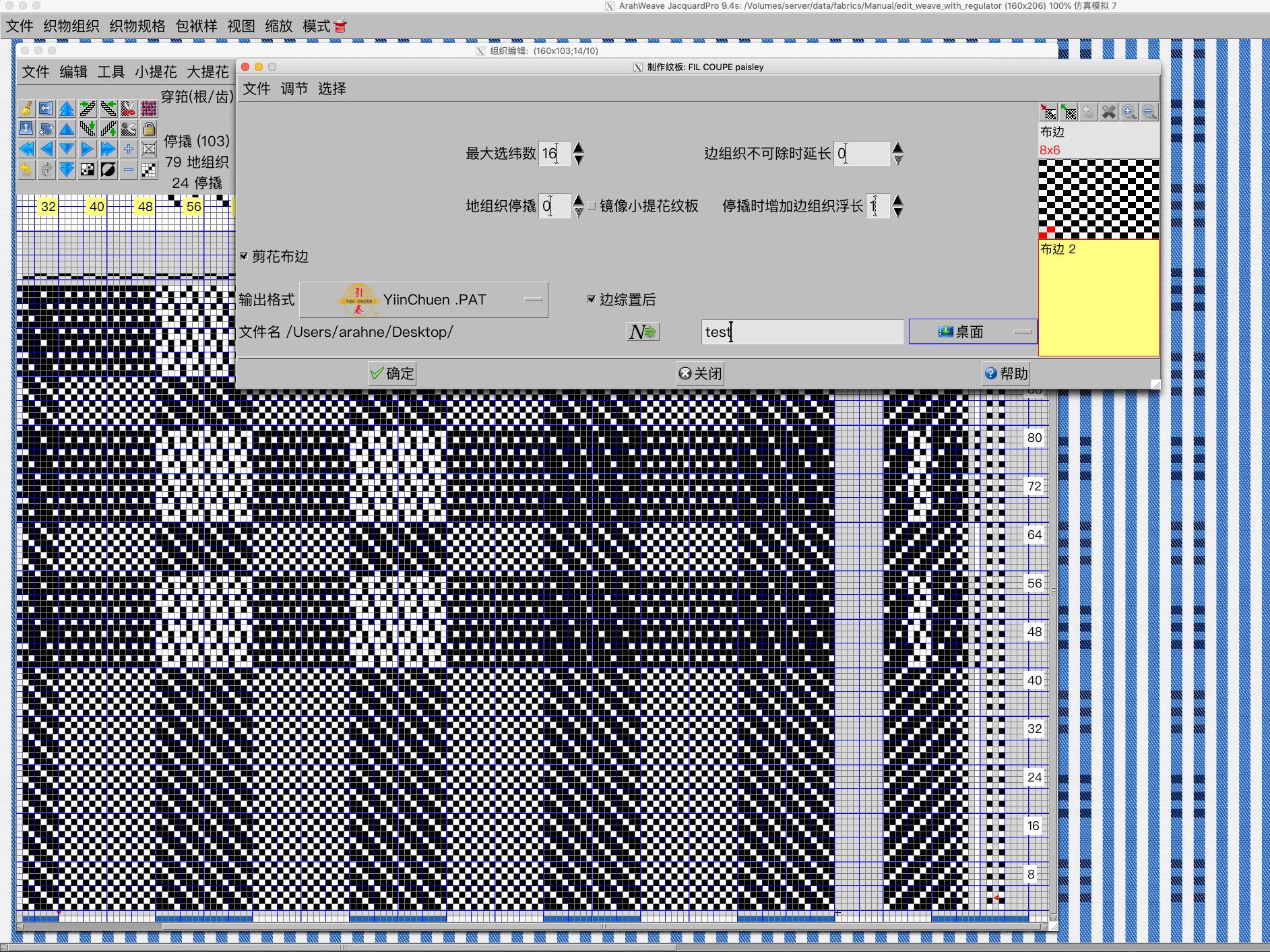
Support for Chinese YiinChuen industrial dobby looms in ArahWeave

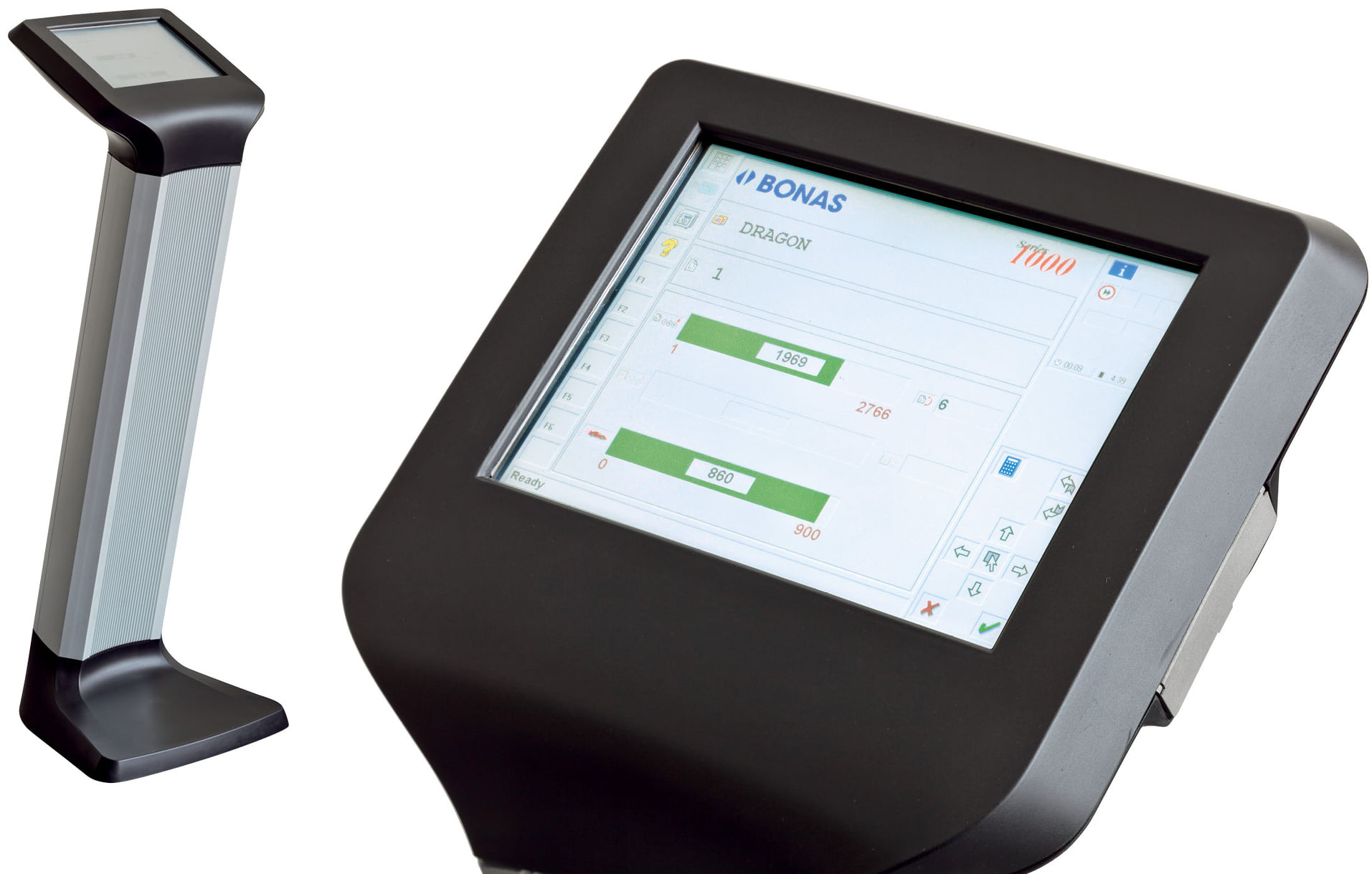
In ArahWeave CAD software you can save the production card of your design in a specific loom format. We already support all major dobby and jacquard industrial looms and warpers from Stäubli, Dornier, Bonas, Tsudakoma, Toyota, and many more. You will find the full list...

0
0

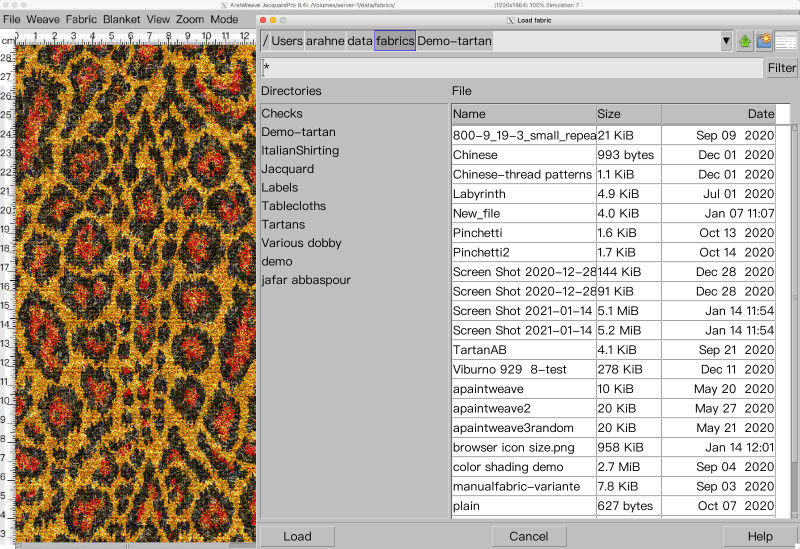
New file selection dialog in ArahWeave and ArahDrape

With the new file selection dialog, working in ArahWeave and ArahDrape is even faster and more convenient. The file selection dialog has been improved significantly. Many new features were added, such as: “Breadcrumbs” change directory system. Simply click on the path to change the directory in...

0
0

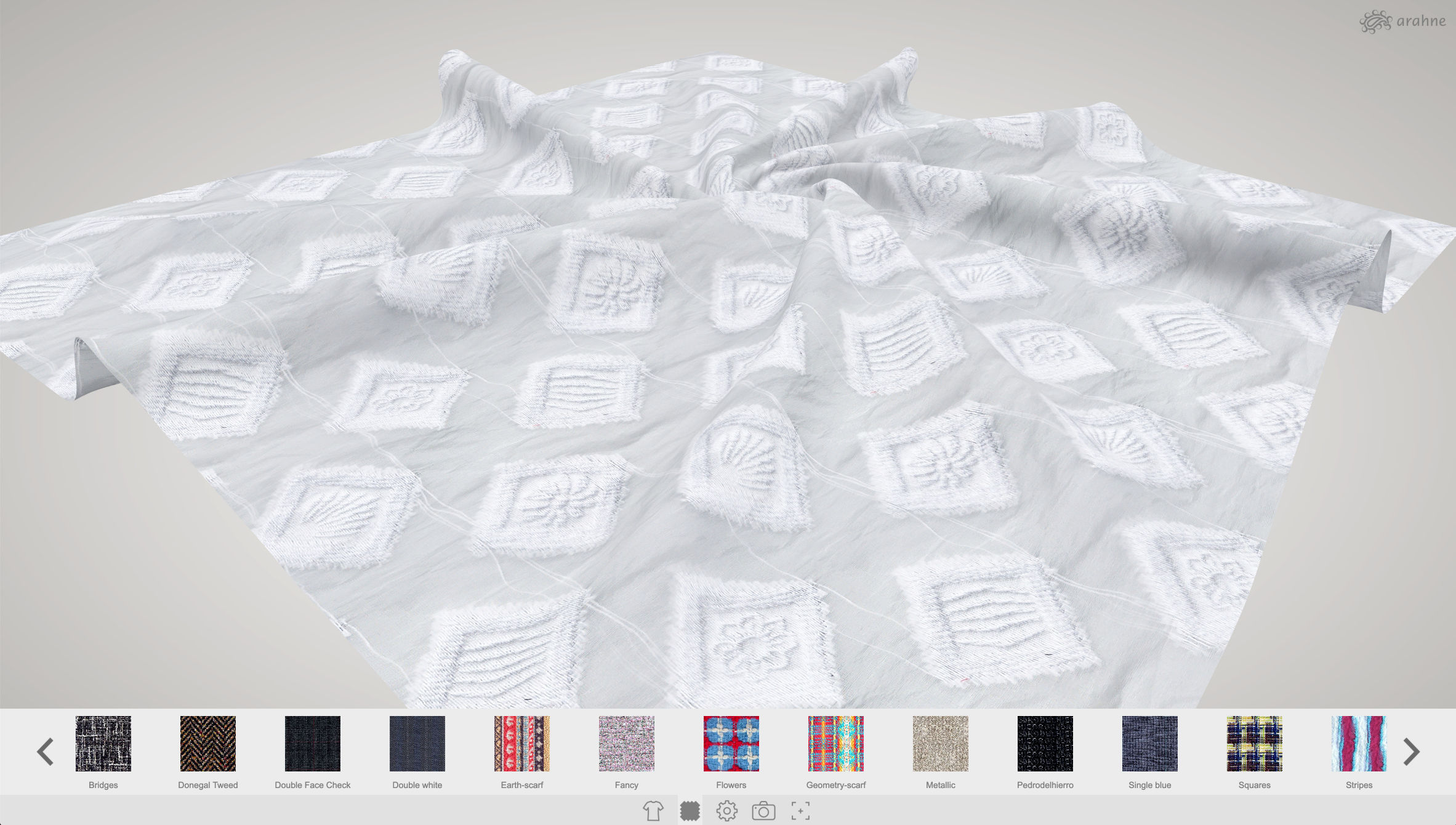
Apply photographed or scanned fabric images to 3D models in ArahView3D

In ArahView3D you can now apply scanned or photographed fabrics and print designs on the 3D model. Previously you could only apply fabric simulations made in ArahWeave. ArahView3D has a large selection of prepared 3D models, from shirts, upholstery, linen, scarf, bags, clothing, coats, curtain, tie,...

0
0

Use mirror diagonal to easily create corners from the image in ArahPaint6

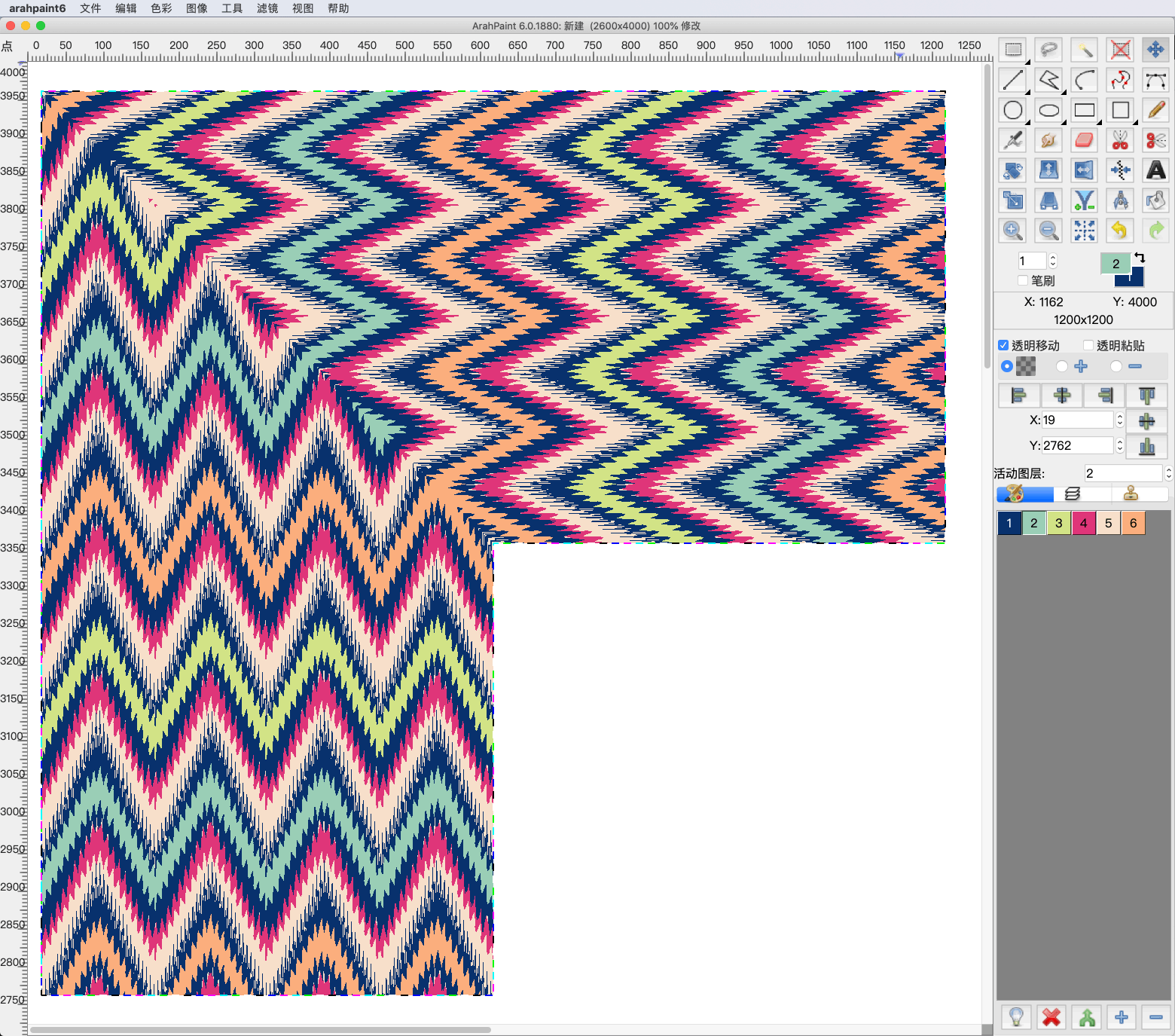
Create corners and other different patterns using mirror diagonal function. You can diagonally mirror the image, layers or selection on the image in four different directions. Try it now! Download the latest version of ArahPaint 6 from this webpage.   [video width="1080" height="1080" mp4="https://arahne.org/wp-content/uploads/ArahPaint6-Mirror-Diagonal.mp4"][/video]     How to...

0
0

Enhance fabric simulation with textures in ArahWeave CAD

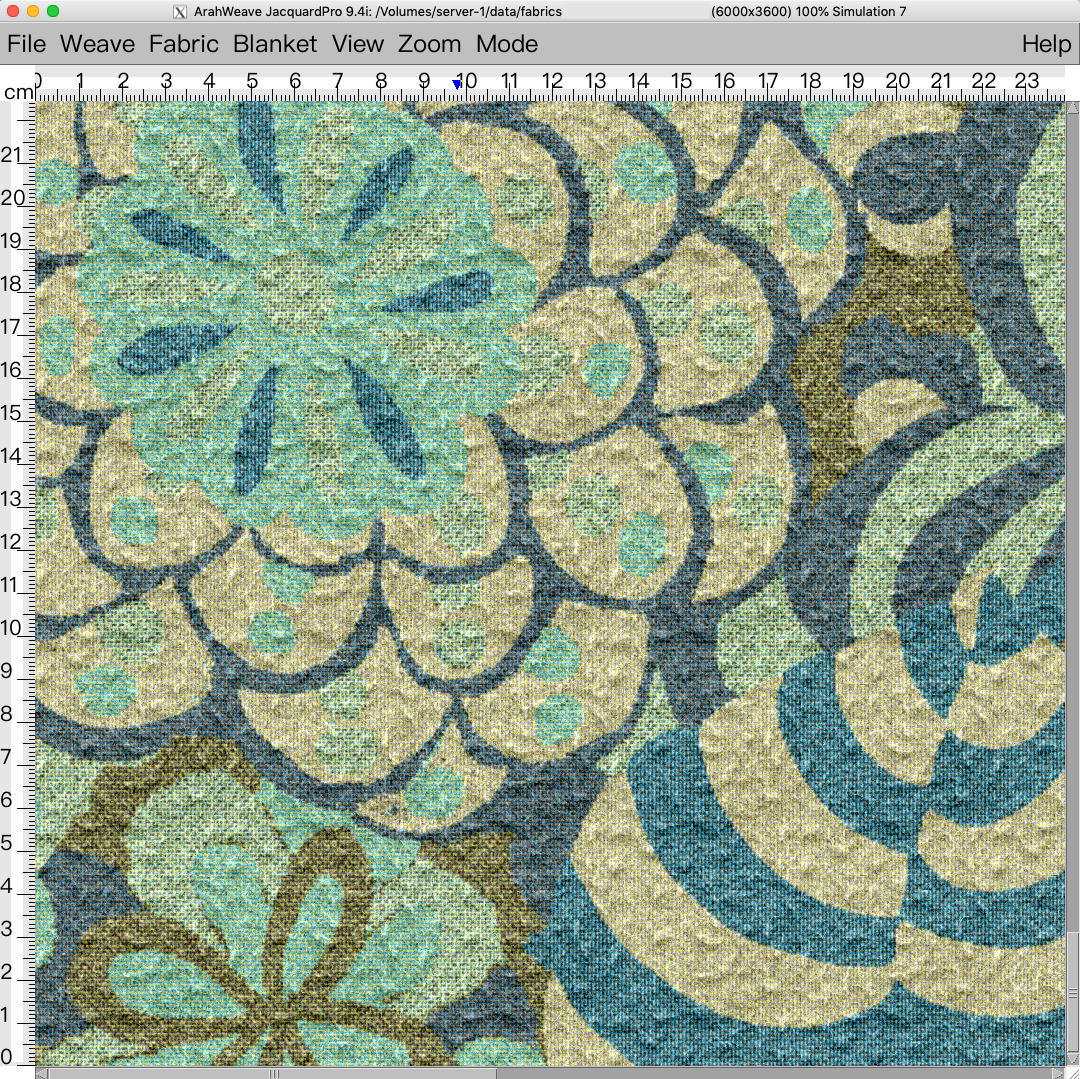
We are constantly developing our software, so you can design realistic and ready to weave fabrics as easily and fast as possible. We recently added new textures to ArahWeave CAD, which you can use to enhance the look of the fabric simulation. Give your fabric the...

0
0

Chenille, mohair yarn simulation in ArahWeave

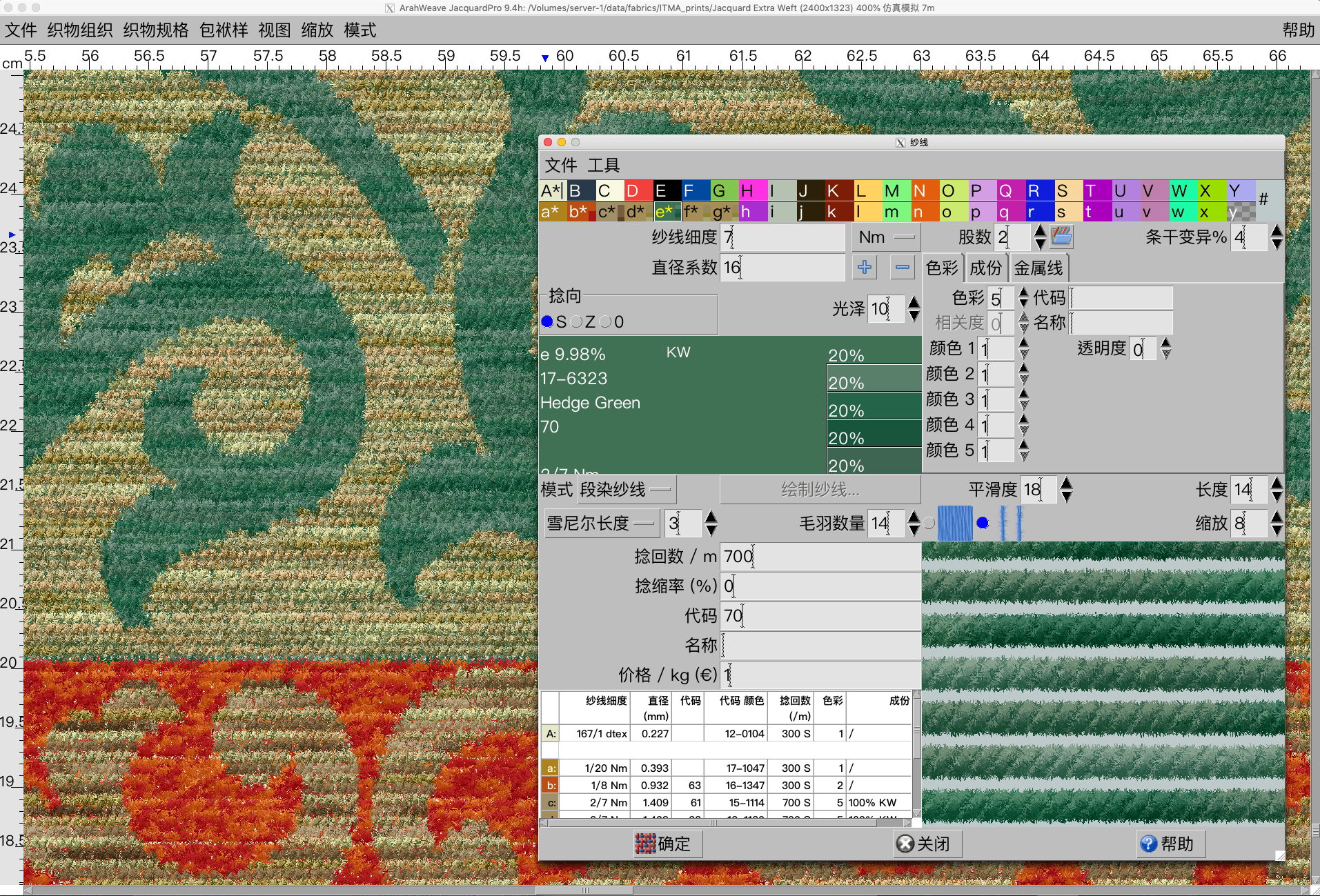
With new function enhancement in ArahWeave, you can create a chenille and mohair yarn simulation in Yarn window. First select the type of yarn (Simple, Mouliné, Mélange, Multicolor, Custom) that you want to use in the fabric, and then select the desired effect by setting...

0
0