
织造 Tag

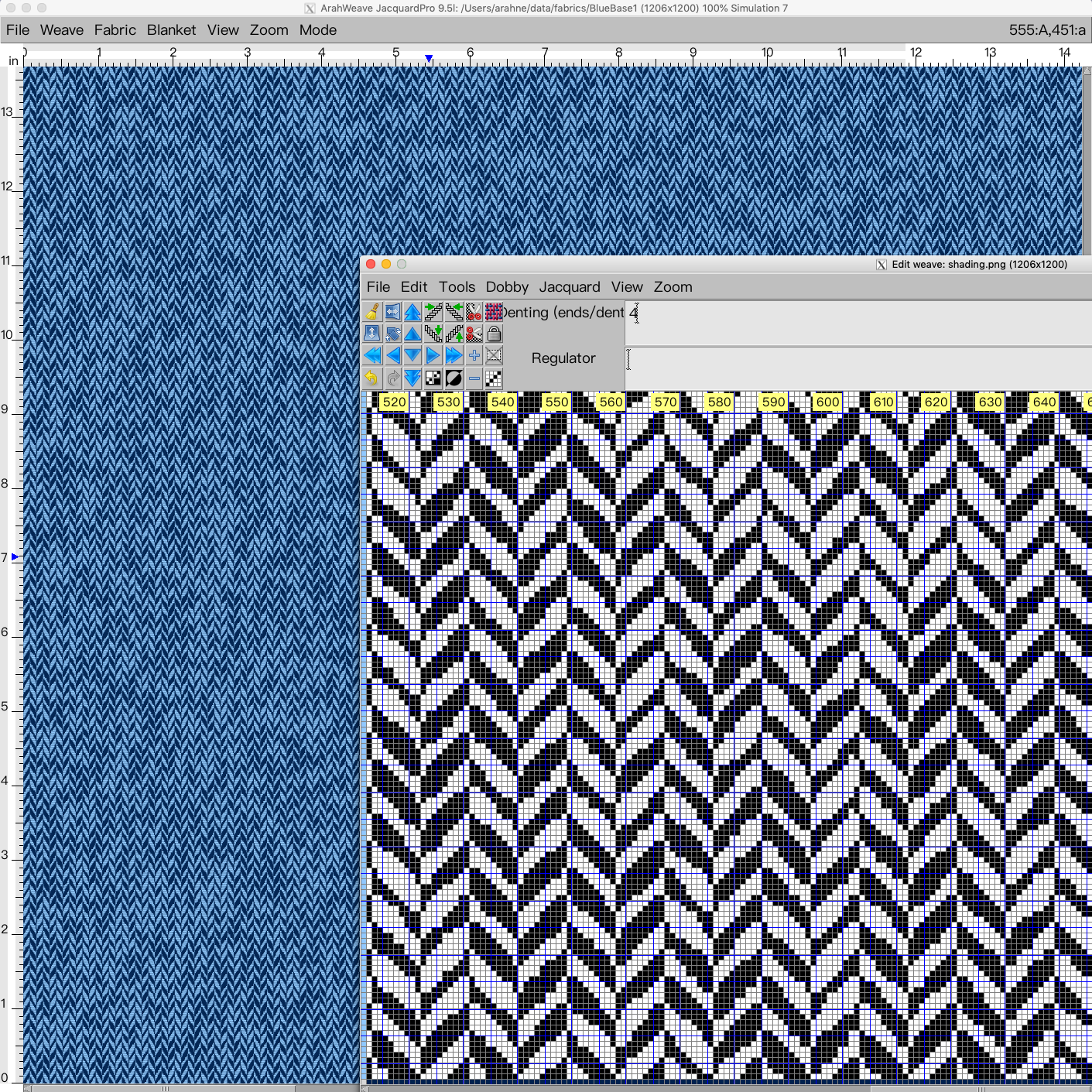
Design irregular herringbone in ArahWeave CAD

Irregular effects on the fabric can make your product look more interesting, fun, and unique. In this new tutorial, we show how to design an irregular herringbone, using a combination of weave and image. In the first part of the tutorial, you will learn how to use...

0
0

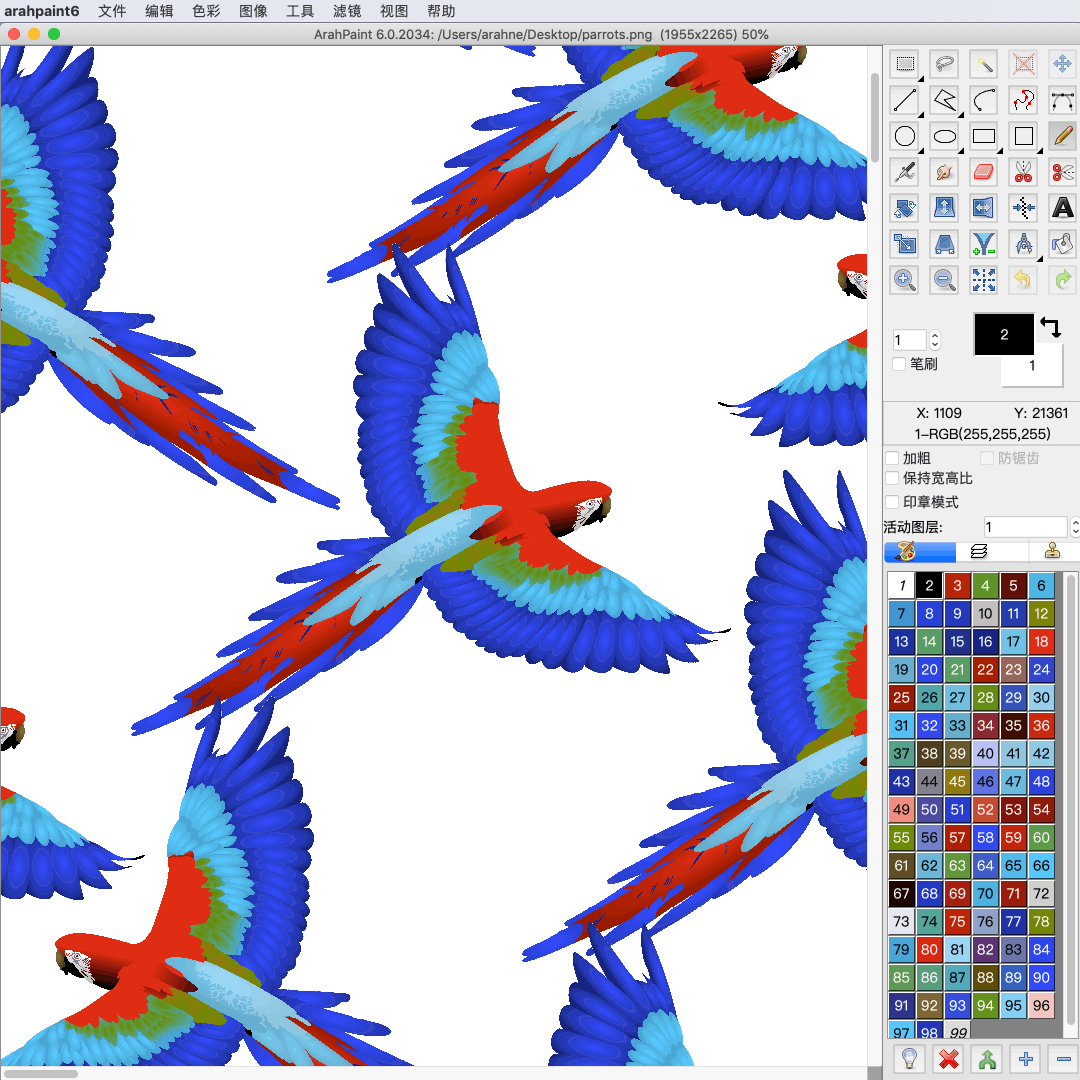
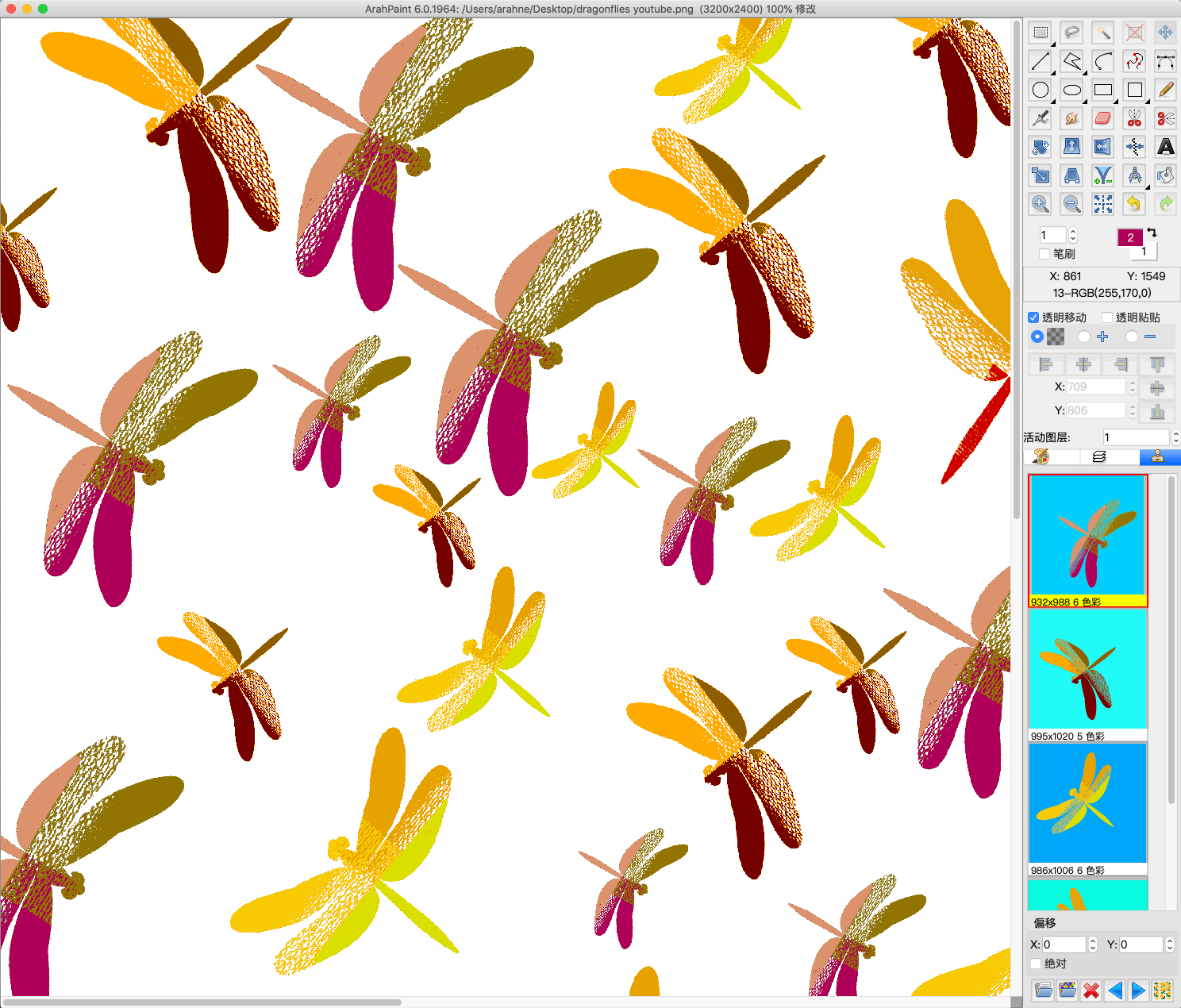
Create a pattern in repeat with overlapping motifs

Easily create an image in repeat with overlapping motifs with the new function “Browse repeat image”. Previously we have already introduced this function for “Drawing in repeat” and is now also available for working with layers (Tools > Repeat layer). Simply load a two-colored 8-bit...

0
0

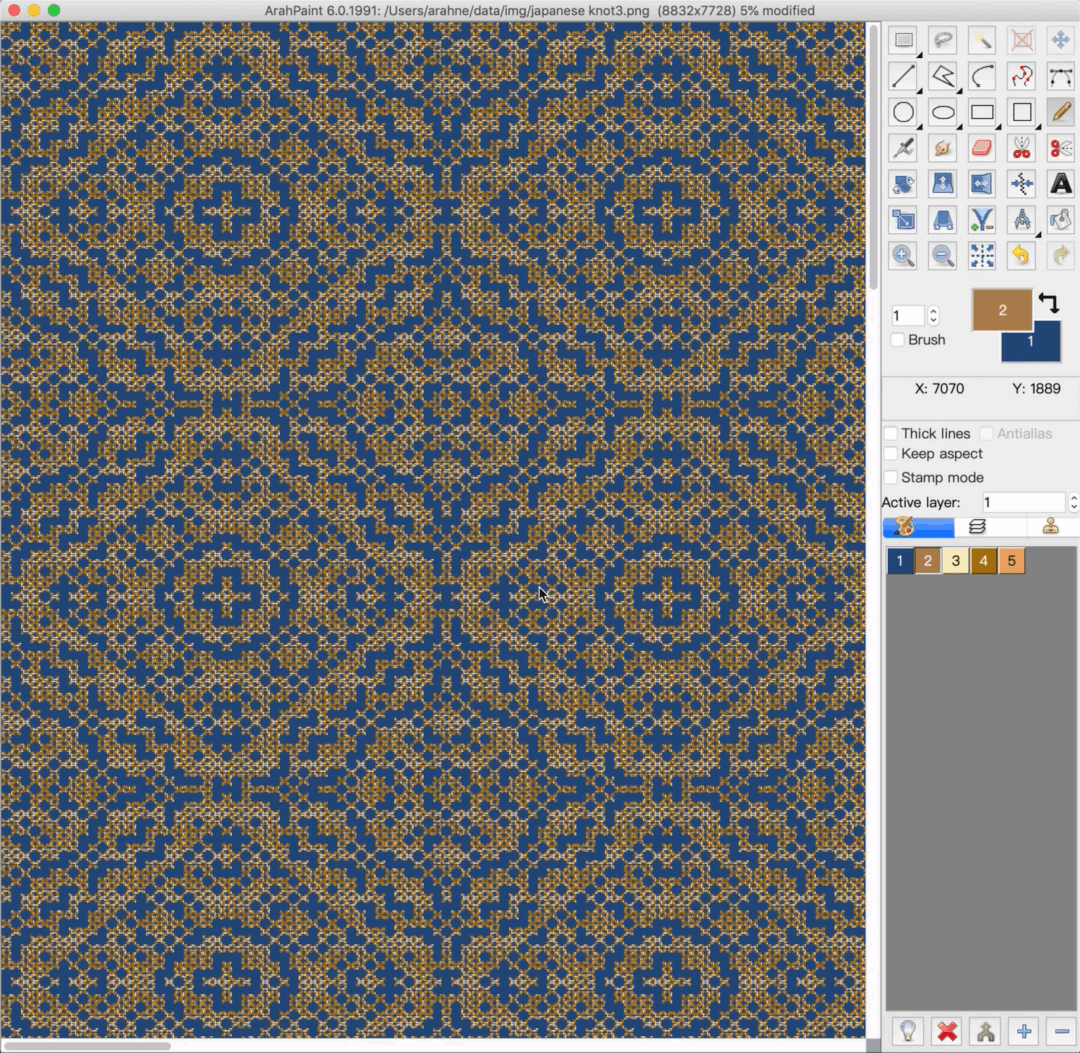
Use pattern in repeat to generate a pattern

With the new Browse repeat image function in the Drawing in repeat window, you can create pattern from a pattern! Simply load the 8-bit pattern image in repeat and let the software generate the same pattern out of the motif in the main window. 1. Load a...

0
0

Reduce sampling waste with Load parallel function in ArahWeave

Load parallel function in ArahWeave allows you to load several different designs parallel to each other and weave them in one piece. The point of this function is to reduce sampling waste. During the sampling process, you might have to weave several different designs. Weaving sample...

0
0

Support for Chinese YiinChuen industrial dobby looms in ArahWeave

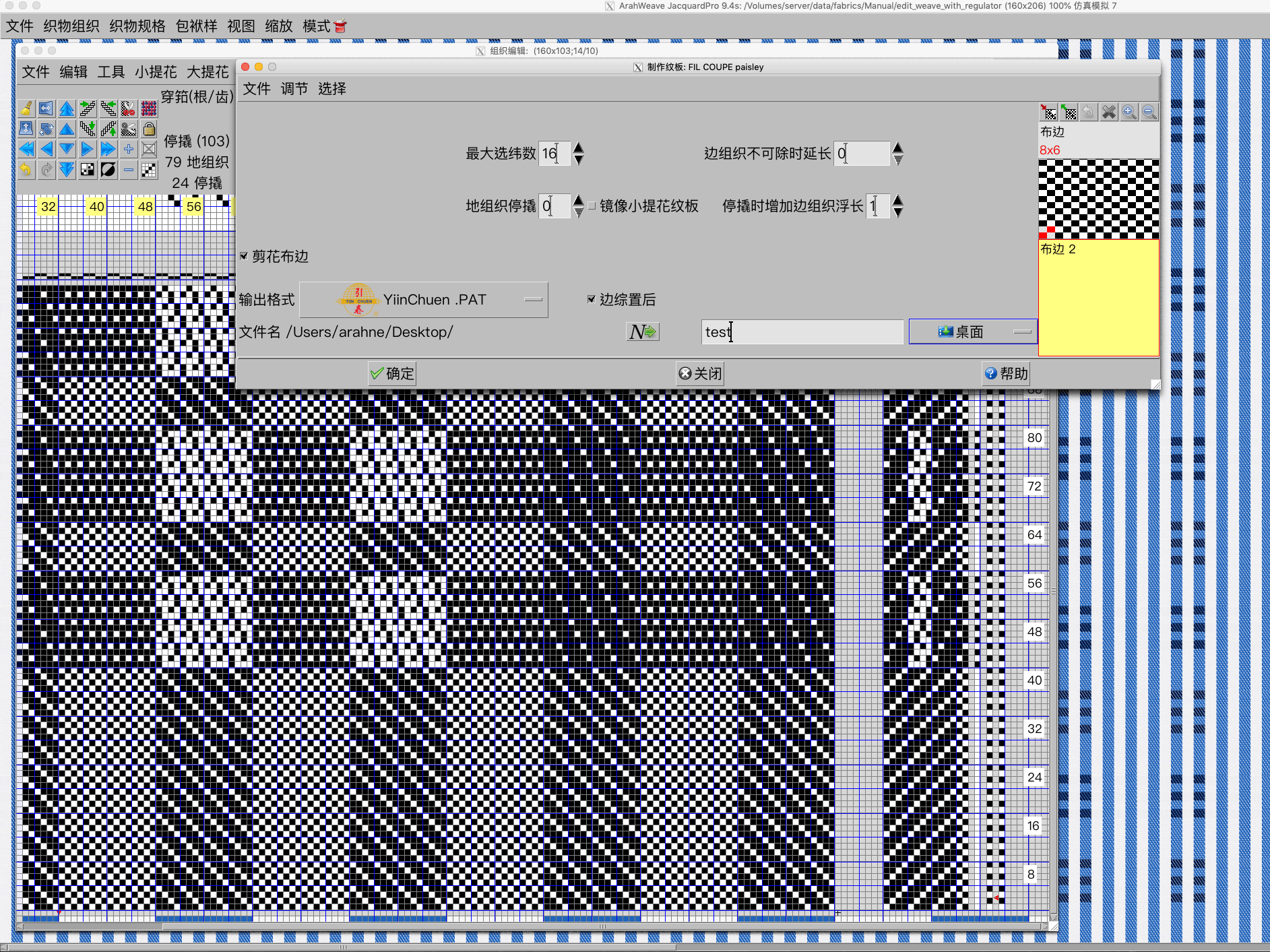
In ArahWeave CAD software you can save the production card of your design in a specific loom format. We already support all major dobby and jacquard industrial looms and warpers from Stäubli, Dornier, Bonas, Tsudakoma, Toyota, and many more. You will find the full list...

0
0

New file selection dialog in ArahWeave and ArahDrape

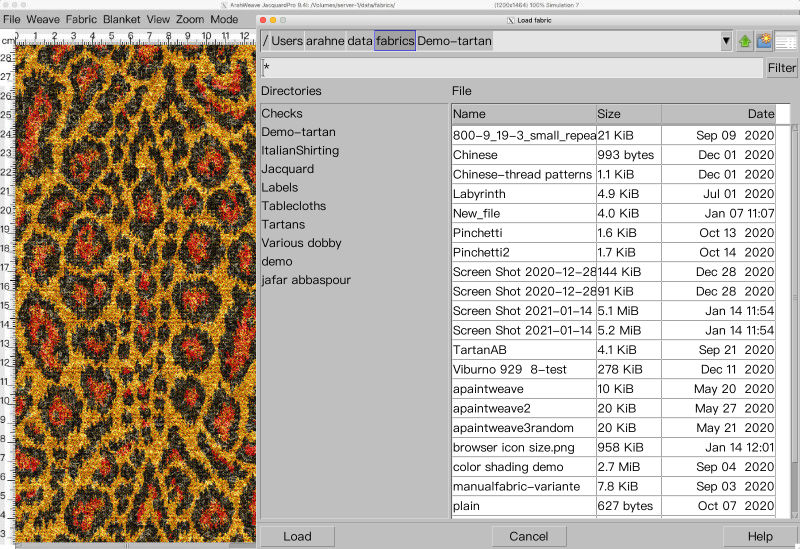
With the new file selection dialog, working in ArahWeave and ArahDrape is even faster and more convenient. The file selection dialog has been improved significantly. Many new features were added, such as: “Breadcrumbs” change directory system. Simply click on the path to change the directory in...

0
0

Use mirror diagonal to easily create corners from the image in ArahPaint6

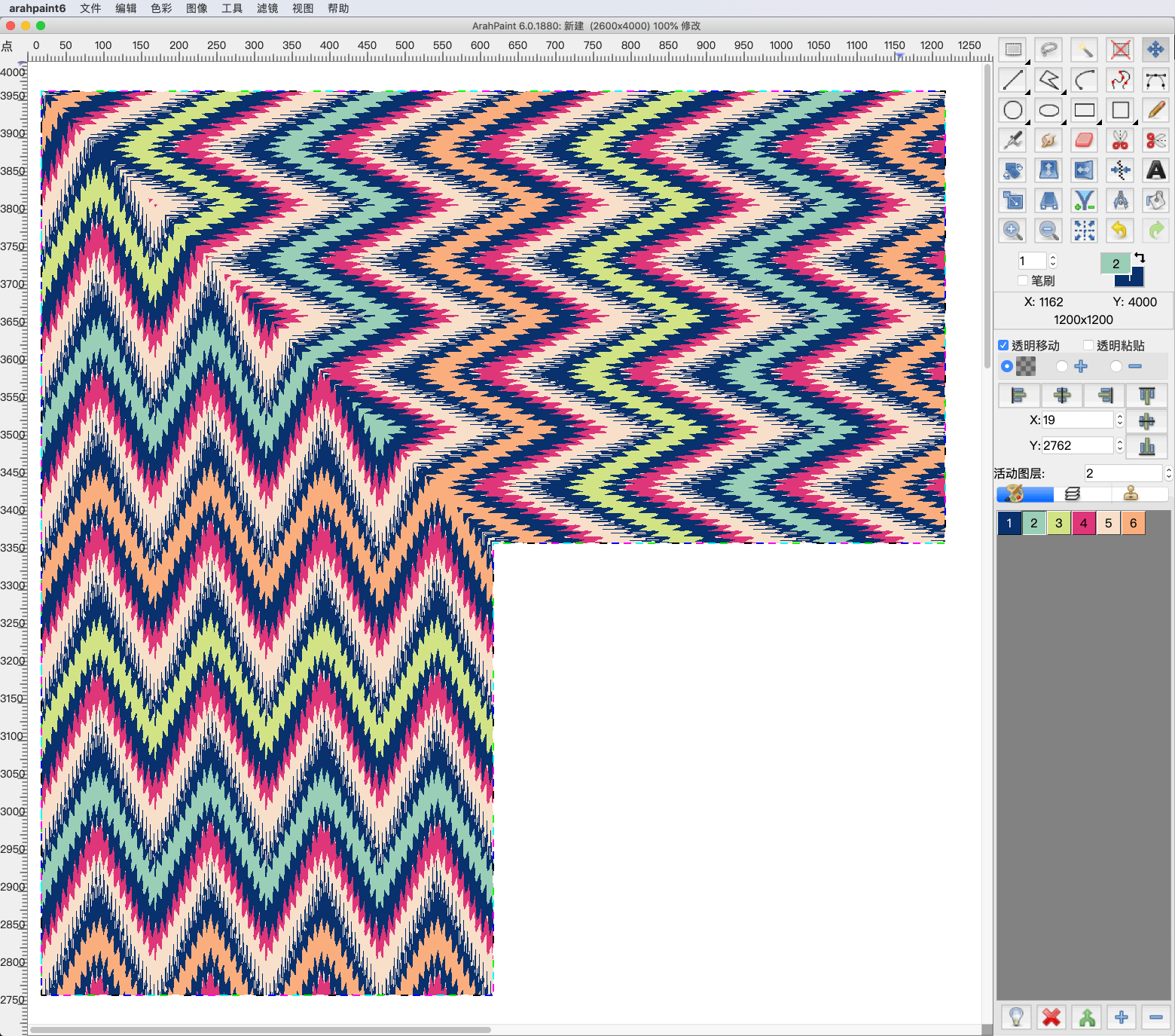
Create corners and other different patterns using mirror diagonal function. You can diagonally mirror the image, layers or selection on the image in four different directions. Try it now! Download the latest version of ArahPaint 6 from this webpage.   [video width="1080" height="1080" mp4="https://arahne.org/wp-content/uploads/ArahPaint6-Mirror-Diagonal.mp4"][/video]     How to...

0
0

Enhance fabric simulation with textures in ArahWeave CAD

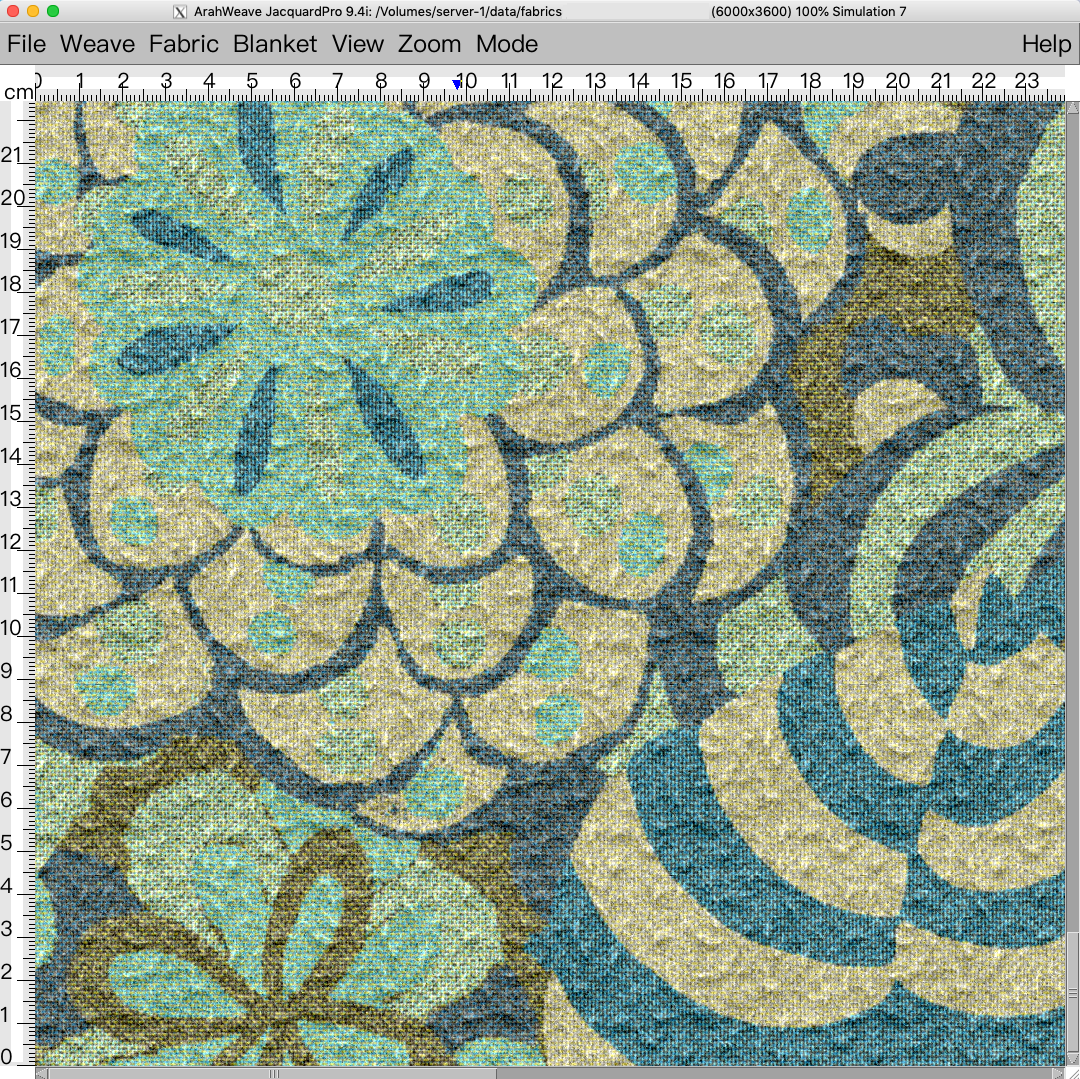
We are constantly developing our software, so you can design realistic and ready to weave fabrics as easily and fast as possible. We recently added new textures to ArahWeave CAD, which you can use to enhance the look of the fabric simulation. Give your fabric the...

0
0

Chenille, mohair yarn simulation in ArahWeave

With new function enhancement in ArahWeave, you can create a chenille and mohair yarn simulation in Yarn window. First select the type of yarn (Simple, Mouliné, Mélange, Multicolor, Custom) that you want to use in the fabric, and then select the desired effect by setting...

0
0