

ArahPaint for Windows
 |
ArahPaint6 64bit 30 MB |
 |
ArahPaint5 32bit (for 32-bit Windows versions) 11,4 MB |
Installation instructions
|
|
 |
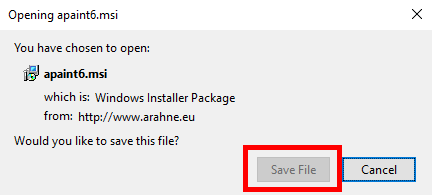
Click the Download ArahPaint6 button. The internet browser will ask you to save apaint6.msi; click the Save button.
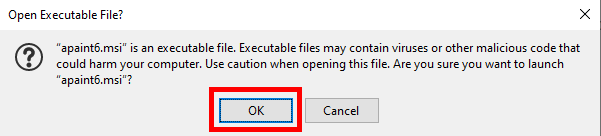
Open the apaint6.msi file. The program will warn you against opening the file. Just click OK to launch the installation.
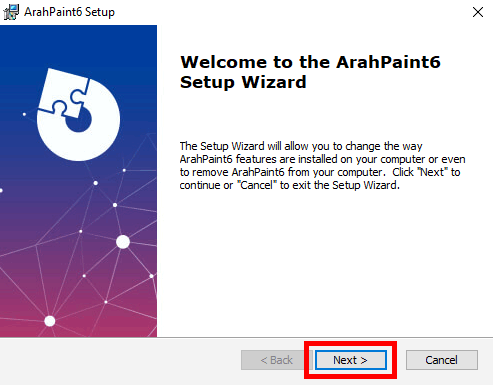
This will start the ArahPaint Setup Wizard. Click Next.
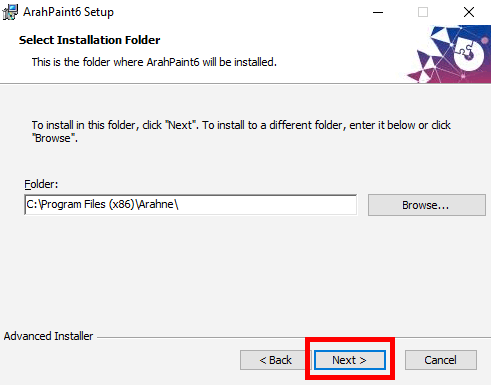
Select the installation folder and click Next button.
In the next window click the Install button.
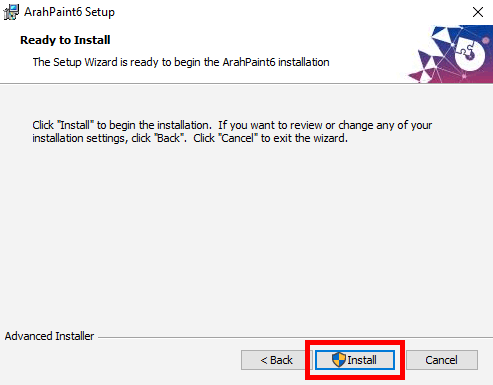
Wait for installation to finish.
In the final window of the Setup Wizard just click the Finish button.
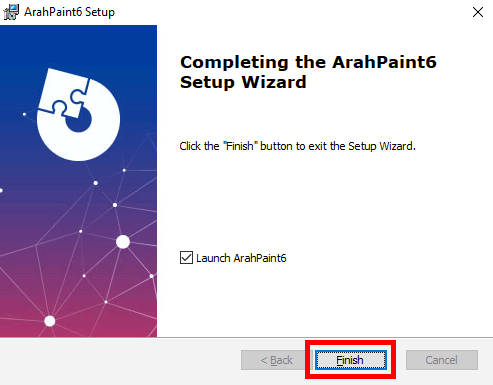
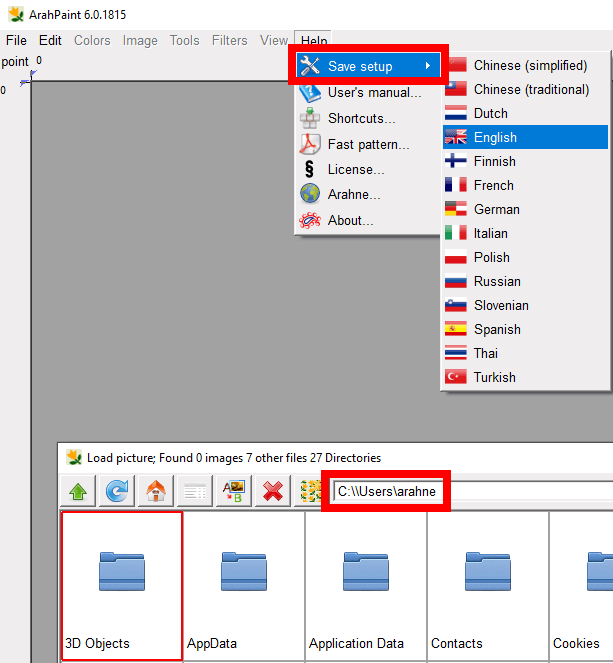
You are ready to start using ArahPaint. To change the language go to Help > Save setup, and choose the flag with your language. To change the default directory, go to File > Browse, navigate to the folder that you would like as default, load an image, and choose your language again from Help > Save setup.
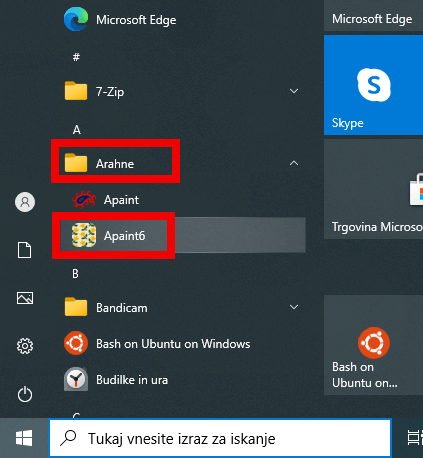
To start ArahPaint6 from the task-bar, click on the Start button, and find Arahne among other programs.
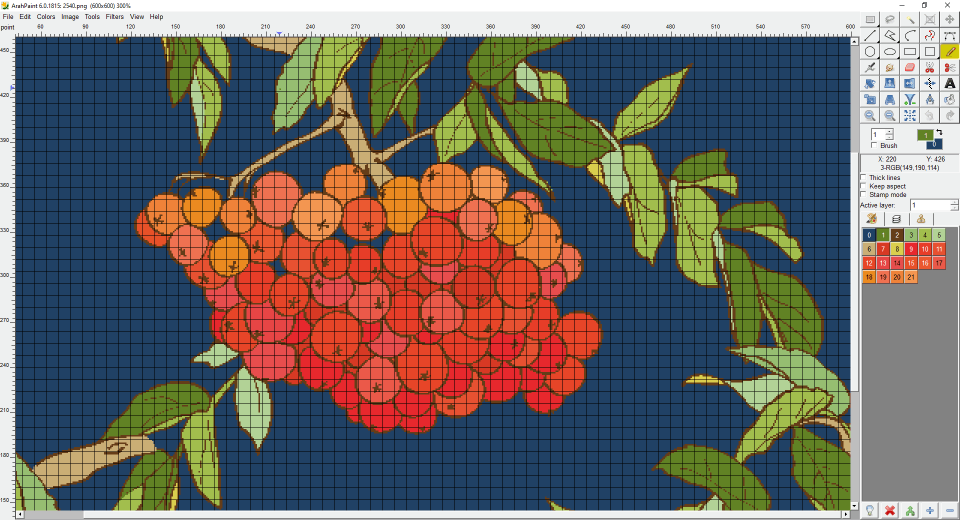
ArahPaint6 is free, feel free to copy it or recommend it to friends.