

ArahPaint for Mac OS X
Installation instructions
|
|
 |
Click on the button below to download arahpaint6.dmg file, if you have an Intel Mac:
 26MB
26MB
Click on the button below to download arahpaint6.dmg file, if you have an Apple Silicon Mac:
22 MB
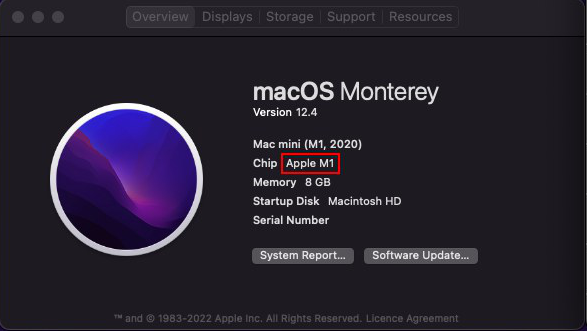
How to check if you have an Apple Silicon Mac?
To check if you have the M1/M2 Apple Silicon processors, click on the Apple icon in the top-left corner of the Desktop and go to About this Mac. You will see your chip version there.
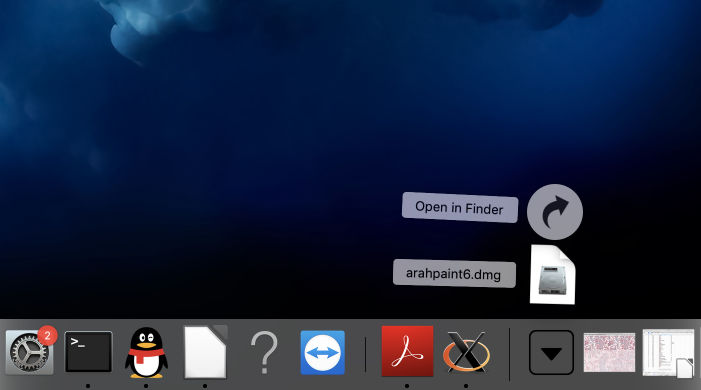
Go to the Downloads folder and double click the .dmg file.
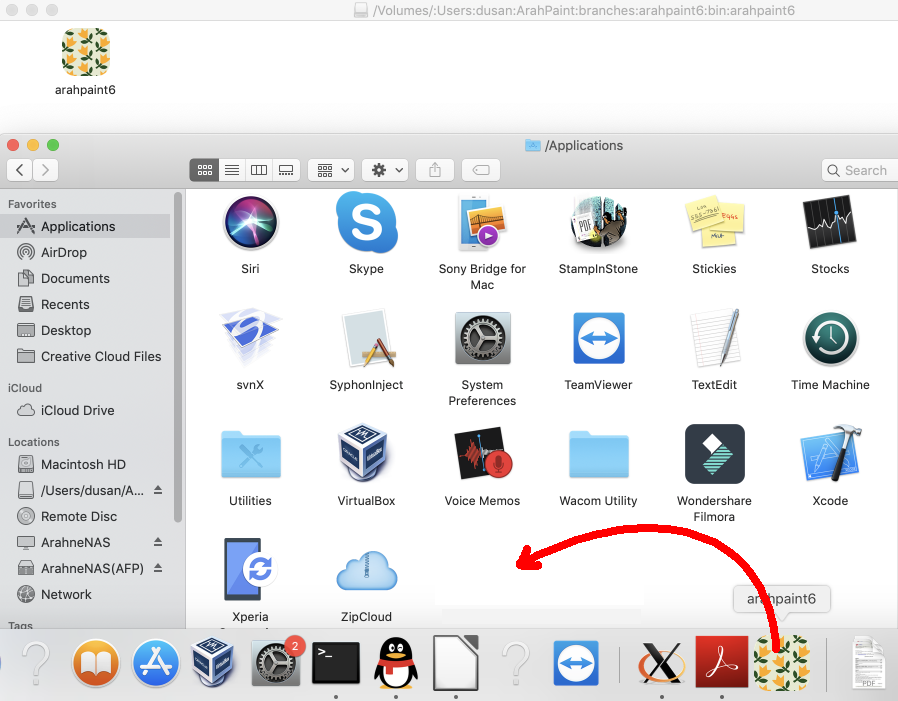
A new Finder window will appear. Drag and drop the ArahPaint icon into the Applications folder
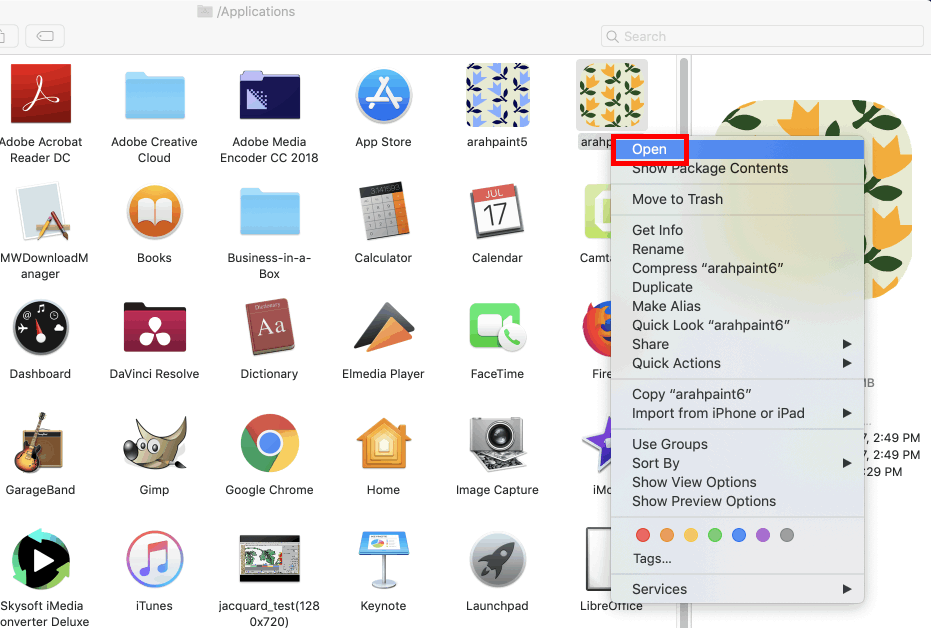
Before running ArahPaint5 for the first time, you have to give it permission to run. Click with right mouse button on the ArahPaint5 icon, and choose Open from the menu.
Click Open in the pop-up window.
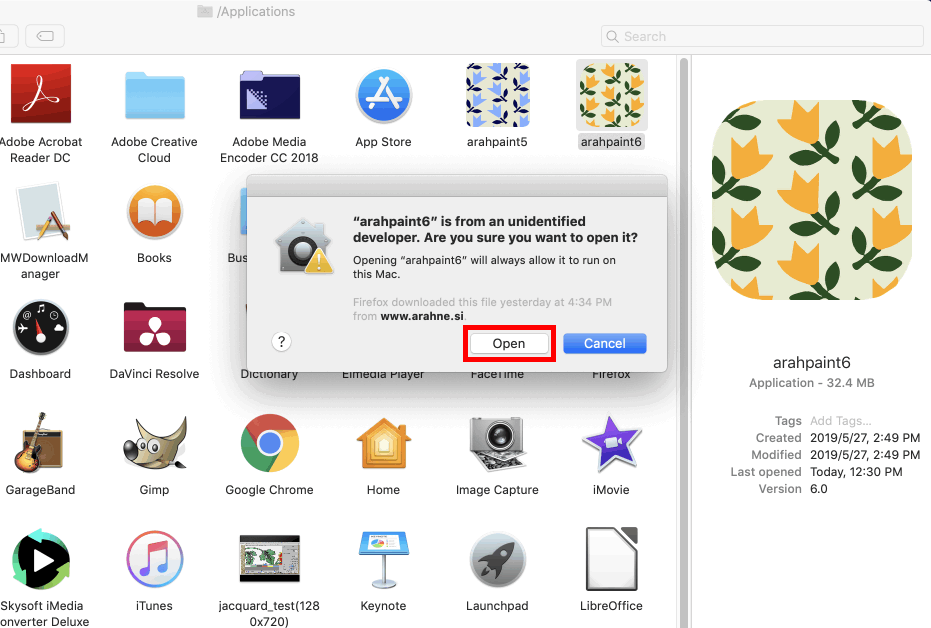
ArahPaint5 has permission to run now, and you can start it with the double click. You can run ArahPaint from your Application folder or place it on your Dock.
To place ArahPaint on the Dock, open the Finder and go to Application folder. Find ArahPaint and drag and drop it to the Dock.
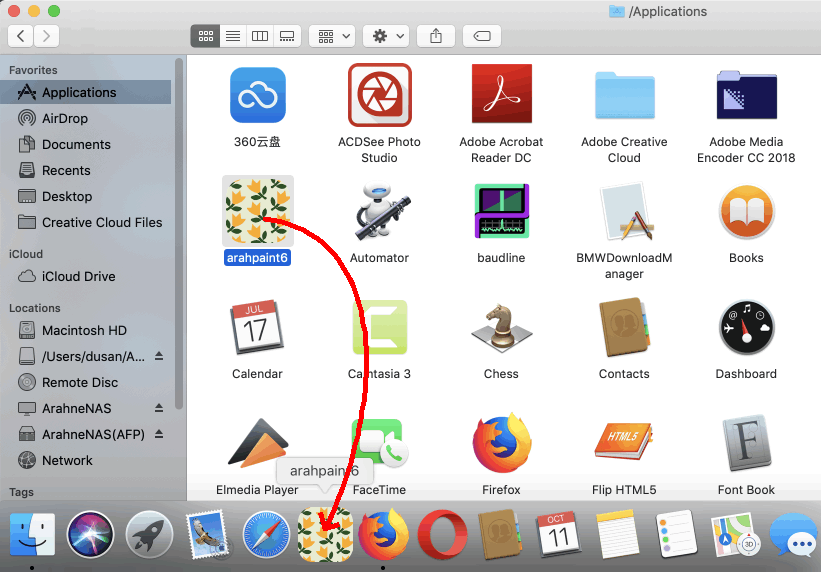
You are ready to start using ArahPaint..
.
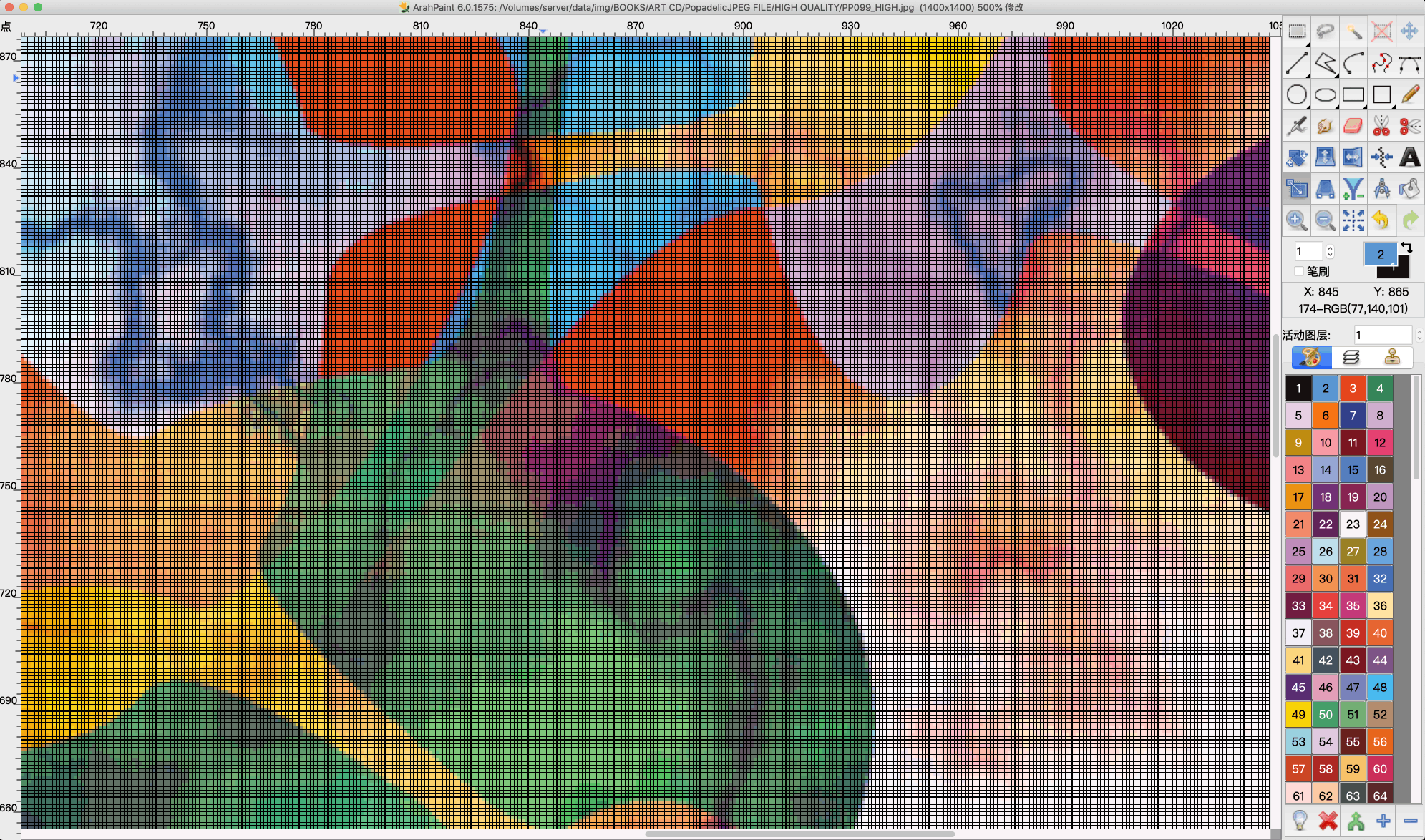
您必须在 Mac 操作系统上安装 Ghostscript 才能使用 ArahPaint 打开矢量文件(svg、pdf、eps)。 最新的 Ghostscript 可在此处获取。