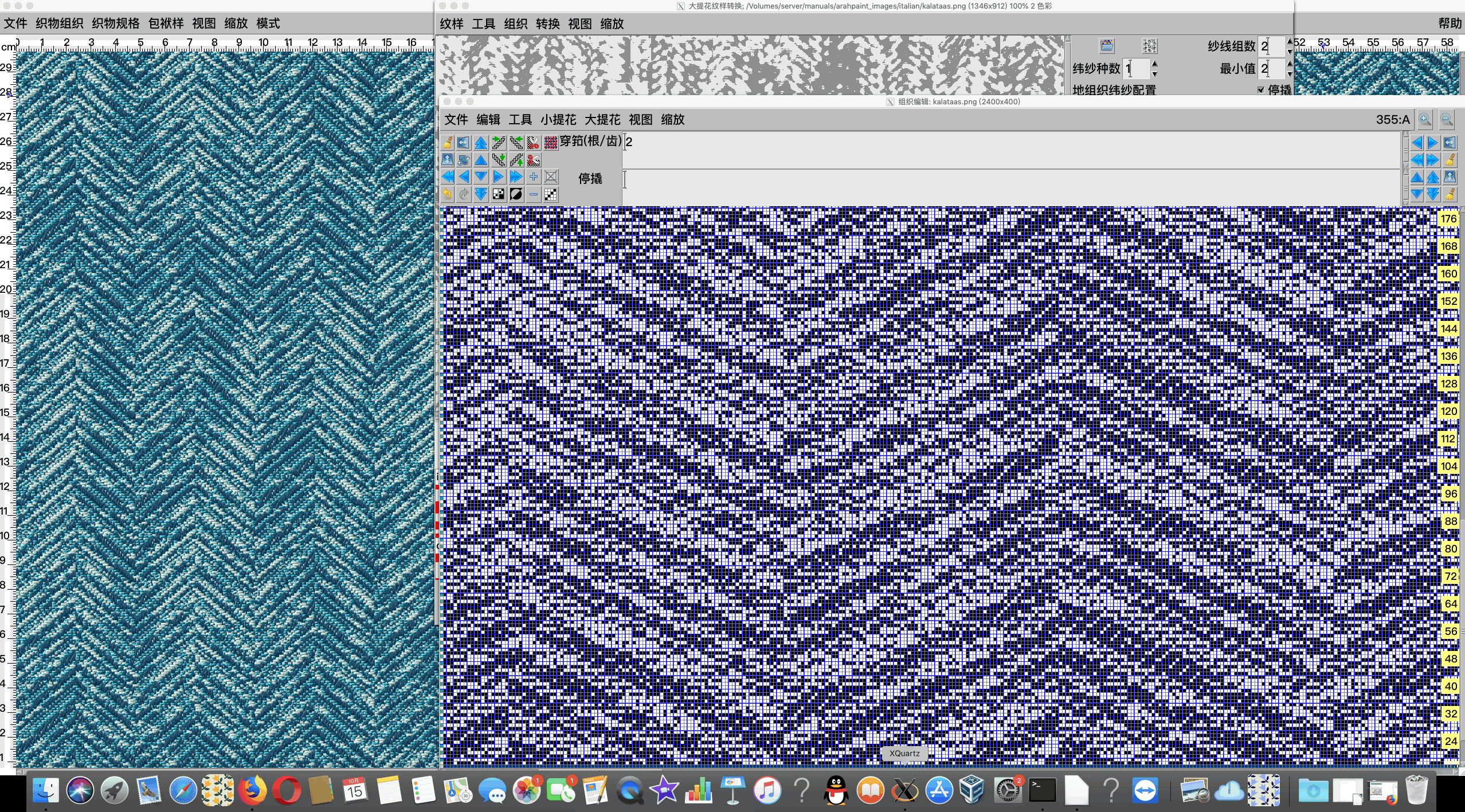
Installing ArahWeave Demo on Mac OS X
Installation instructions
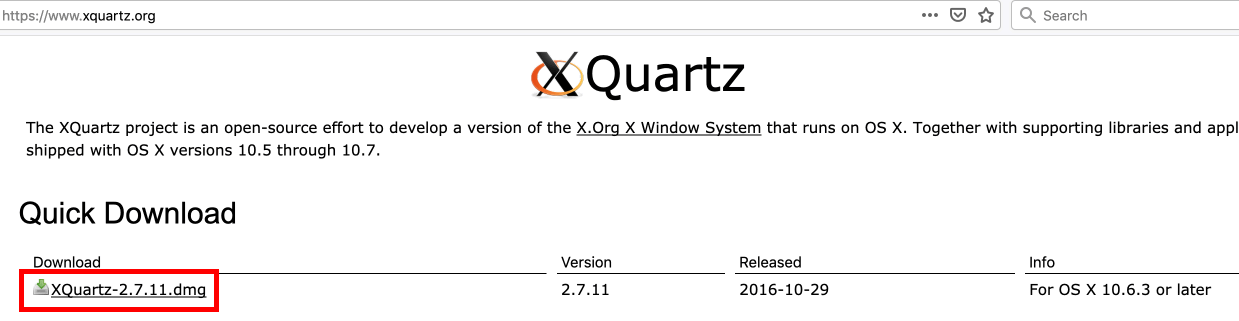
Go to XQuartz web page
And download the .dmg file.
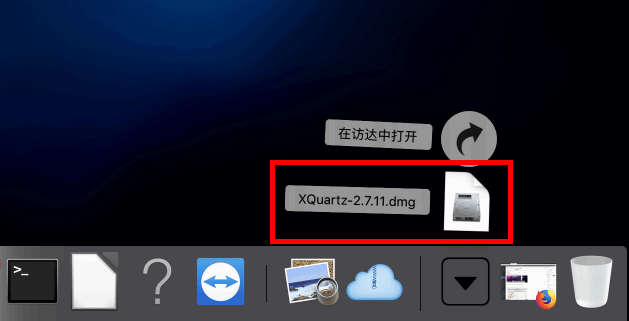
Go to the Downloads folder and double click on .dmg file to install it.
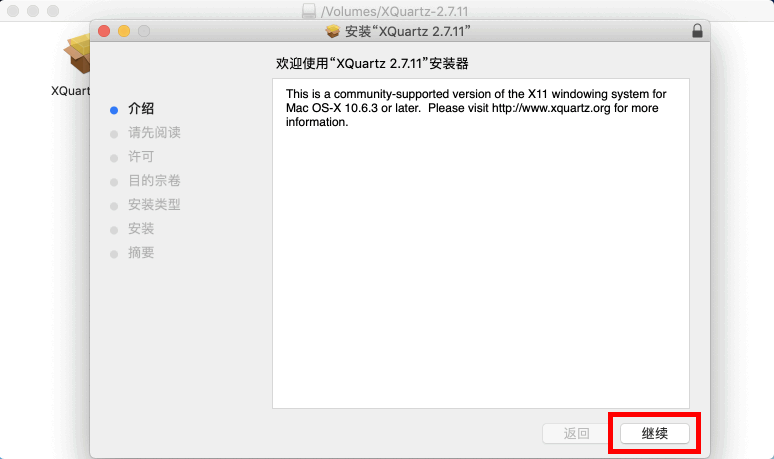
This will run the installer. Follow the instructions and click Continue for a few times
You will need to Agree to the terms of the software license agreement.
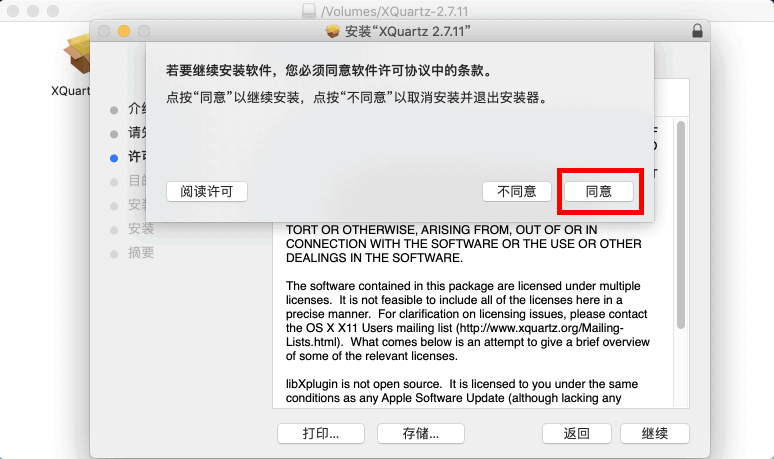
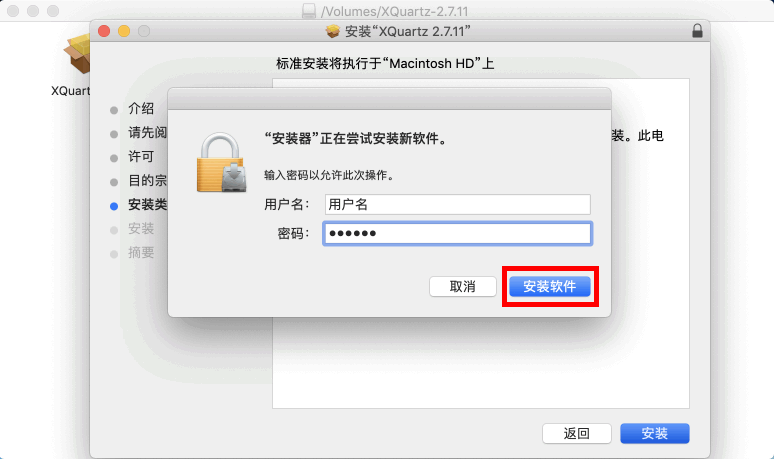
yonEnter administrator username and password.
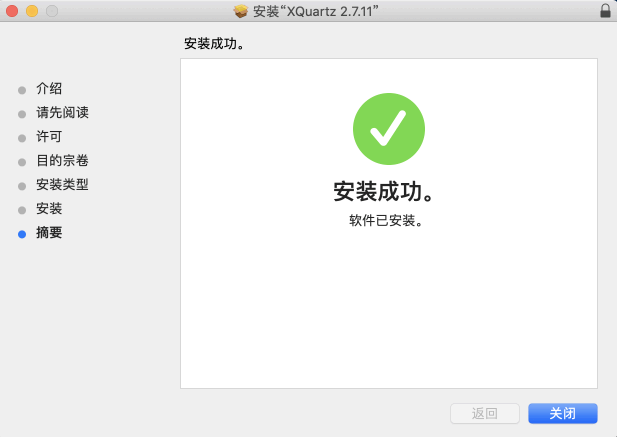
If installation was successful you should get a message like this.
Download the two files from Arahne’s web page.
 15MB
15MB
 4KB
4KB
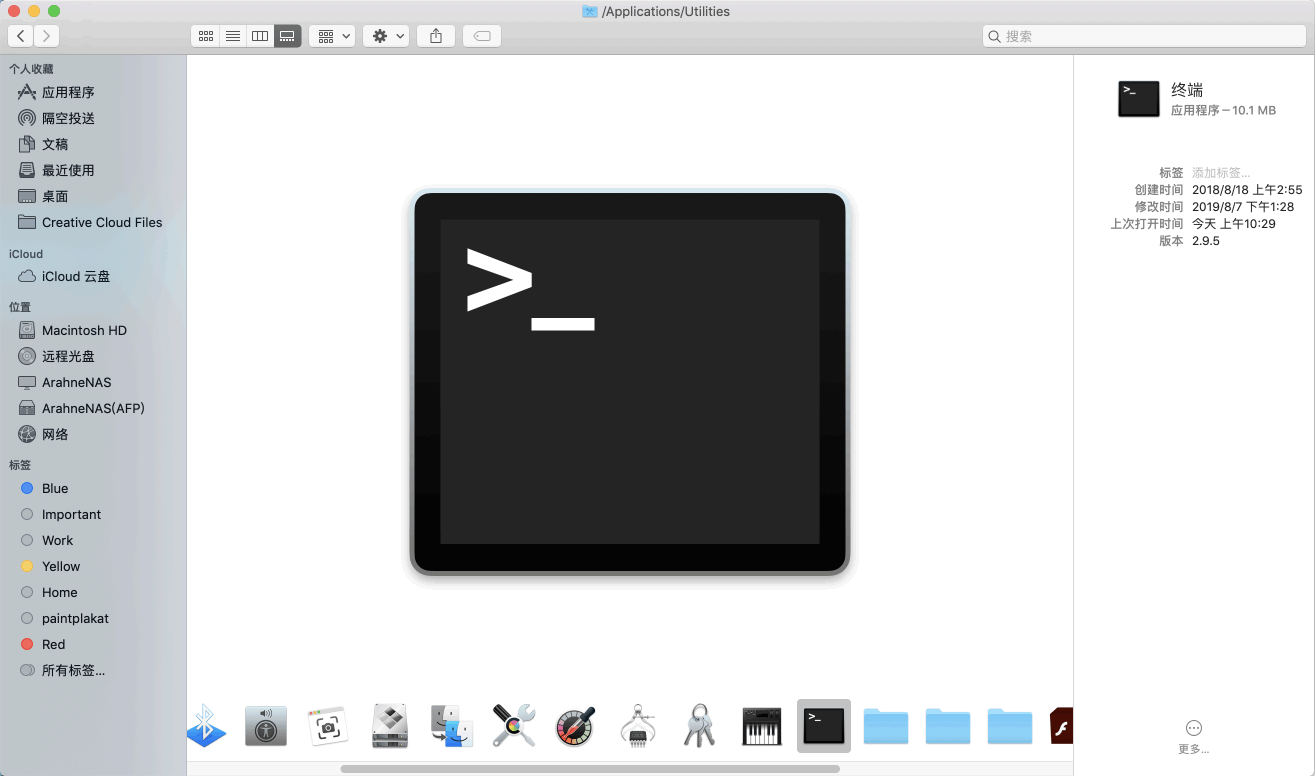
From the Applications folder open Utilities folder…
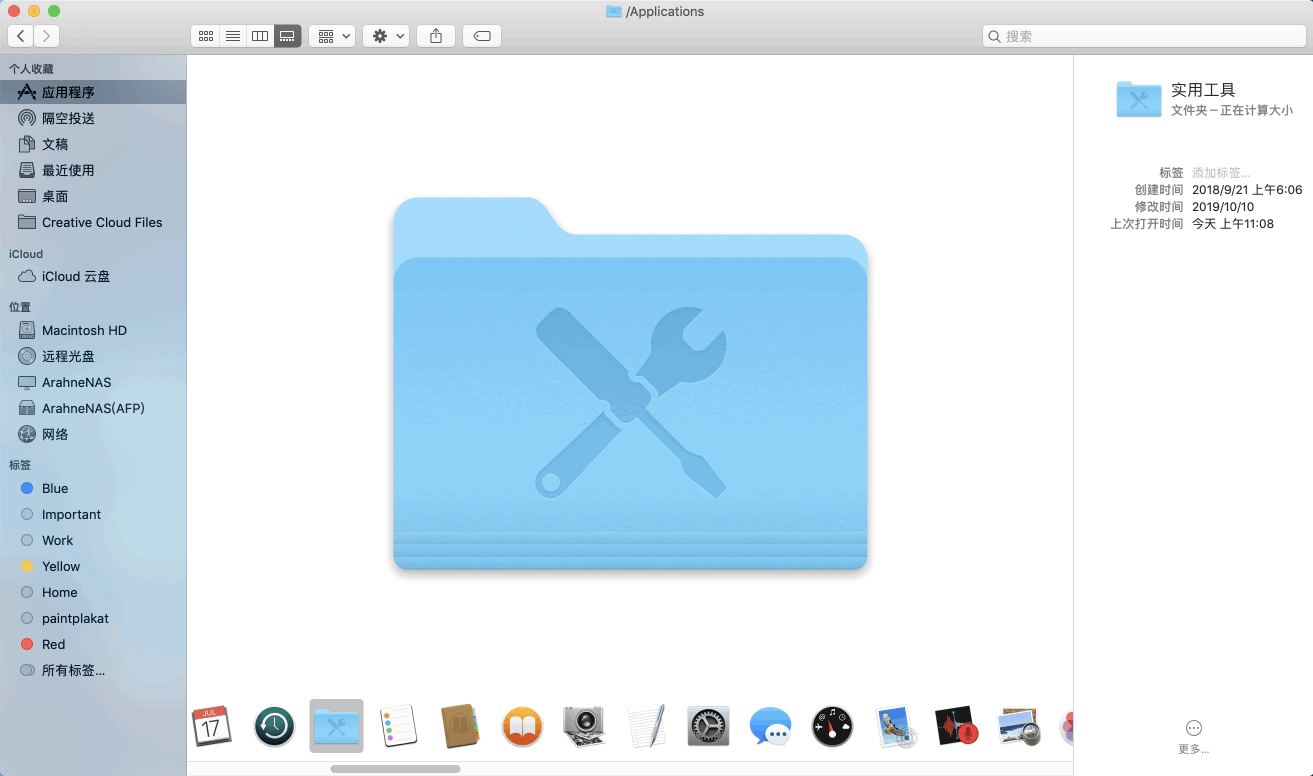
…and double click on Terminal.
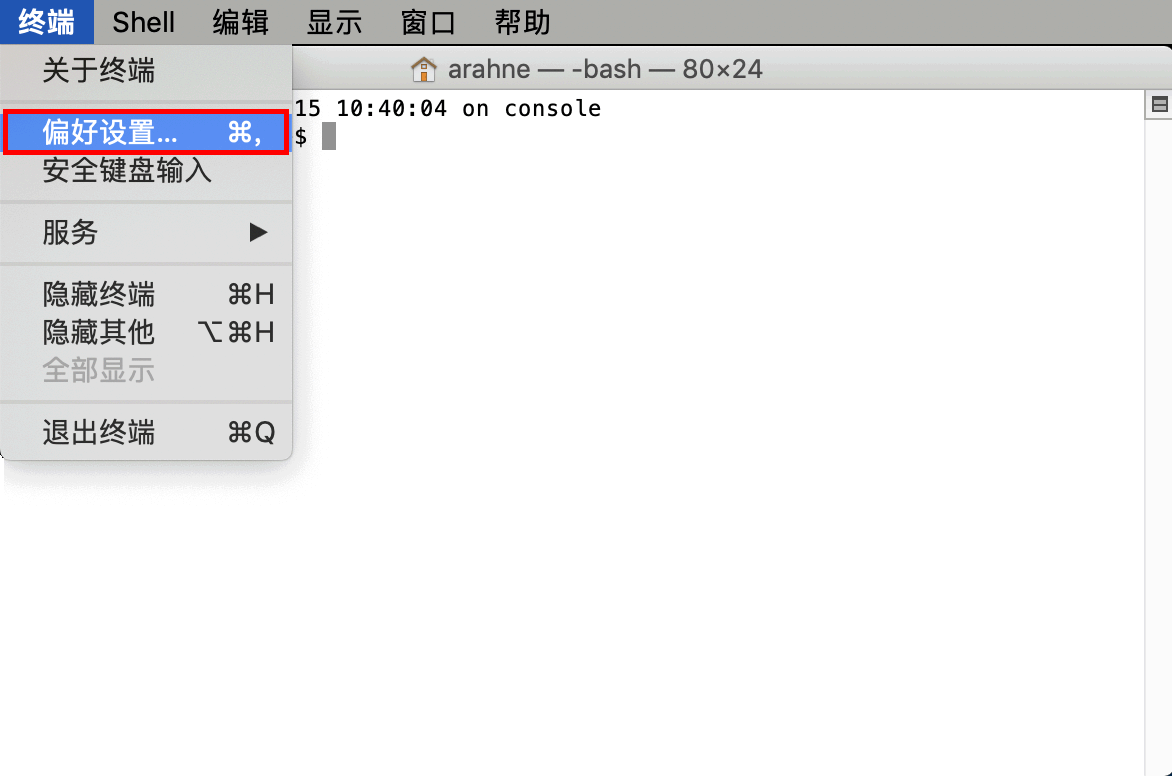
From the menu open
Terminal > Preferences.
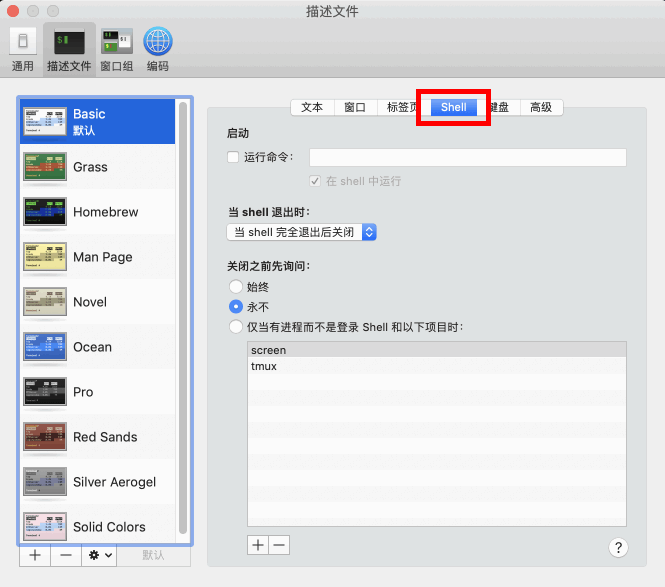
Choose Shell.
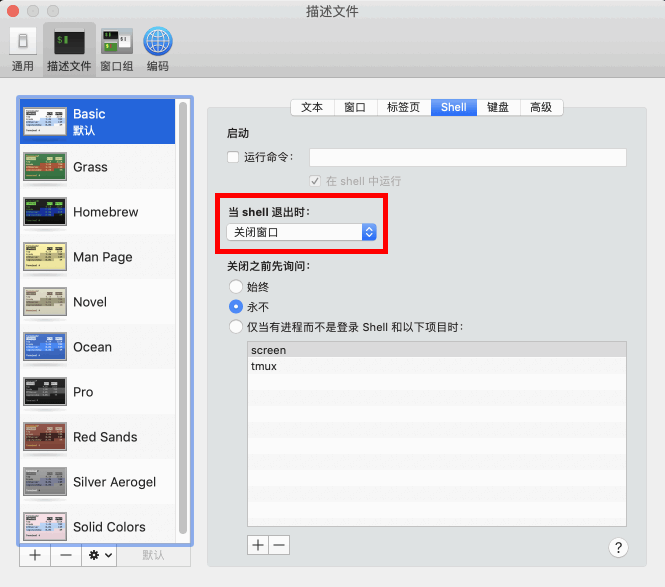
Choose Close the window from the When the shell exits dropdown menu and close the Settings window.
Type the following commands (press the Enter key after every line):
mv Downloads/ademo* .
chmod a+x ademo.osx.sh
sudo ./ademo.osx.sh
Enter your user password after the “Password:” prompt has appeared (please note: when you type the password, it will not show any asterisks to indicate that you’ve typed anything) and press Enter. If the password is entered incorrectly, you will see the message “Sorry, try again” and be given another chance to enter the password correctly.)
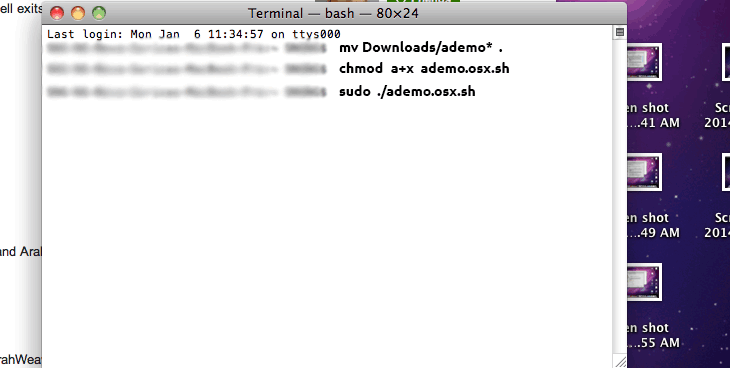
Wait for icons to be created on desktop; icons for ArahWeave, ArahDrape and ArahPaint4 will appear.
Restart the computer, and login back.
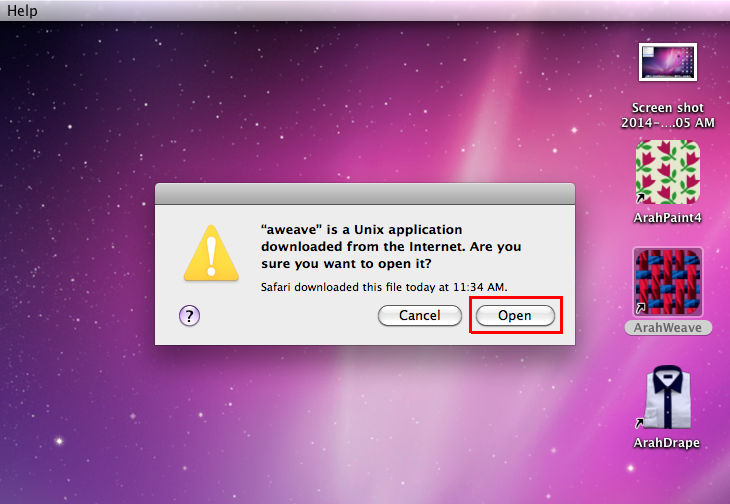
Click with right mouse button on ArahWeave and choose Open from the menu.
X11 application will start in order to run ArahWeave. Click Open.
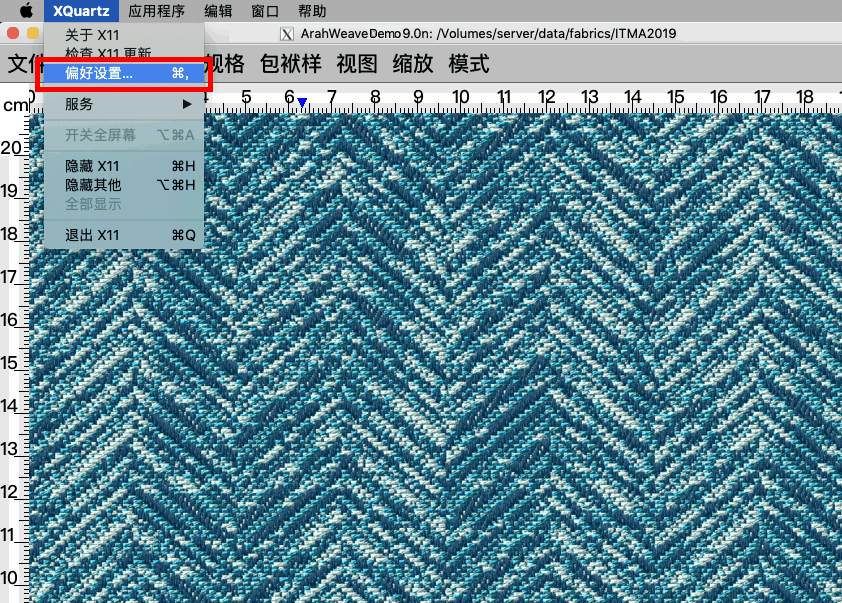
Go to X11 > Preferences.
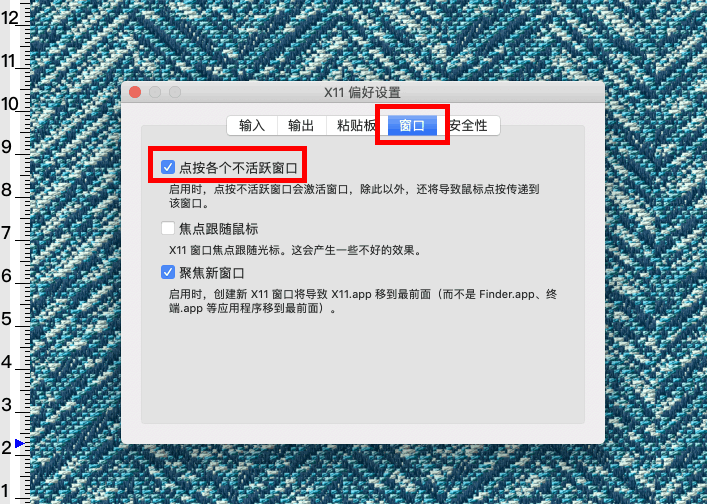
Choose Windows > Click-through Inactive Windows and close the X11 > Preferences window.
You are now ready to run ArahWeave, ArahPaint4 or ArahDrape.
All CAD data is located in user’s home directory in data.
All program files are located in user’s home directory in common, ad, ap, aw.
If you want to uninstall Arahne demo, delete the directories ad, ap, aw, common, data from your home directory.